28 BD High Throughput Sampler User’s Guide
Workspace Components
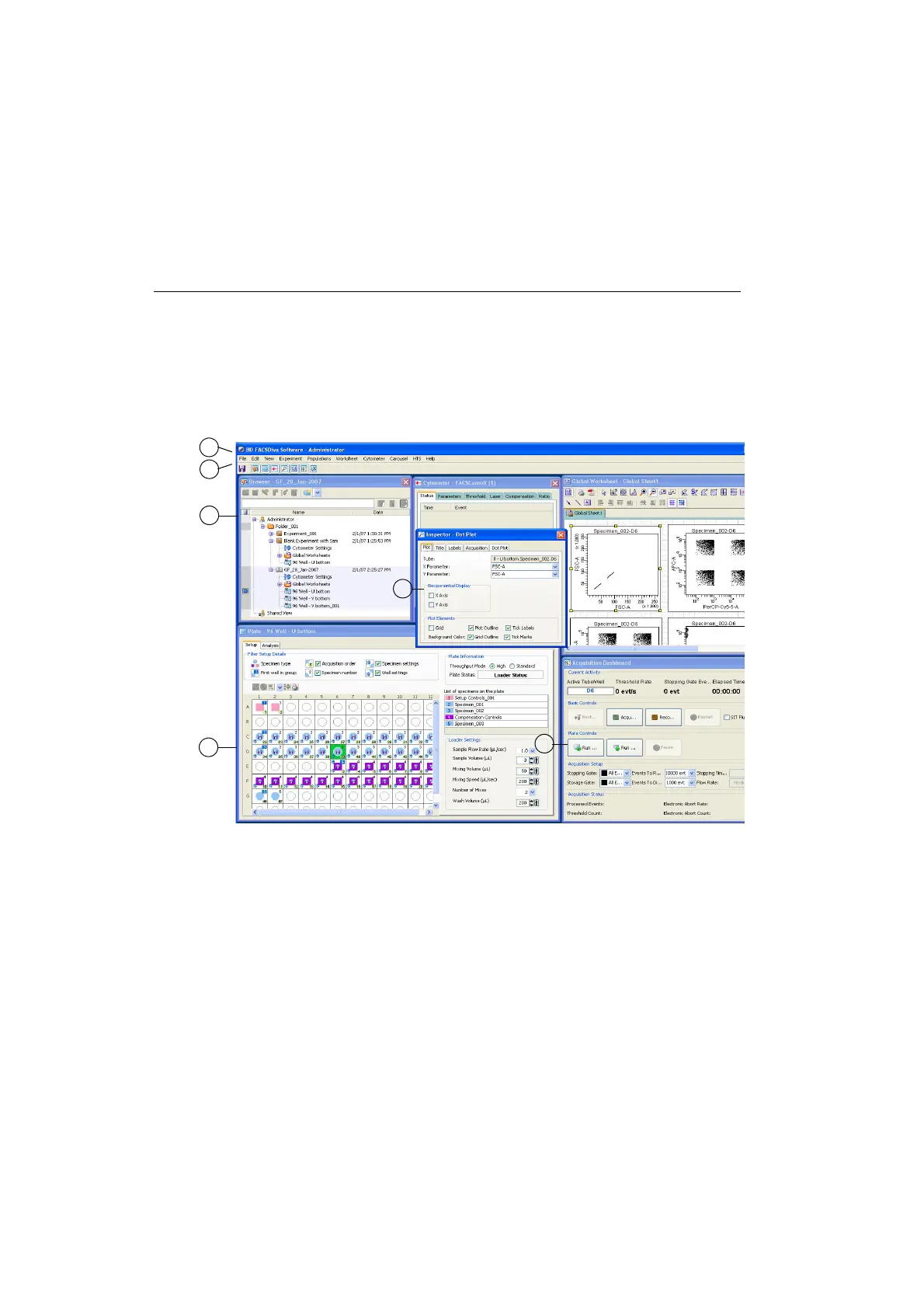
When you start BD FACSDiva software, the workspace appears (Figure 2-1).
Windows containing the main application components are displayed within the
workspace. Display additional windows by clicking buttons in the Workspace
toolbar.
Figure 2-1 BD FACSDiva workspace displaying an open experiment and the Plate window
1
2
4
3
5
6











 To Next Page