Chapter 3: Running Samples 77
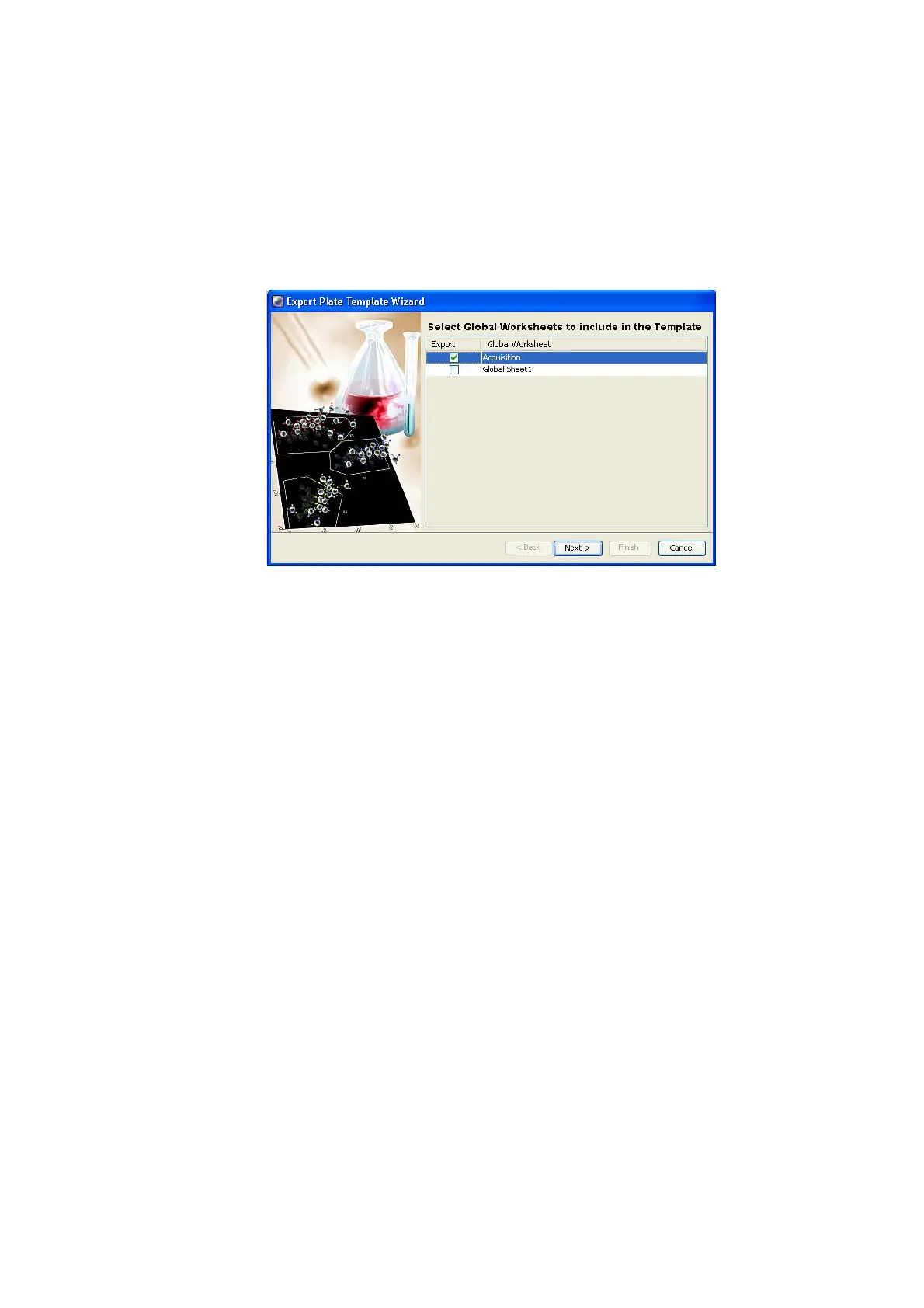
Figure 3-13 Export Plate Template Wizard
2 Select the global worksheet to include in the template.
3 Click Next.
4 Select the template type and enter a name.
The template type is used to group similar templates so they are easy to
find. At a minimum, you need to enter only the type and name when you
are exporting a plate template; the remaining screens are optional.
! Tip Select the Lock Template checkbox when you want to prevent other
users from overwriting your template.
5 Click Next and then Finish to view the remaining screens.
Assigning Keywords
Keywords are used to enter information about the wells, such as sample type and
preparation details. For more information, refer to the BD FACSDiva Software
Reference Manual.











 To Next Page