140 BD High Throughput Sampler User’s Guide
5 Click OK to dismiss the message.
If the motion test fails, contact your local BD Biosciences service
representative.
Verifying the Sample Probe Position
This test will position the probe at the center of the nearest and farthest wells on
a plate so you can visually verify the mechanical positioning of the probe.
To run this test, you must select a plate type in BD FACSDiva software and install
the corresponding plate on the plate holder. The test can be run with a 96- or
384-well plate.
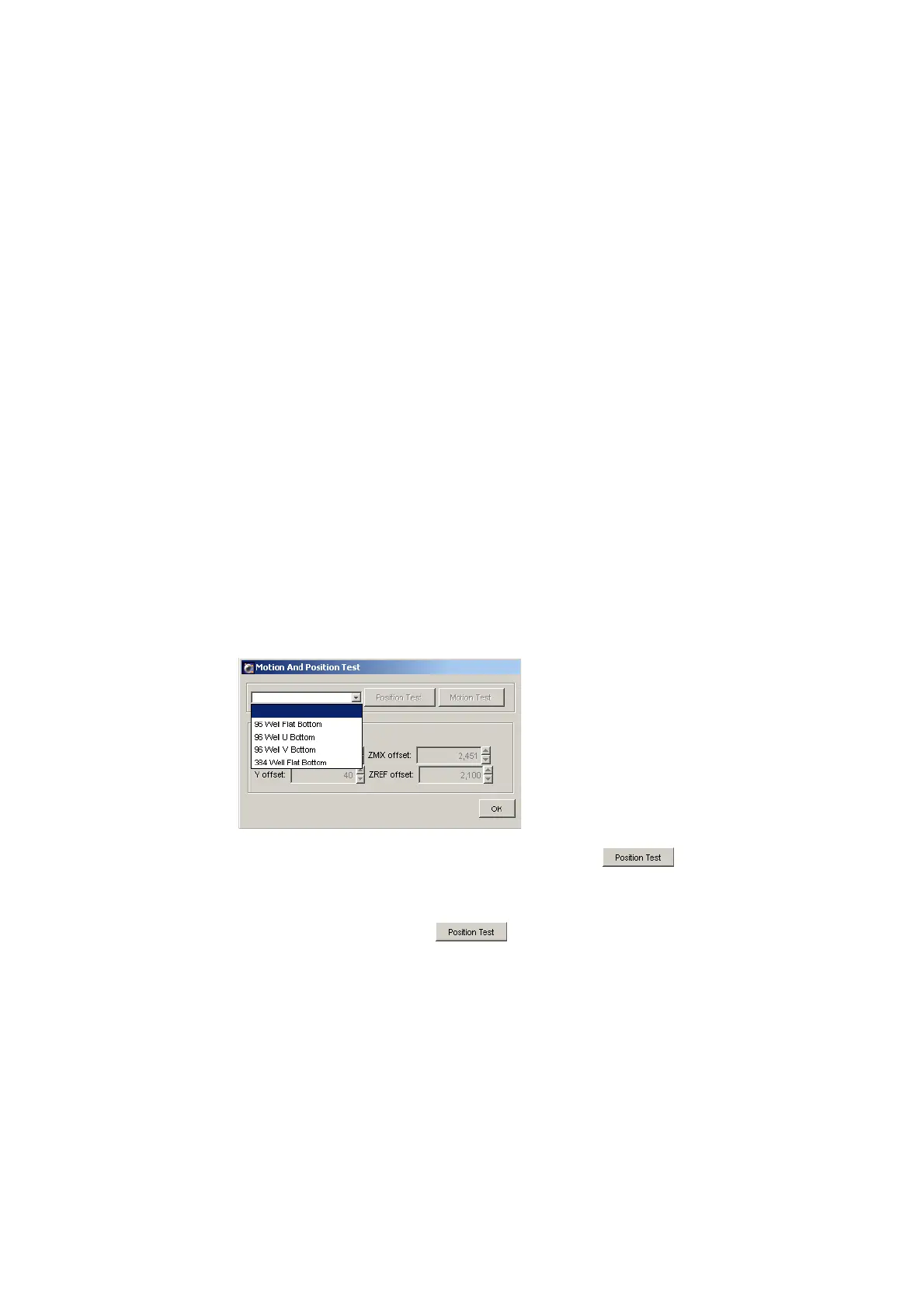
1 Choose HTS > Motion and Position Test.
The Motion and Position Test dialog appears.
2 Choose the plate type from the drop-down menu.
After you select the plate type, the Position Test button becomes
enabled.
3 Install the corresponding plate onto the plate holder, replace the safety
cover, and click Position Test .











 To Next Page