Chapter 4: Maintenance 139
Note that this test will execute the same sequence whether a 96- or 384-well plate
is selected. For the most accurate troubleshooting, use a 384-well plate to verify
the mechanism reaches the extreme positions.
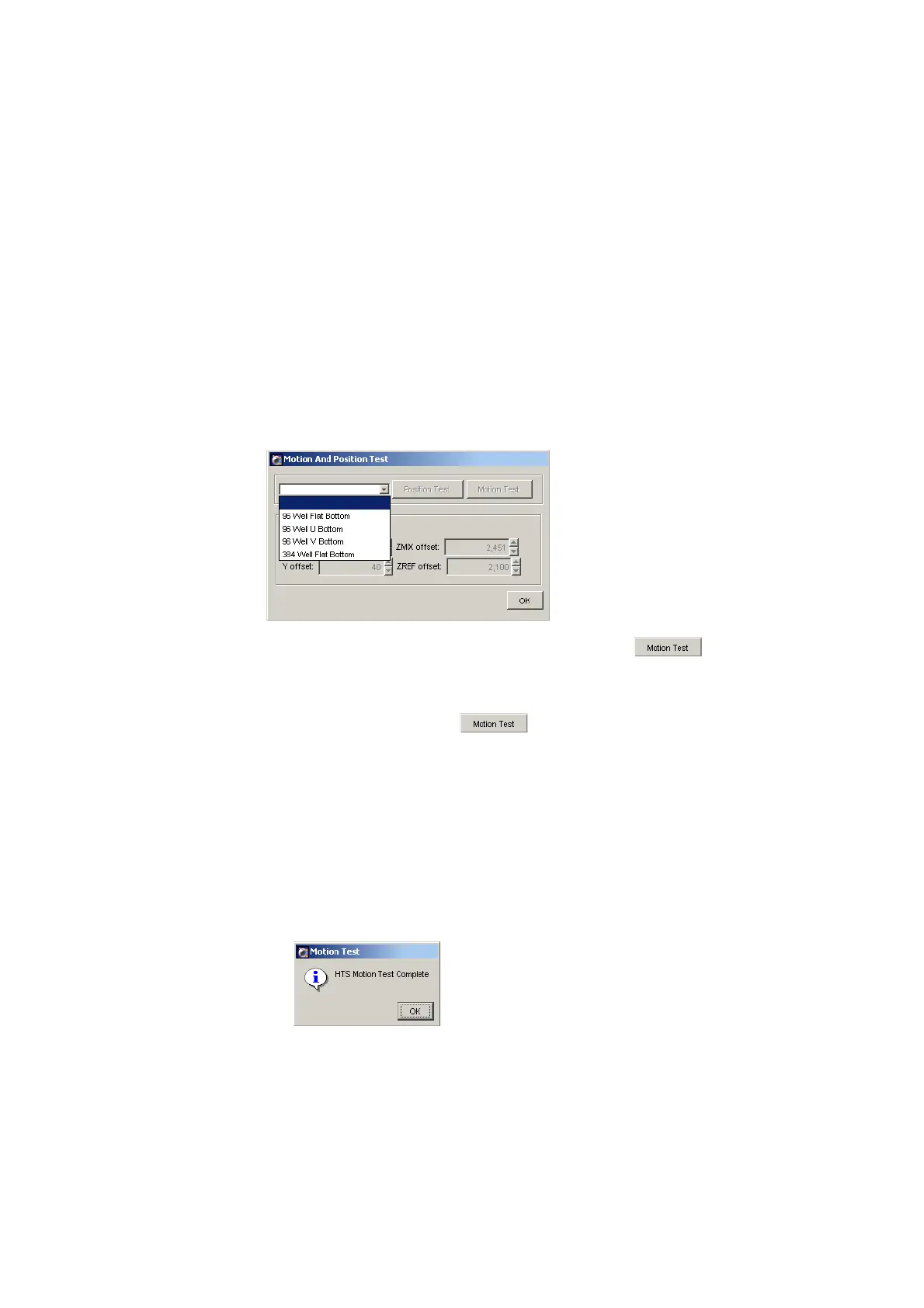
1 Choose HTS > Motion and Position Test.
The Motion and Position Test dialog appears.
2 Choose the plate type from the drop-down menu.
After you select the plate type, the Motion Test button becomes
enabled.
3 Install the corresponding plate onto the plate holder, replace the safety
cover, and click Motion Test .
4 Verify that the sample probe properly performs the following homing
sequence:
• The probe travels to the home position.
• The probe moves up, and then moves to the extreme positions for a
selected plate type.
• The probe returns to the injection port and the following message appears.











 To Next Page