Chapter 3: Running Samples 81
Performing Compensation
Once you have optimized cytometer settings, you are ready to run your
compensation controls and calculate compensation.
NOTICE You can run compensation controls only once during an experiment. If
you need to re-run compensation controls, you must create a new experiment.
1 Select wells B1 through B7 in the plate layout.
2 Click Run Well(s) in the Acquisition Dashboard.
The compensation wells will be run in the order they were created.
NOTICE You must select a well(s) in the Setup view as well as a global
worksheet to enable the Run Wells button.
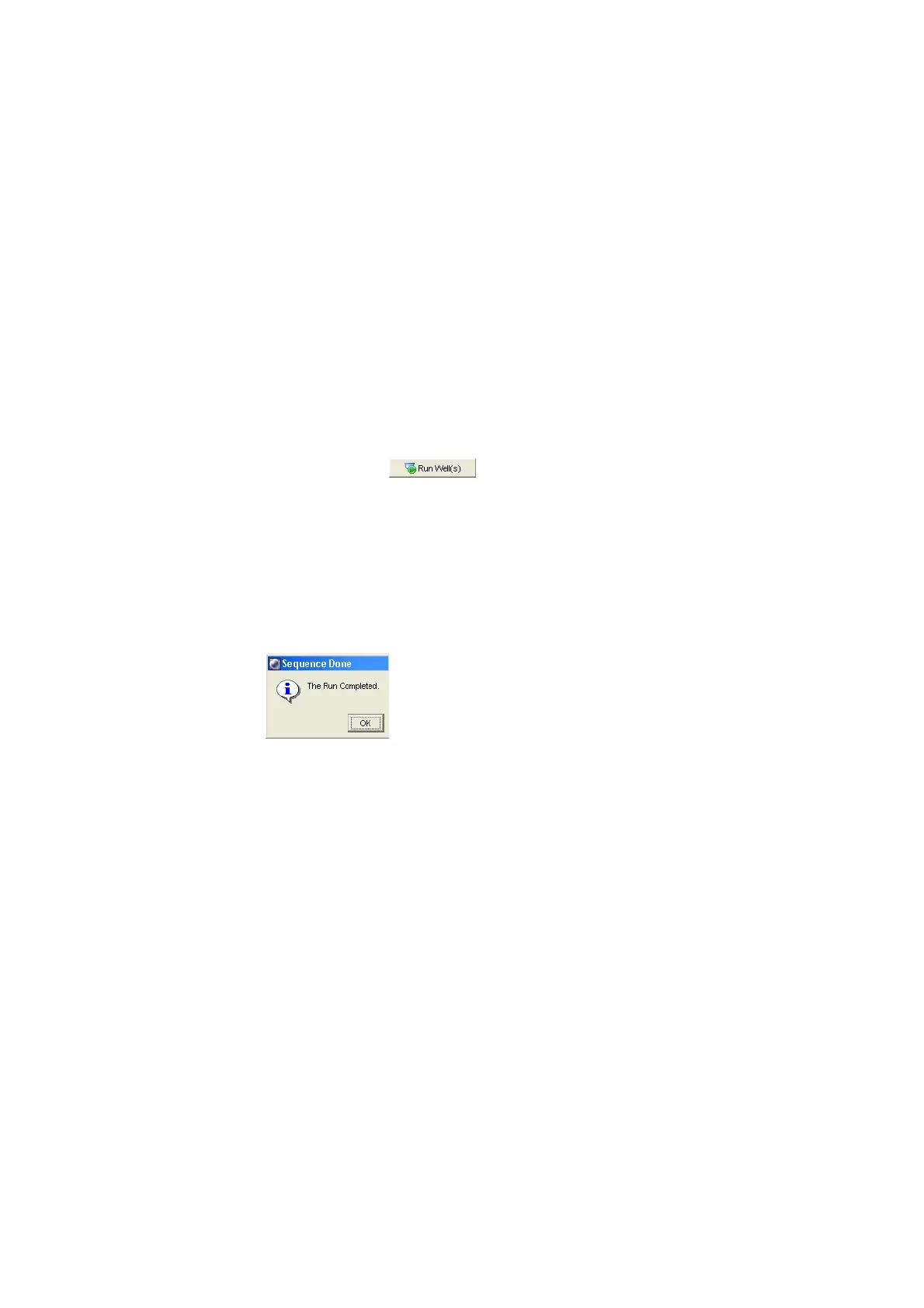
After the last compensation control has been recorded, the Sequence Done
dialog appears.
3 Click OK.
4 Toggle to the normal worksheet for the compensation control wells.
5 Select the FITC Stained Control worksheet in the Worksheet window.
6 Verify that the P1 gate encompasses the singlet bead population.
7 Verify that the Autointerval gate encompasses the positive peak in each of
the plots on all worksheets.
8 Choose Cytometer > Cytometer Setup > Calculate Compensation.
If the calculation is successful, a dialog appears.











 To Next Page