Chapter 4: Maintenance 123
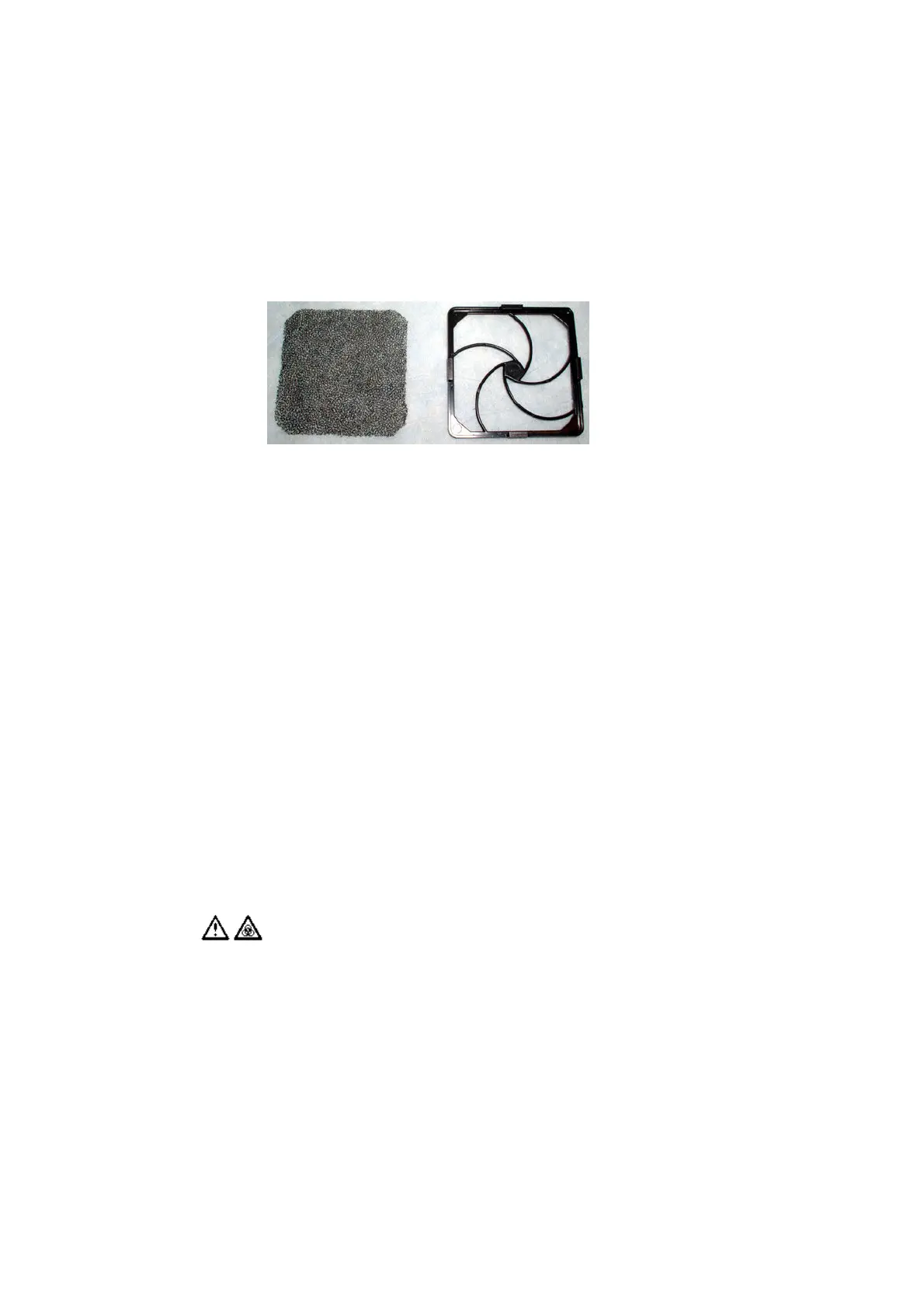
4 Remove the filter and clean or replace it as needed.
To clean the filter, rinse it well with water. Dry it completely before you
reinstall it.
5 Place the clean filter inside the filter retainer.
6 Reinstall the filter retainer.
Center it over the fan guard and push evenly on the opposite edges to snap
it into place.
7 Place the HTS unit right-side up.
8 Reinstall the unit on the cytometer.
For detailed instructions, see the Installing the HTS Unit on page 170.
Replacing the Sample Coupler and Tubing
If you frequently remove the sample coupler to run the cytometer in tube-
acquisition mode, you will need to replace the coupler yearly or if the coupler
continues to leak after you have tightened the fitting.
All cytometer surfaces and hardware that come in contact with biological
specimens can transmit potentially fatal disease. Use universal precautions
when changing tubing. Wear suitable protective clothing, eyewear, and
gloves.
filter filter retainer











 To Next Page