Chapter 2: BD FACSDiva Software Overview 51
Current Tube Pointer
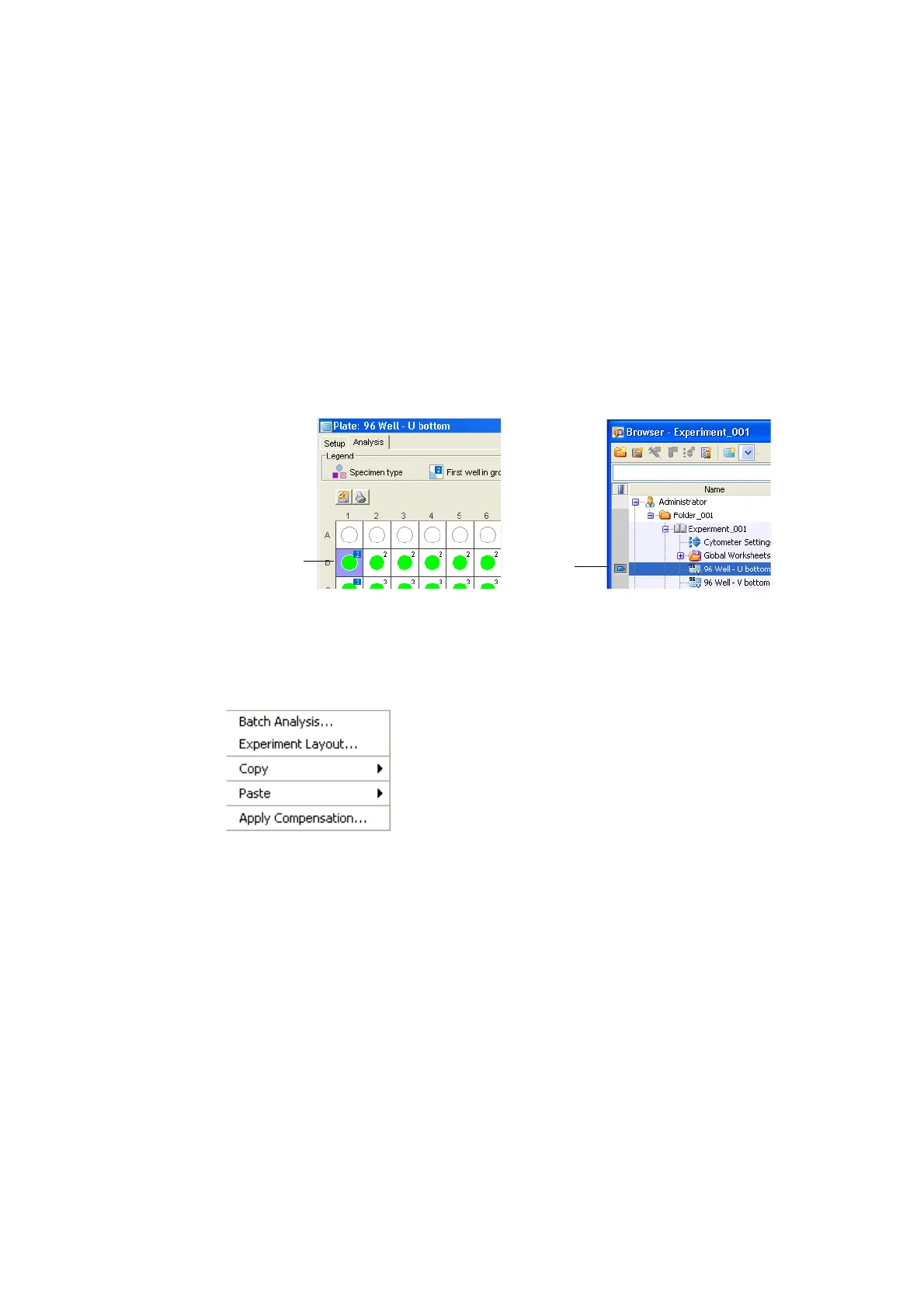
To analyze a well in the Analysis view, click the well to select it. The well is
outlined in blue, indicating the well is selected for analysis. In the Browser, the
current tube pointer appears to the left of the plate name. See Figure 2-5 for an
example.
Figure 2-5 Analysis indicators
Shortcut Menu
Right-click a selected well at the Analysis view to open the shortcut menu. The
following commands are available in the shortcut menu.
Analysis View Functions
Perform the following functions in the Analysis view.
current plate or
selected well in
Analysis view
tube pointer











 To Next Page