50 BD High Throughput Sampler User’s Guide
Add Keyword Button
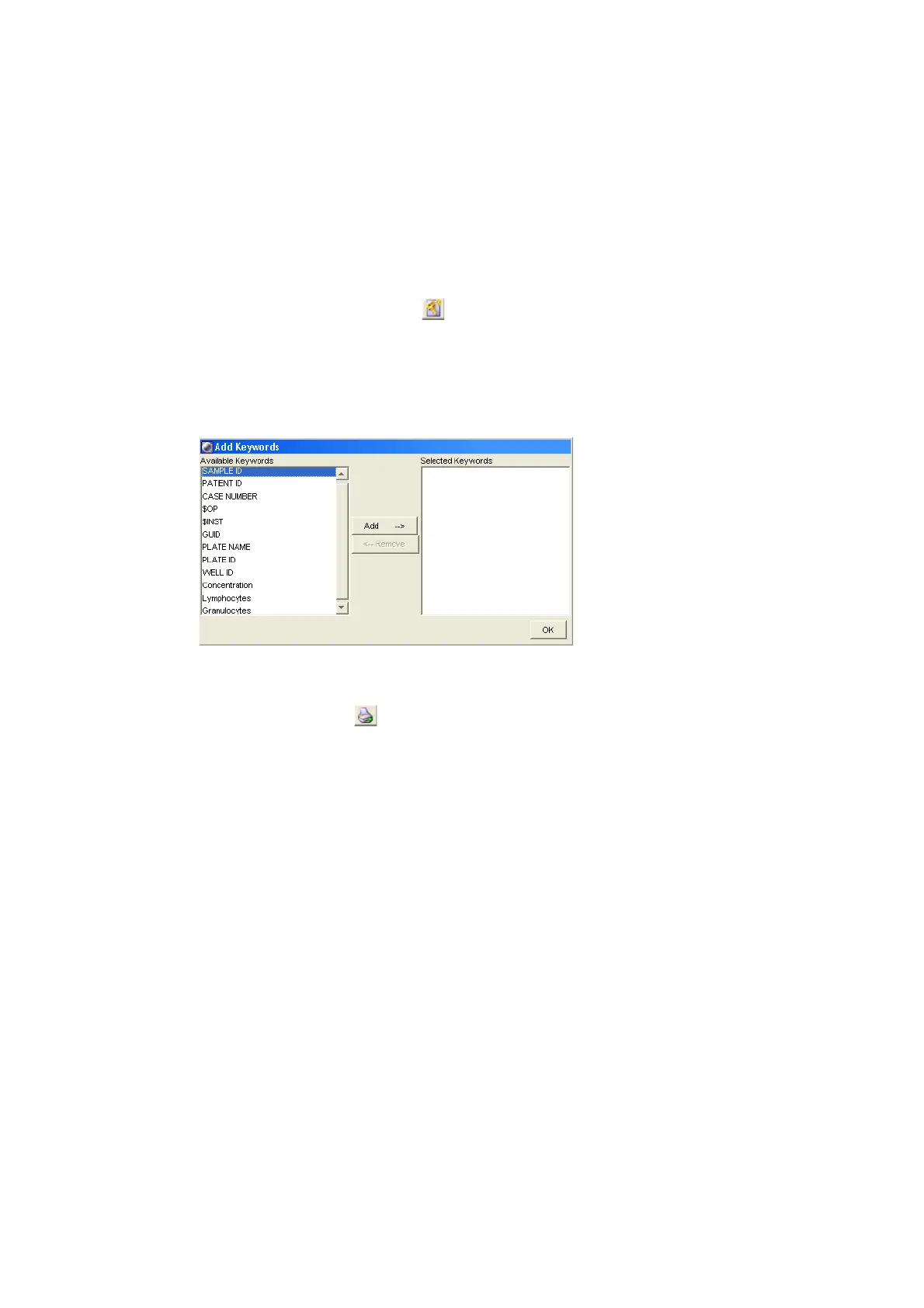
Click the Add Keywords button ( ) to bring up the Add Keywords dialog box
(Figure 2-4). The Available Keywords list displays all keywords that were used in
the experiment. To assign new keyword, see Assigning Keywords on page 77. To
view keywords in the Analysis view, you must add the Keywords to the Selected
Keywords list. For complete instructions, see Displaying Keywords on page 86.
Figure 2-4 Add Keywords dialog box
Print Button
Click the Print button ( ) to print the Analysis view. To save a record of
analysis, print this view after analysis is complete. The printout shows the plate
layout, legend with keywords, and plate name and type.
Keywords List
The Keywords list contains the selected keywords for all samples and wells on the
plate (Figure 2-3). A maximum of 15 keywords can be added to the list. Add
keywords to the list using the Add Keyword button. See Add Keyword Button for
more information.











 To Next Page