Chapter 2: BD FACSDiva Software Overview 31
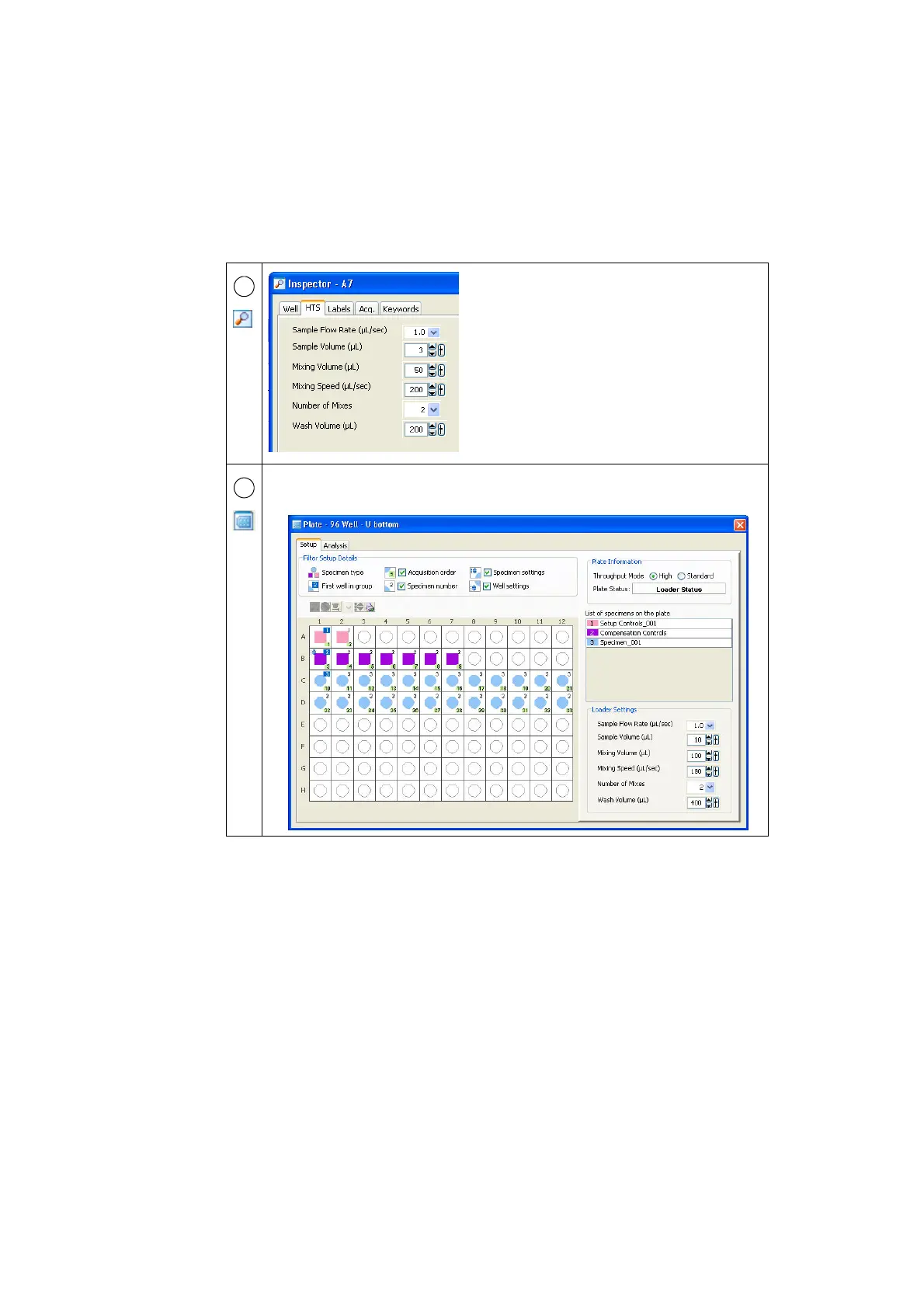
Use the Inspector to view or modify the attributes
of a single object or set of objects on the
worksheet or plate, or in the Browser. The
contents of the Inspector change depending on
what is selected in the workspace.
The Inspector can be used to view HTS (Loader)
settings. To modify these settings, use the Loader
Settings in the Plate window (see Loader Settings
on page 38).
Set up, acquire, and analyze plate-based experiments in the Plate window. Use this
window also to select the throughput mode and adjust loader settings.
5
6











 To Next Page