Chapter 3: Running Samples 85
2 Choose File > Export > Experiment Template.
or
In the shortcut menu, select Export > Experiment Template.
! Tip Make sure you choose the Experiment Template command, and not
the Experiments command.
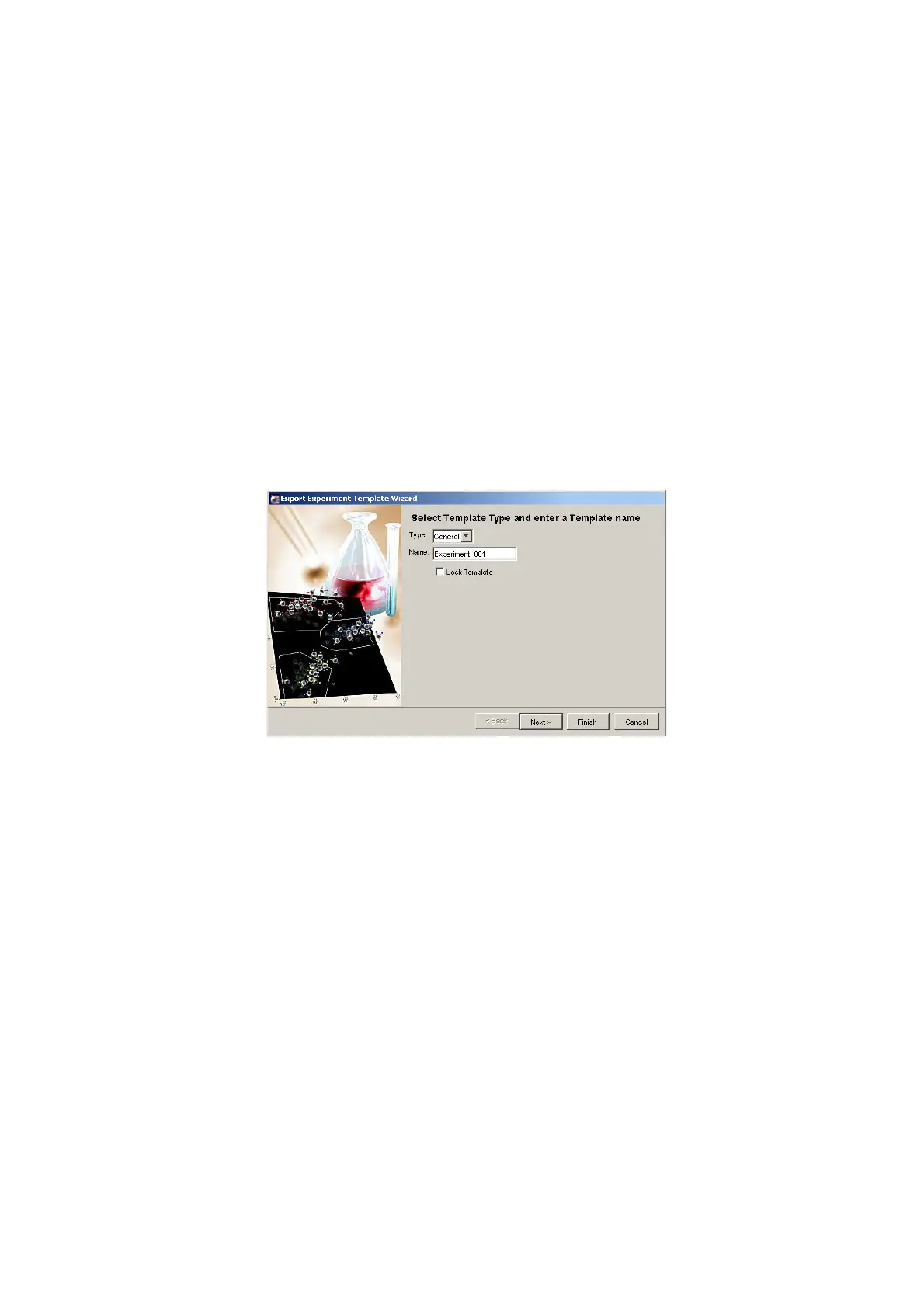
The Export Experiment Template Wizard appears. The bold text at the top
of the dialog tells you what to do at each screen.
3 Enter Practice for the template Type, and 6-Color Analysis for the template
Name.
The template Type is used to group similar templates so they are easy to
find. At a minimum, you need to enter only the Type and Name when you
are creating a template; the remaining screens are optional.
! Tip Select the Lock Template checkbox when you want to prevent other
users from overwriting your template with the same name.
4 Click Next, Next, and then Finish to view the remaining screens.
! Tip To export a Panel template, select a specimen in the Plate window and
follow the steps above.











 To Next Page