Chapter 3: Running Samples 87
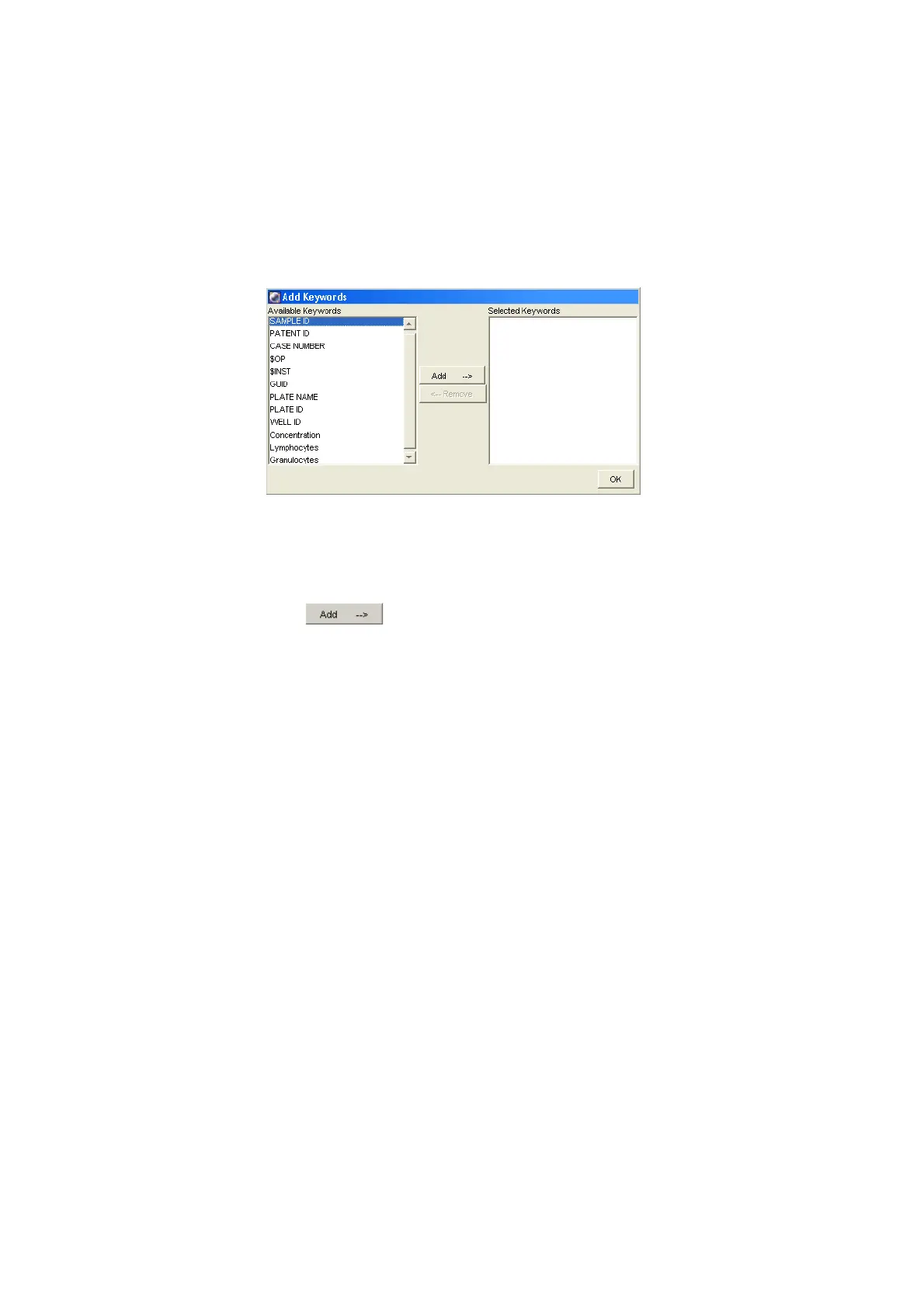
Figure 3-15 Add Keywords dialog
3 Alt-Shift-Click the keywords Concentration, Lymphocytes, and
Granulocytes from the Available Keywords list (on the left side of the
dialog). The Concentration, Lymphocytes, and Granulocytes keywords
were created for this example.
4 Click to move the keywords to the Selected Keywords column;
click OK.
The three keywords now appear in the Keywords list in the Analysis view.
5 Click the keyword Concentration in the Keyword list.
The Analysis view changes to the Keyword view (Figure 3-16 on page 88).
If values were assigned to the selected keyword, the values are displayed in
this view.
In this example, the selected keyword is Concentration and the values are
0.10, 0.25, 0.50, and 0.75.











 To Next Page