Chapter 4: Maintenance 105
Running Daily Cleaning
1 Choose HTS > Clean.
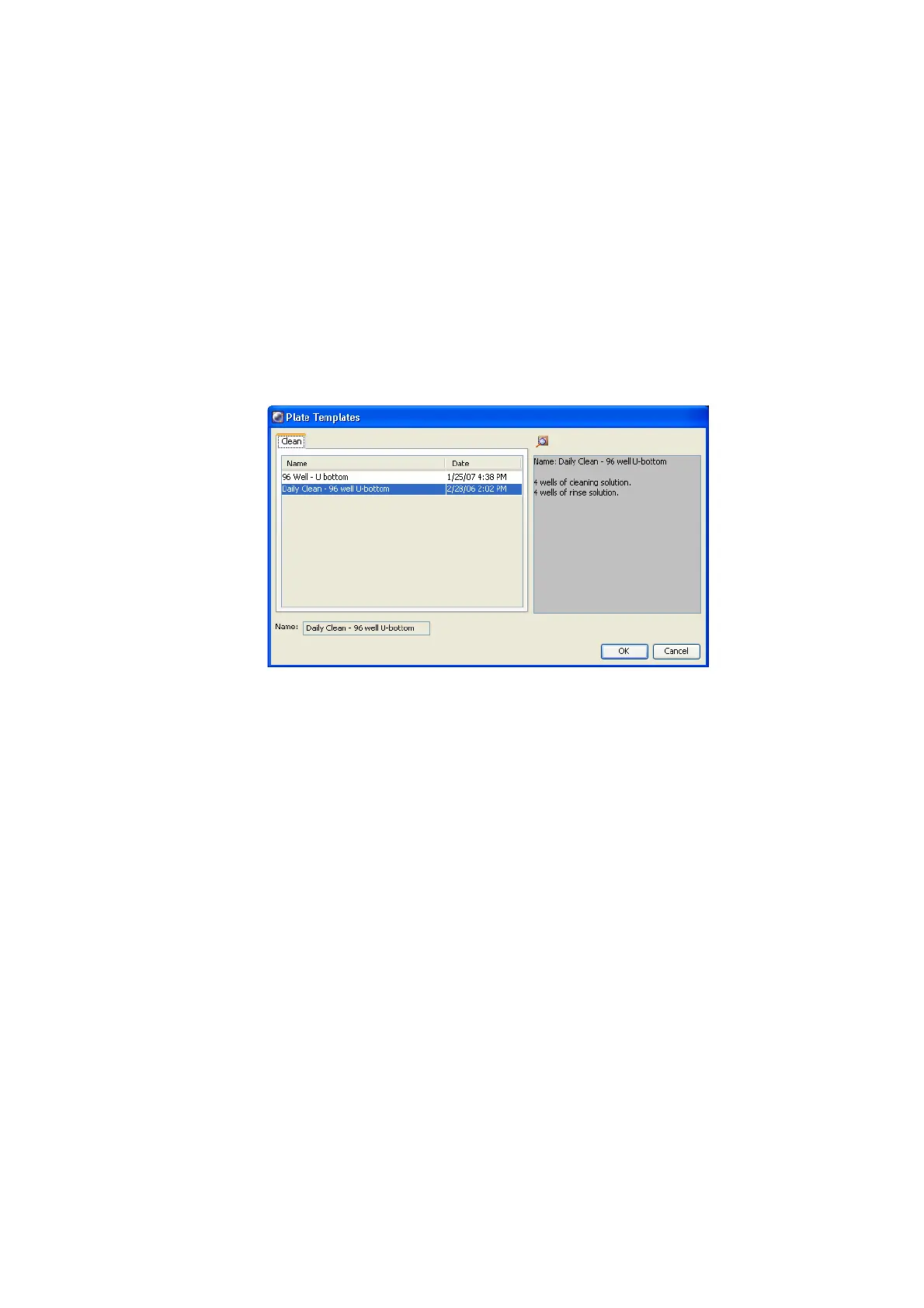
The Plate Templates dialog appears (Figure 4-1 on page 105).
Figure 4-1 Plate Templates dialog
2 Select the Daily Clean - 96 well U-bottom template, if not already selected.
If you do not have a U-bottom plate for cleaning, you can set up your own
cleaning template.
3 Click OK.
• The Plate Interface changes to show the Daily Clean Protocol view
(Figure 4-2 on page 106).











 To Next Page