120 BD High Throughput Sampler User’s Guide
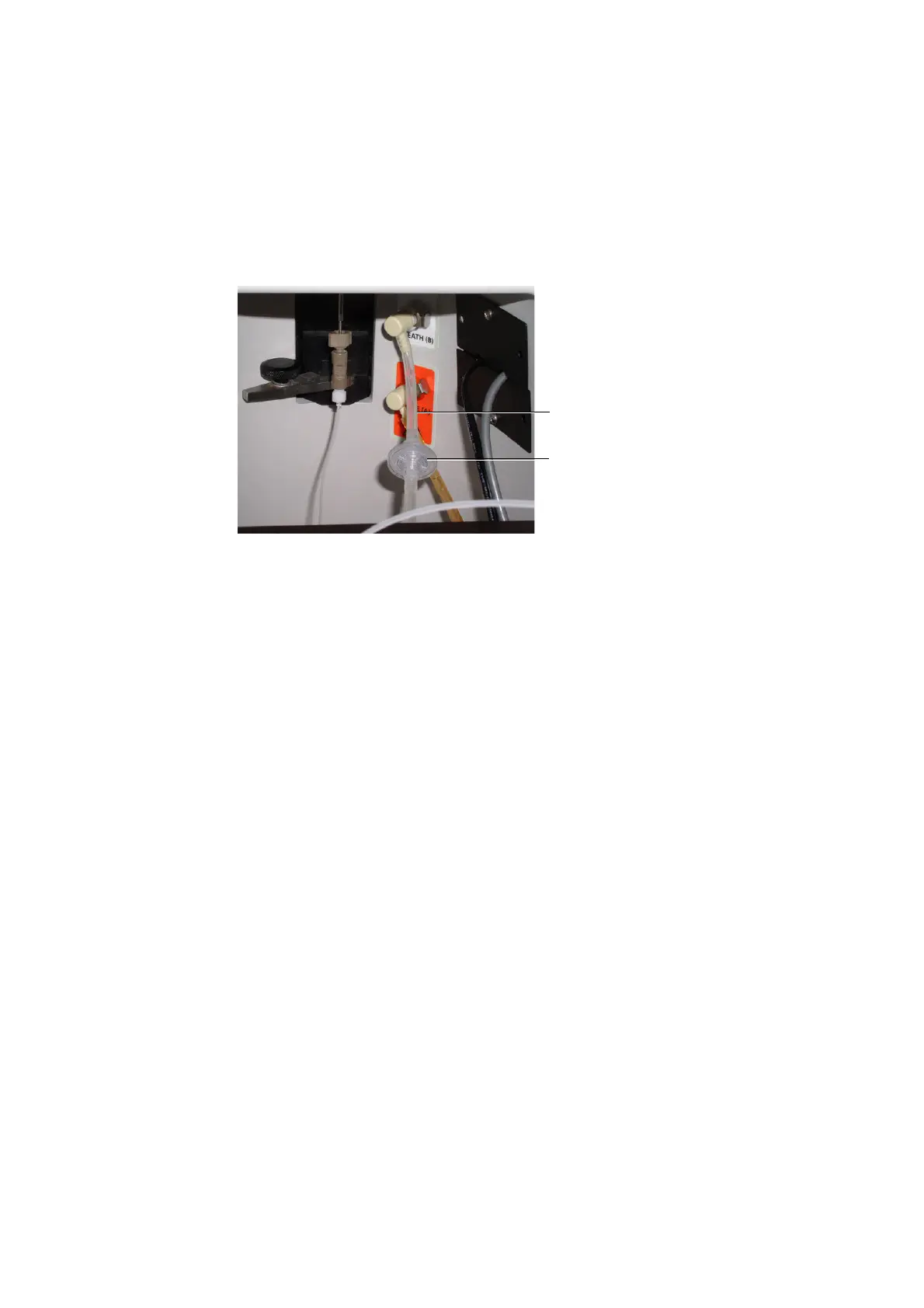
Figure 4-9 Sheath line and filter (example shown for BD LSR II)
3 [BD FACSCanto] Remove the catch tray.
Pull the HTS towards you slightly to allow room for removing the catch
tray.
4 Label the sheath line connectors.
To keep track of the flow direction, label each quick-connector so you
know which end attaches to the cytometer (C), and which end attaches to
the HTS unit.
5 Remove the sheath line.
Press the metal tabs to release the two off-white quick-connectors, one on
the cytometer interface panel and the other on the back of the HTS unit.
6 Remove the filter.
Detach the filter from one tubing segment by holding the filter while you
twist the luer connection. Repeat this operation for the other tubing
segment.
filter
sheath line











 To Next Page