42 BD High Throughput Sampler User’s Guide
Renaming Specimens in a Plate
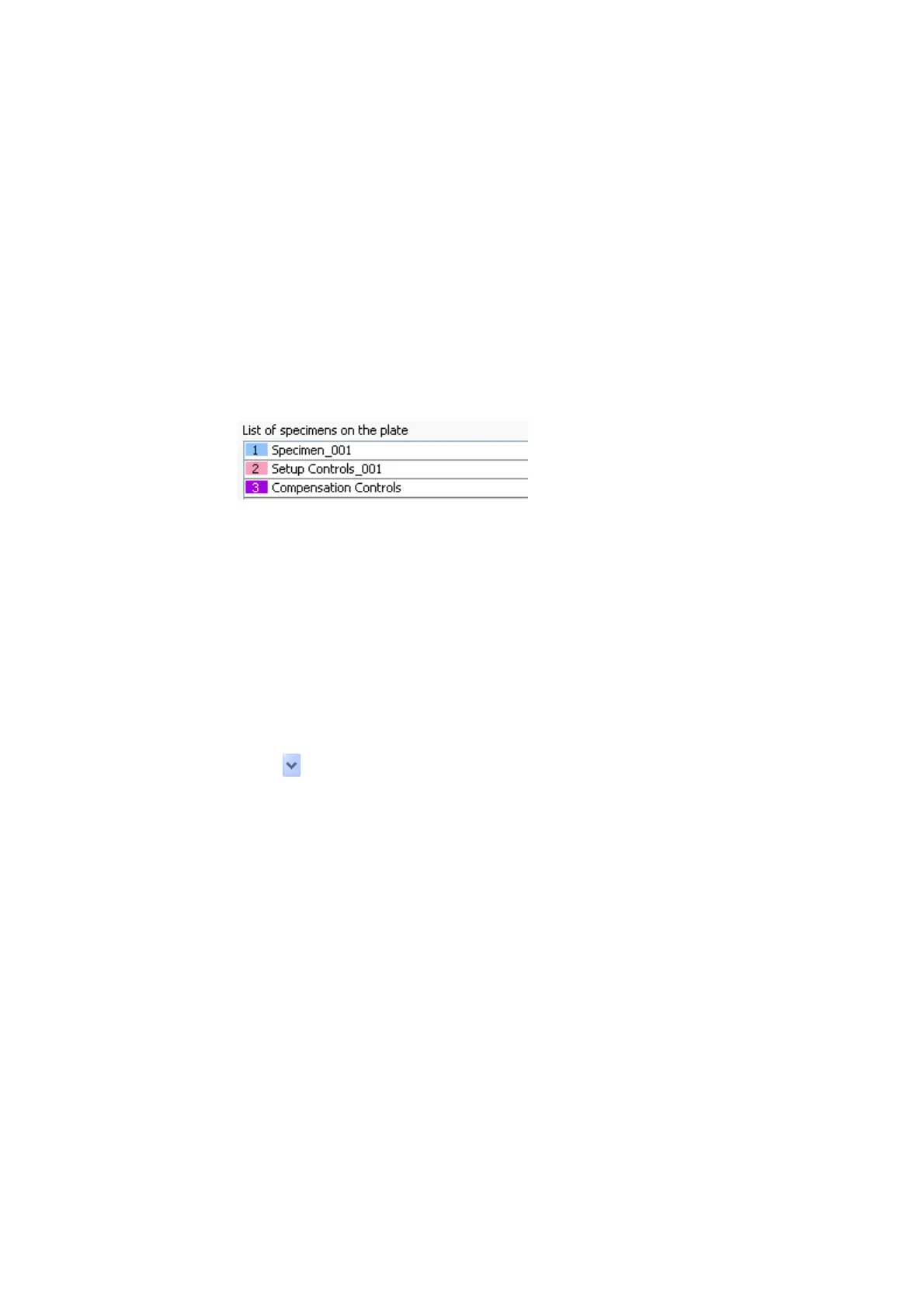
To rename specimens in a plate view:
• In the Plate View window, click once to select the specimen name in the list
of specimens on the plate, click the name once more to enter the new name
for the specimen, then press Enter.
Cut, Copy, and Paste Features
You can copy and paste well setup and elements to a blank well. The pasted wells
inherit the loader and cytometer settings from their respective sources. This does
not apply to the compensation controls specimen because it is unique to the
experiment.
To copy and paste wells:
1 In the Plate view, select the wells to be copied.
2 In the shortcut menu, choose Copy > Well(s).
3 Click to set the paste direction to horizontal or vertical. This
automatically adds a new well to the existing specimen in the direction
selected.
or
To paste to a different area of the plate and make a new specimen, select an
empty well. From the shortcut menu, choose Paste > Well(s).











 To Next Page