Chapter 3: Running Samples 57
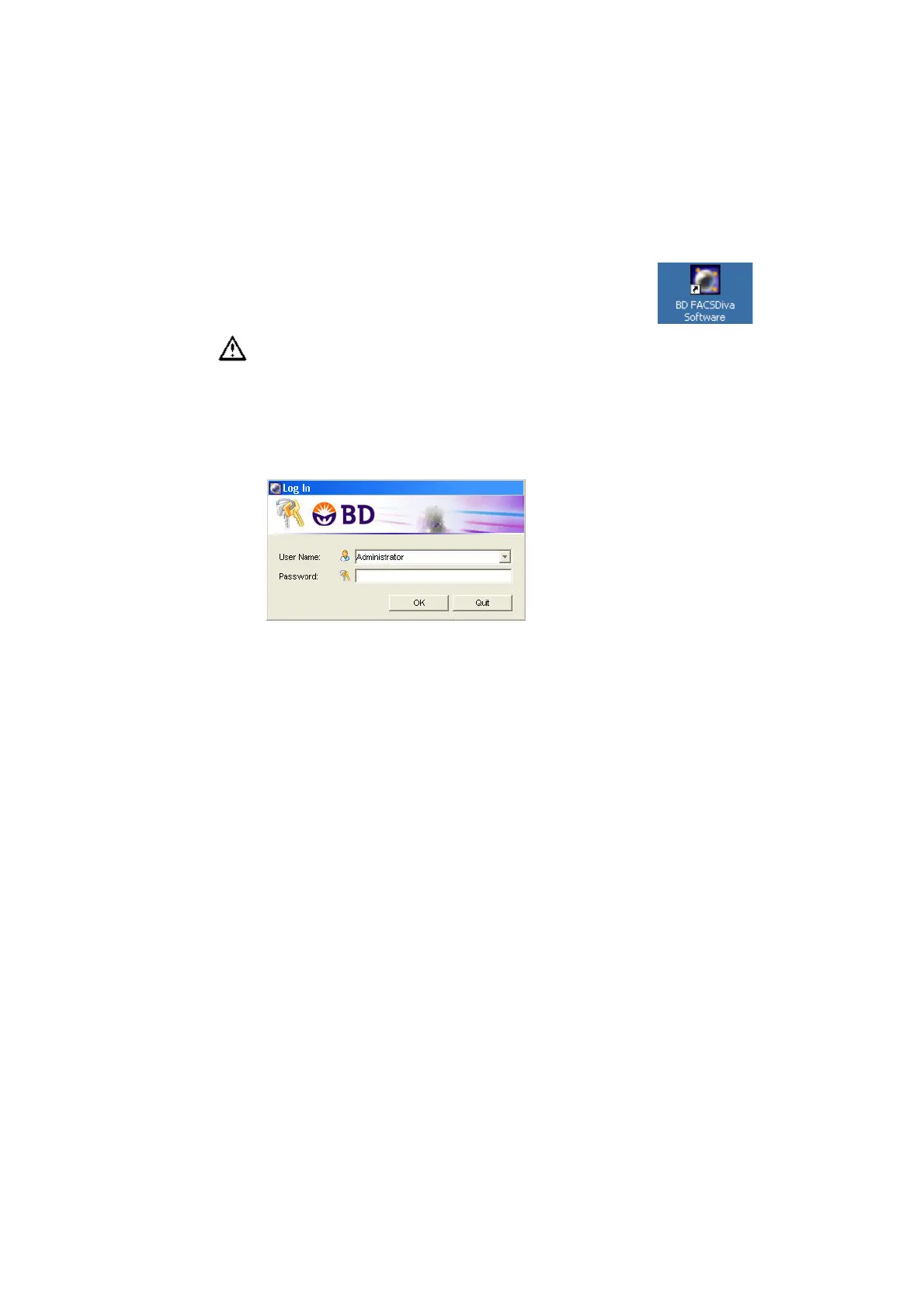
4 Start up the computer; launch BD FACSDiva software.
Double-click the shortcut on the desktop.
5 At the Log In dialog, choose your user name, enter your password, and
click OK.
For instructions on creating a user name and password, refer to the
BD FACSDiva Software Reference Manual.
6 Verify that the software connects to the cytometer. If the software does not
connect, choose Cytometer > Connect.
View connectivity status at the bottom of the Cytometer window
(Figure 3-1 on page 58).
Verify that no other software applications are running before you start
acquisition. BD FACSDiva software performance time can be severely
affected if multiple applications are running at the same time.











 To Next Page