Chapter 3: Running Samples 73
NOTICE BD recommends that you set the aspirated volume for the setup
controls high enough so that you do not reach the number of events before
you reach the BD FACSDiva stopping time.
! Tip Press Ctrl+Shift+End to set multiple fields at one time, and then type
in the number of events in one of the fields—all selected fields will reflect the
new number of events.
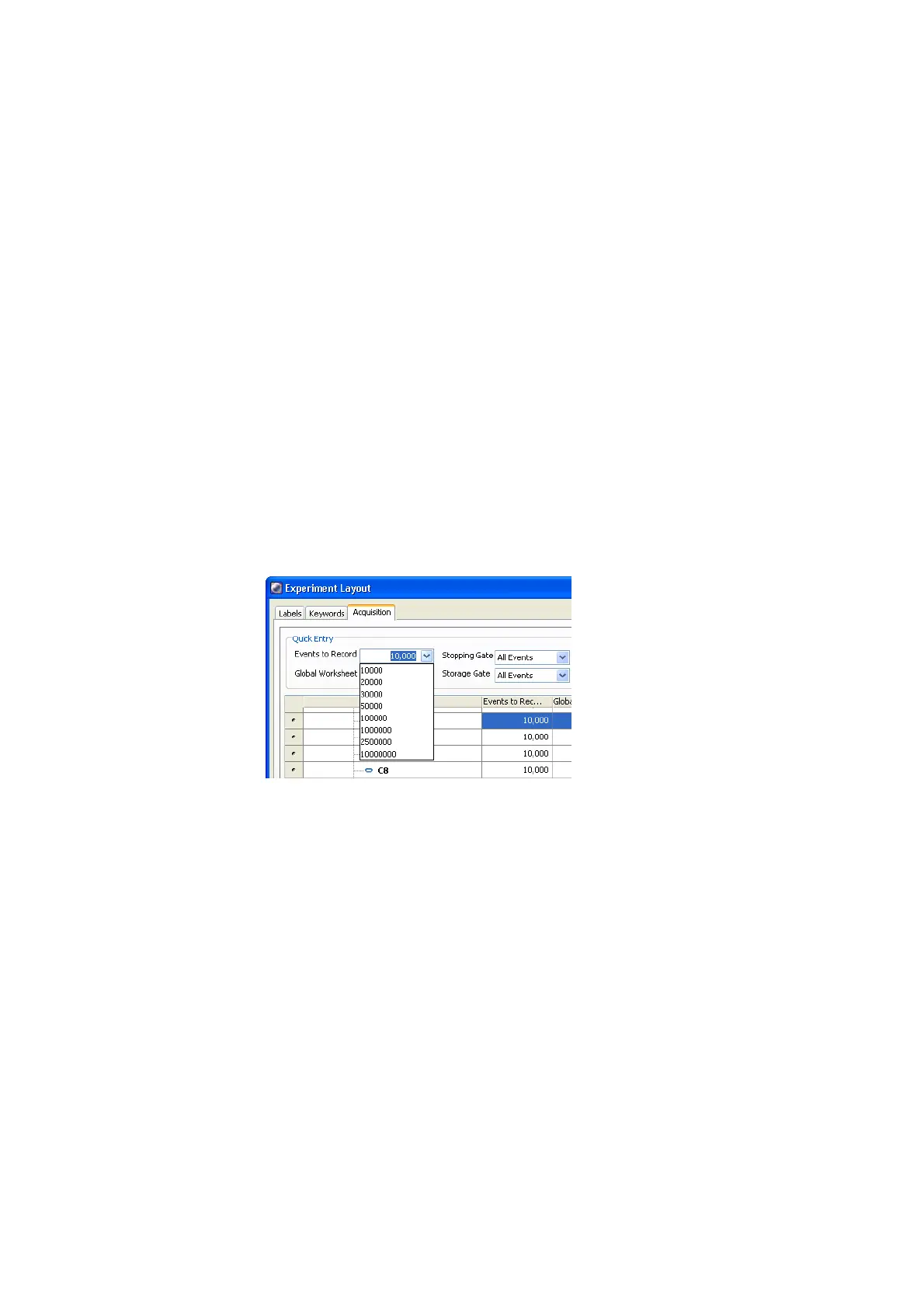
! Tip Another way to add a value to the Events to Record field using the list
is to select the field you want to change and double-click the item in the list
to apply it to the field.
See the BD FACSDiva Software Reference Manual for more ways to add
events.
Figure 3-11 Acquisition tab of Experiment Layout
13 Click OK to save the changes.











 To Next Page