48
Clinician's Guide
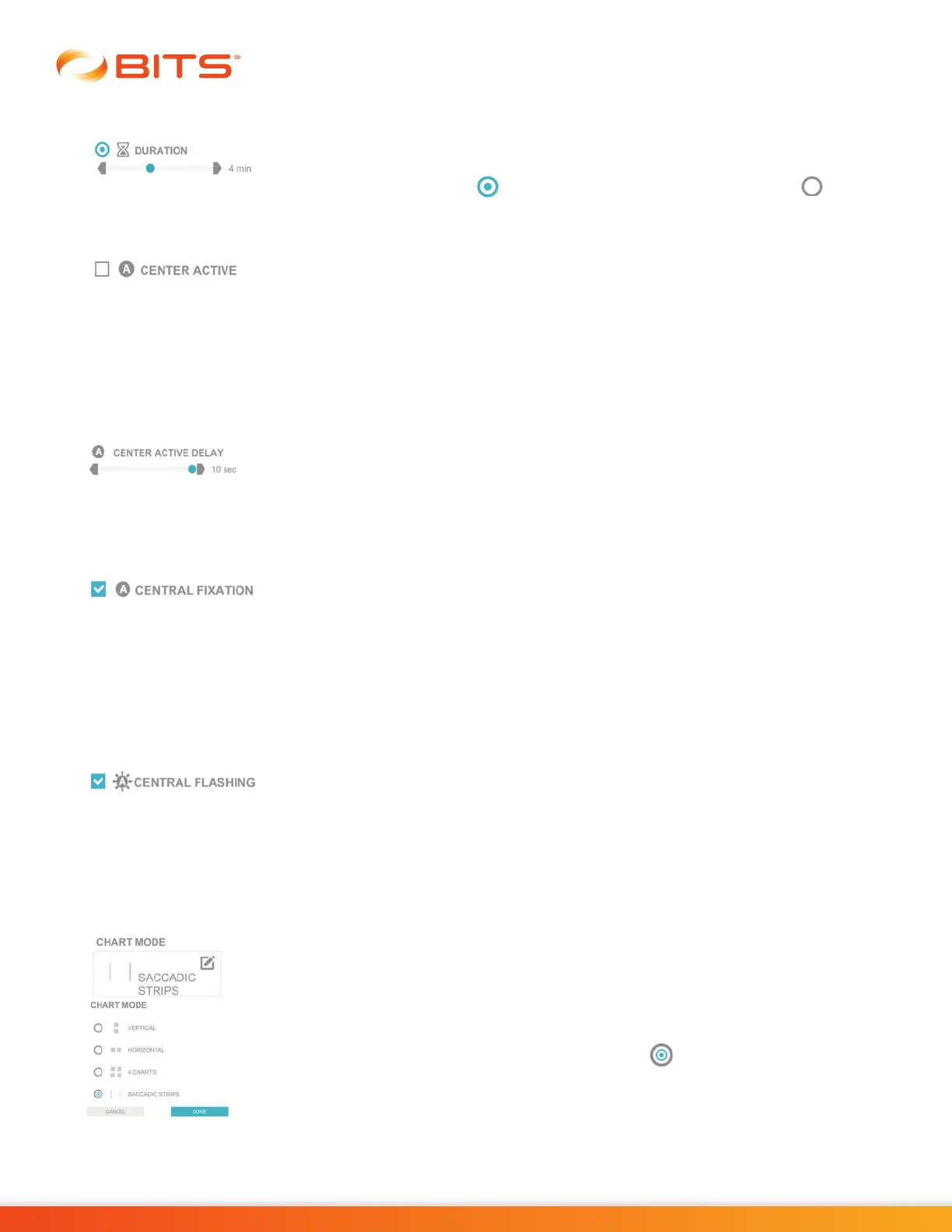
Duration
The Duration Parameter controls the length of time the therapy program will run.
Press the gray arrows or drag the blue indicator to change the value.
Note: if Duration is enabled , the Quantity Parameter is deactivated .
Center Active
The Center Active Parameter controls the presentation of the letter "E" that is
located in center of the chart on the display screen. When the setting is off, the
center letter "E" will not change orientation. When the setting is turned on the
center letter "E" will change in orientation. The timing of the change is controlled
by the Center Active Delay Parameter. This parameter is intended to provide a
distraction during the therapy session. This parameter is only available in the
Sequence Program.
Center Active Delay
The Center Active Delay Parameter controls the length of time between changes
to the letter displayed in the center of the chart. Press the gray arrows or drag the
blue indicator to change the value. In the Chart Sequence Program this parameter
is only accessible when the Center Active Delay Parameter is turned on.
Central Fixation
The Central Fixation Parameter activates a divided attention exercise in
which
a Central Fixation Point is presented in the center of the screen. The letter in the
center of the Central Fixation Point will change randomly during
the therapy session.
When the Central Fixation Parameter is active, the clinician should instruct the
client to attend to the Central Fixation Point by hitting it before hitting another
stimulus when the
letter changes. To turn the Central Fixation Parameter
off, press
the blue check mark box. The box will turn white, and the check mark will disappear.
Central Flashing
The Central Flashing Parameter works with the Central Fixation Parameter. When
turned on, the Central Fixation Point flashes every time it changes. Central Fixation
must be enabled to make this parameter visible and selectable. To turn the Central
Flashing Parameter off, press the blue checkmark box. The box will turn white,
and the checkmark will disappear.
Chart Mode
The Chart Mode Parameter controls the number of charts and how the charts are
presented on the display screen. This parameter is only found in the Multiple
Program. The Chart Mode Parameter options are: Vertical, Horizontal, 4 Charts,
and Saccadic Strips.
To select an option, press the Chart Mode Parameter Icon. A pop up window will
open displaying the options. Press the radio button next to the desired option
to enable it. Press the Done Button to close the window.



 To Next Page