49
Chapter 7 - BITS Parameters
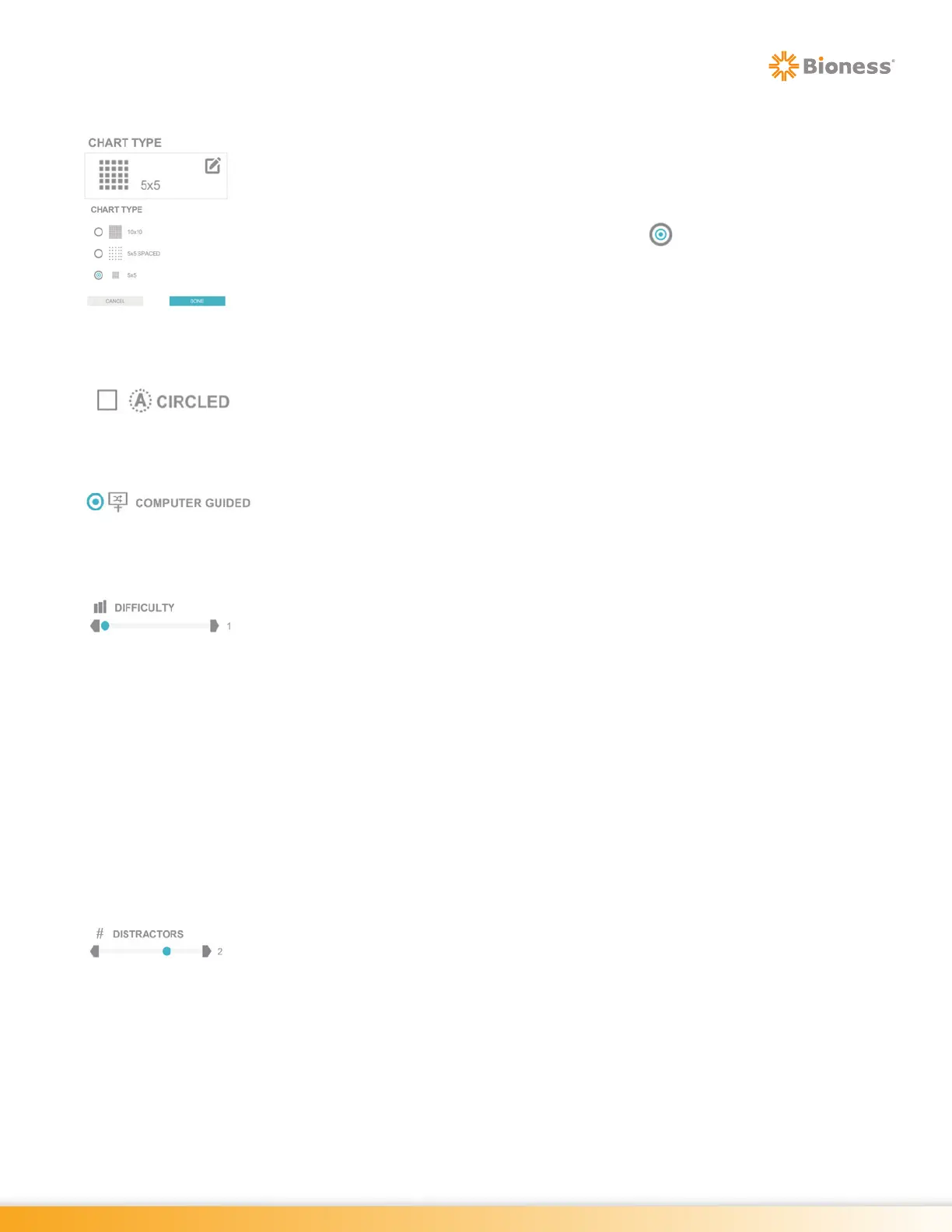
Chart Type
The Chart Type Parameter controls how the chart will be formatted on the display
screen. The Chart Type Parameter options are: 10x10, 5x5 Spaced, 5x5. This
parameter is not found in the Puzzle Program.
To select an option, press the Chart Type Parameter Icon. A pop up window will
open displaying the options. Press the radio button next to the desired option
to enable it. Press the Done Button to close the window.
Circled
For Chart Programs, the Circled Parameter controls the appearance of circles
around each stimuli displayed in the chart.
Computer Guided
The Computer Guided Parameter allows the system to randomly generate where
the next target stimuli will appear in the Dynamic Postural Sway Program.
Difficulty
The Difficulty Parameter controls the allowed response time to the stimulus. There
are three levels of difficulty in Rhythm program: 1, 2 , and 3 . Press the gray
arrows or drag the blue indicator to change the value.
Level 1: This is the beginner level. The client has to respond to stimuli within
3/10 of a second, from the stimulus presentation, in order for the response to be
recorded as accurate.
Level 2: This is the intermediate level. The client has to respond to stimuli within
2/10 of a second, from the stimulus presentation, in order for the response to be
recorded as accurate.
Level 3: This is the advanced level. The client has to respond to stimuli within
1/10 of a second, from the stimulus presentation, in order for the response to be
recorded as accurate.
Distractors
The Distractors Parameter adds up to three extra stimulus appear to create a
distraction from target stimulus. It is only available in the Ocular Motor Program.



 To Next Page