50
Clinician's Guide
Draw Requirement
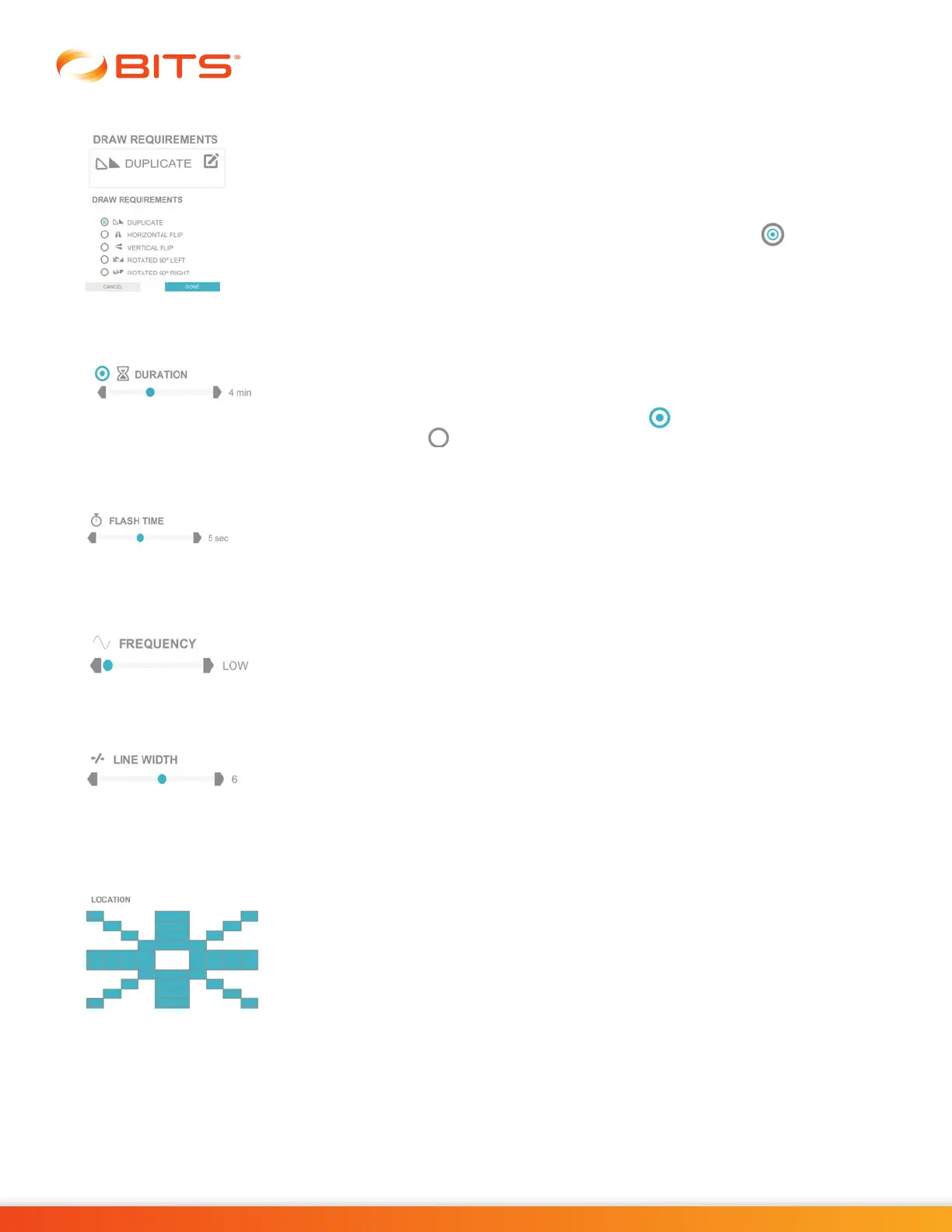
The Draw Requirement Parameter controls how the client will need to draw the
stimulus pattern. The Draw Requirements Parameter options are: Duplicate,
Horizontal Flip, Vertical Flip, Rotated 90° Left, and Rotated 90° Right.
To change this parameter, press the Draw Requirements Parameter Icon. A pop
up window will open displaying the options. Press the radio button next to the
desired option to enable it. Press the Done Button to close the window.
Duration
The Duration Parameter controls the length of time the therapy program will run.
Press the gray arrows or drag the blue indicator to change the value.
Note: If enabled, the radio button will appear as . If deactivated, the radio
button will appear as .
Flash Time
The Flash Time Parameter controls the length of time the target stimuli will appear
on the display screen before disappearing. Press the gray arrows or drag the blue
indicator to change the value.
Frequency
The Frequency Parameter adjusts the rate at which the Central Fixation Point
changes. The options for this parameter are Low, Medium, and High.
Line Width
The Line Width Parameter controls the width of the line displayed by the system
on the display screen during the therapy session. Press the gray arrows or drag
the blue indicator to change the value. This parameter is not found in the Symmetry
Program.
Location
The Location Parameter allows the user to choose the areas where target stimuli
will appear in the Dynamic Postural Sway Program. When an area is enabled, it
appears blue. Press on an area to deselect it, the area will change to white. This
parameter is only available when Computer Guided Parameter is enabled.



 To Next Page