52
Clinician's Guide
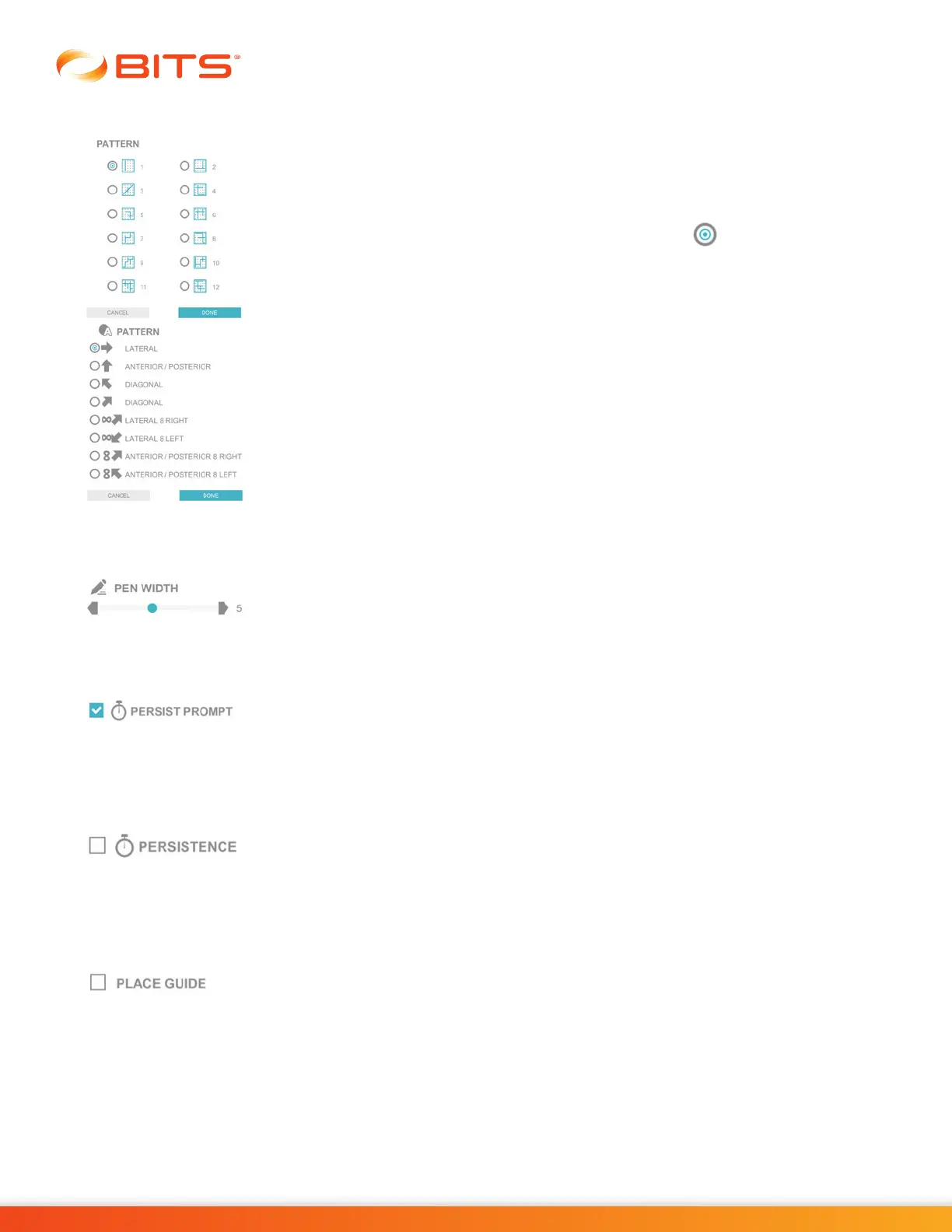
Pattern
The Pattern Parameter controls the appearance of the stimulus pattern displayed
on the Geoboard. For the Pursuit Pattern Programs, it controls the path of movement
of the target stimuli.
To change the stimulus pattern, press the Pattern Parameter Icon. A pop up window
will open displaying the options. Press the radio button next to the desired
option to enable it. Press the Done Button to close the window.
Pen Width
The Pen Width Parameter controls the thickness of the lines drawn by the user
on the display screen. Press the gray arrows or drag the blue indicator to change
the value.
Persist Prompt
The Persist Prompt Parameter controls whether the row and column coordinates
displayed visually during the Puzzle Program will persist until the letter is touched
or whether the coordinates will be flashed for a limited amount of time. This
parameter is only found in the Puzzle Program.
Persistence
The Persistence Parameter controls whether the target stimulus will disappear
from the screen when touched or remain visible on the display screen even after
the target has been hit. Selecting this parameter will provide a consistent level of
difficulty throughout the entire duration of the therapy program.
Place Guide
For Chart Programs, the Place Guide Parameter controls the appearance of row
and column labels along the edges of the chart. When this setting is enabled, each
column will be assigned a letter (e.g. A-J), and each row will be assigned a number
(e.g. 1-10). This parameter is not found in the Puzzle Program.



 To Next Page