98 | Chapter 3: Operation
Expect to spend some time experimenting with different pressure settings. Follow
the filter plate manufacturer's recommendations, if available. Generally, bead
assays prefer low pressure and DNA separation assays prefer higher pressure. The
best performance in tests at BioTek were seen when the pressure was set to 2.5
inHg.
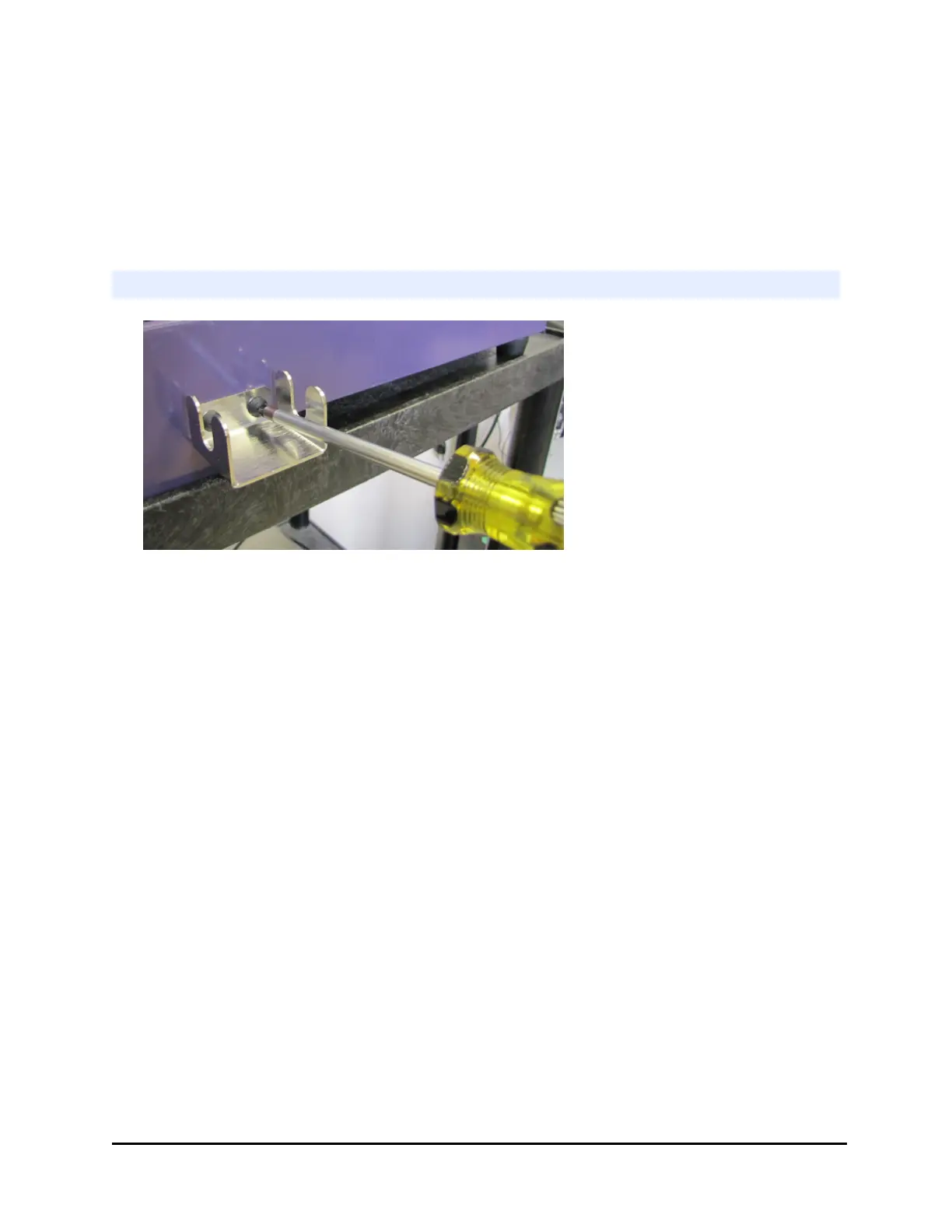
Install the side bracket
Install the bracket on
the right side of the
washer to hold the
vacuum filtration
tubing used to
evacuate the filter
plate.
Locate the screws shipped with the bracket
Required: Philips screwdriver
1. Locate the two empty holes on the right side of the washer and line up the
bracket over the holes.
2. Insert the screws using the Philips head screwdriver.
405™ Microplate Washer LS



 To Next Page