Verify Performance | 73
Frequency:
5 Minutes: Gain complete confidence that your plates will be processed correctly by
spending five minutes to run the Verify test before running your assay!
Develop a schedule for running the Verify routine based on the type of wash buffer
you are using, how frequently you use the washer, and your maintenance habits:
l Daily: When using PBS, protein, and other fluids that easily crystallize and harden,
potentially clogging the tubes, run the Verify routine every day and/or after prolonged
downtimes to ensure the tubes are not clogged.
l Weekly: When using TRIS and other low-salt buffers and when adhering to the
recommended maintenance schedule, you can confidently run the Verify routine less
frequently, e.g. before new assay runs.
Replace the Verify Test Plate (according to the prescribed procedure) if it is
damaged, scratched, warped, etc.
For more details: See About Verify™ Technology on page 76.
Manage Test Results
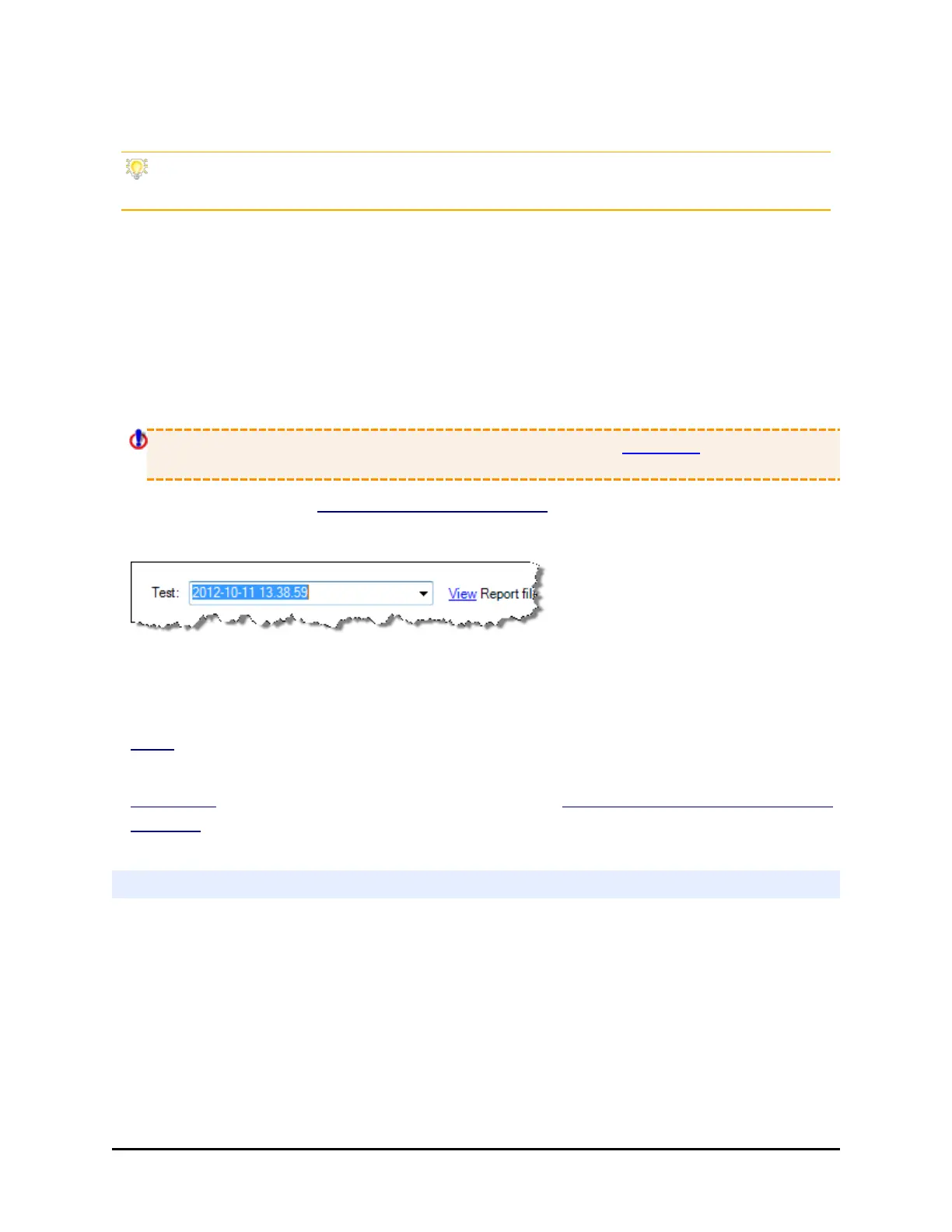
Immediately after a test is run, its results are displayed. The test data file is named
with the date and time. You can view previous results using the drop-down list of
tests. The most recent test results are at the top of the list.
View Report file: to open a text file of the current test results. Report file names are
appended with Passed/Failed results.
Configure settings: to specify a text file folder. See Configure Verify™ Technology
Utilities on page 79 for other useful info.
Handling the Verify Test Plate
The Verify Test Plate ships in its own special box. The plate is labeled with the
serial number of the 405 LS that has been calibrated for its use.
BioTek Instruments, Inc.



 To Next Page