180 | Chapter 7: Troubleshooting
Troubleshooting
Error recovery:
First Response: Run a System Test (restart the instrument) to give the instrument
an opportunity to restore its initial settings and communication capability.
LHC Users: Reboot your Computer and Instrument: When you cannot run a
system test, e.g. LHC is not responding, or when running a system test doesn't
resolve the issue, turn off your computer and 405 LS, check all the cabling, i.e.
make sure your USB cable is in good condition and is properly connected to the PC
and instrument, and then, power them on. This should refresh the devices and reset
communication parameters.
Error Codes
To find a specific error code:
l Software Error Codes on page 200 (6000-6100) - protocol errors
l System Error Codes on page 192 (0000-A500) - hardware errors
Most error conditions generate an error message that is displayed on the computer
screen or keypad.
6045 Serial write error
LHC Users: A potentially common error, especially when using the Predefined
Protocols, a "serial write" error, is easily fixed by correcting the COM port setting
defined in the protocol.
810D To communicate, instrument must be at main menu/Home screen.
LHC Users: Similarly, the 810D message appears when the instrument is busy, for
example when AutoPrime is running. The LHC can only talk to the instrument
when its main menu is displayed. Press the Stop button, if desired, to end the
current process and reestablish communication with the LHC.
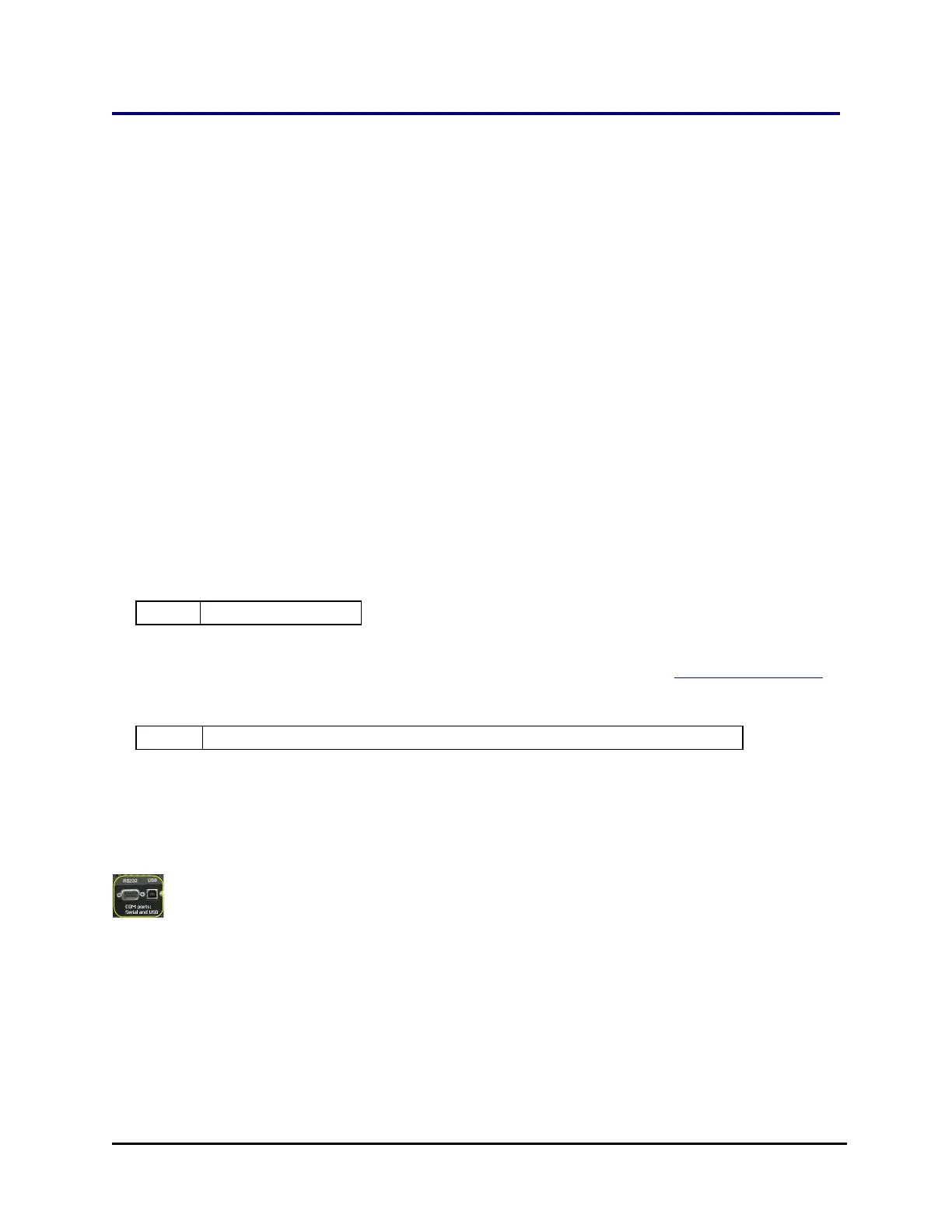
Technical Note: Only one of the two communication ports (COM port) on the
instrument can be used at a time. They cannot be used simultaneously. You
can use USB to connect the 405 LS to the computer or the RS232 serial port to
connect to a BioStack or similar robotic device. But you cannot use both ports
simultaneously, i.e. make sure only one cable is plugged in at a time.
Keypad Control: When the BioStack is connected to your 405 LS, you are
controlling both instruments using the keypad. Before connecting the 405 LS to
your computer to download basecode or for other reasons, you must first
405™ Microplate Washer LS



 To Next Page