Washer Liquid Tests | 155
Keypad Users: The protocol names onboard the washer do not include the W- prefix
and some protocols include the model name, e.g. 405HT or 405Select, when appropriate.
They include the protocols required to perform the Liquid Tests:
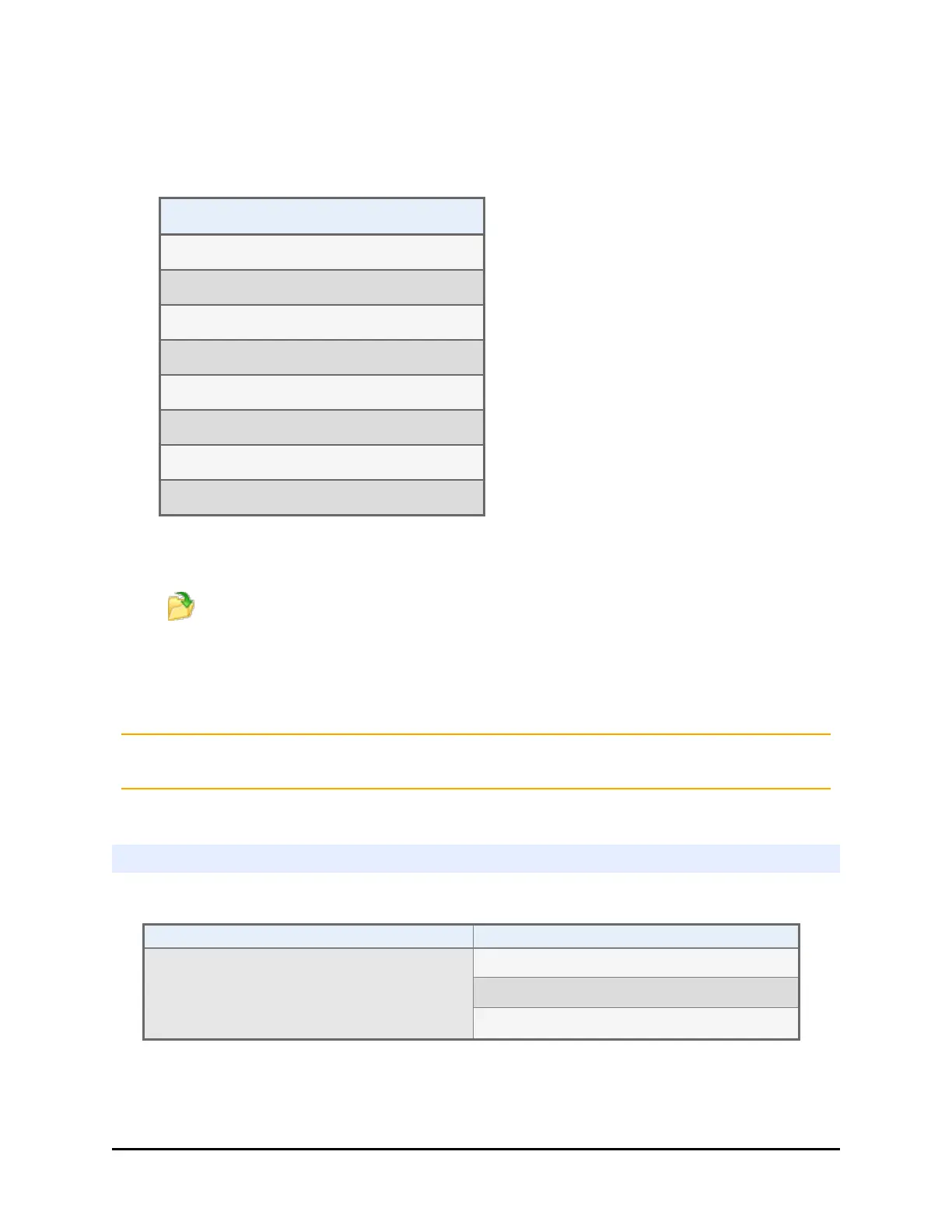
Predefined Protocols
W-DAY_RINSE
QC_ 96_EVAC_TEST
QC_ 192_EVAC_TEST
QC_ 96_DISP_TEST
QC_192_DISP_TEST
QC_96_VAC30_TEST
QC_384_VAC10_TEST
Prime_All_Buffers
The files are stored in the LHC's default file location. Unless you have changed the
file location:
1.
Click the Open button and locate the 405 LS folder. Choose the 1Buffer or
4Buffer folder to match your instrument's Buffer Switching capability.
2. Open the Prime and Maintenance or QC Protocols folder.
3. Select the required protocol.
BioTek recommends customizing these predefined protocols, as described in the topic,
Customize the Predefined Protocols on page 41.
Washer Qualification Test Materials
l One new microplate per test to be performed:
Microplate Type Liquid Tests
Flat-bottom 96-well plates, Corning
®
Costar #3590 or equivalent
Evacuation Efficiency Test (96)
Dispense Precision Test (96)
Annual Buffer Switching Test
BioTek Instruments, Inc.



 To Next Page