Install Software/Connect to Computer | 25
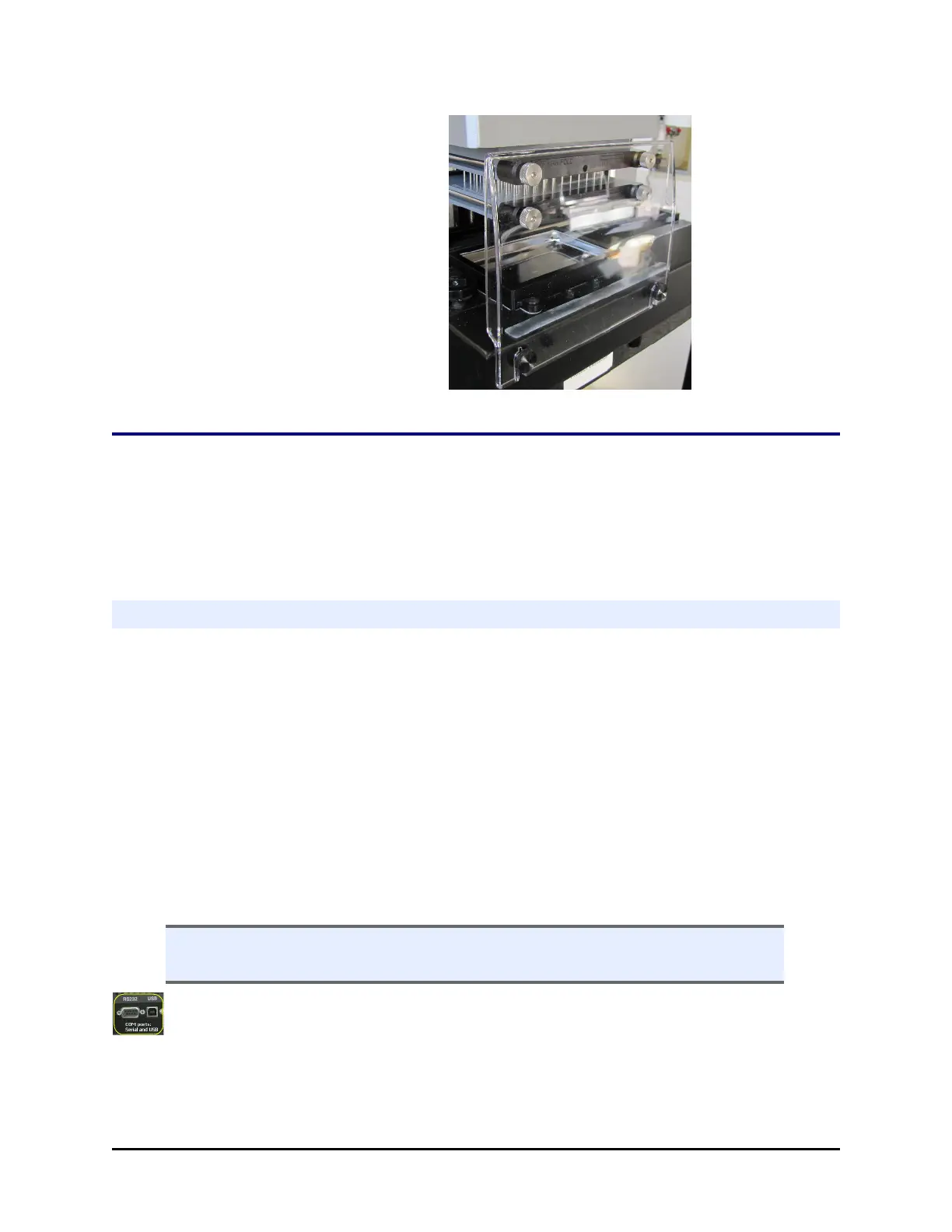
405 LSs equipped with Verify™ Clog
Detection Technology ("Q" models) have a
smaller mist shield.
Install Software/Connect to Computer
If you purchased BioTek's Liquid Handling Control™ (LHC) Software to control the
405 LS using your personal computer (PC), please refer to the LHC Installation
Guide for complete installation and setup instructions.
Connect to Host Computer
Using the USB cable: Plug one end into the USB port labeled Computer on the
instrument and the other end into an available port on the computer.
l If the computer is connected to the Internet, turn on the instrument. Let
Windows
®
automatically locate and install the necessary USB drivers (follow
the online instructions), if applicable or open the link below to download the
drivers.
l Virtual Com Port (VCP) drivers for all Windows operating systems are
available at http://www.ftdichip.com/Drivers/VCP.htm
l If the computer is NOT connected to the Internet, install the drivers using the
supplied “Virtual USB Com Port” driver software CD.
n The keypad must be displaying its “Main Menu” for the LHC to communicate
with the instrument.
Technical Note: Only one of the two communication ports (COM port) on the
instrument can be used at a time. They cannot be used simultaneously. You
can use USB to connect the 405 LS to the computer or the RS232 serial port to
BioTek Instruments, Inc.



 To Next Page