AutoClean the Washer | 127
2. Fill the "Rinse Buffer" bottle with at least 305 mL of deionized or distilled water
or with a wash buffer to leave the instrument primed and ready for use. Buffer
Switching models: specify the RINBUF (Rinse Buffer) valve.
3. Set the desired duration in minutes, up to 4 hours, to soak the tubes and run the
sonicator: use the arrow or Options key.
4. When you're ready, press Start.
Warning! Ultrasonic energy is present in the cleaning reservoir when the AutoClean
program is running. Do not put your fingers in the bath! Ultrasonic energy can harm
human tissue.
n Important! Ensure there is adequate room in the waste bottle and sufficient
volume in the supply bottle before running AutoClean!
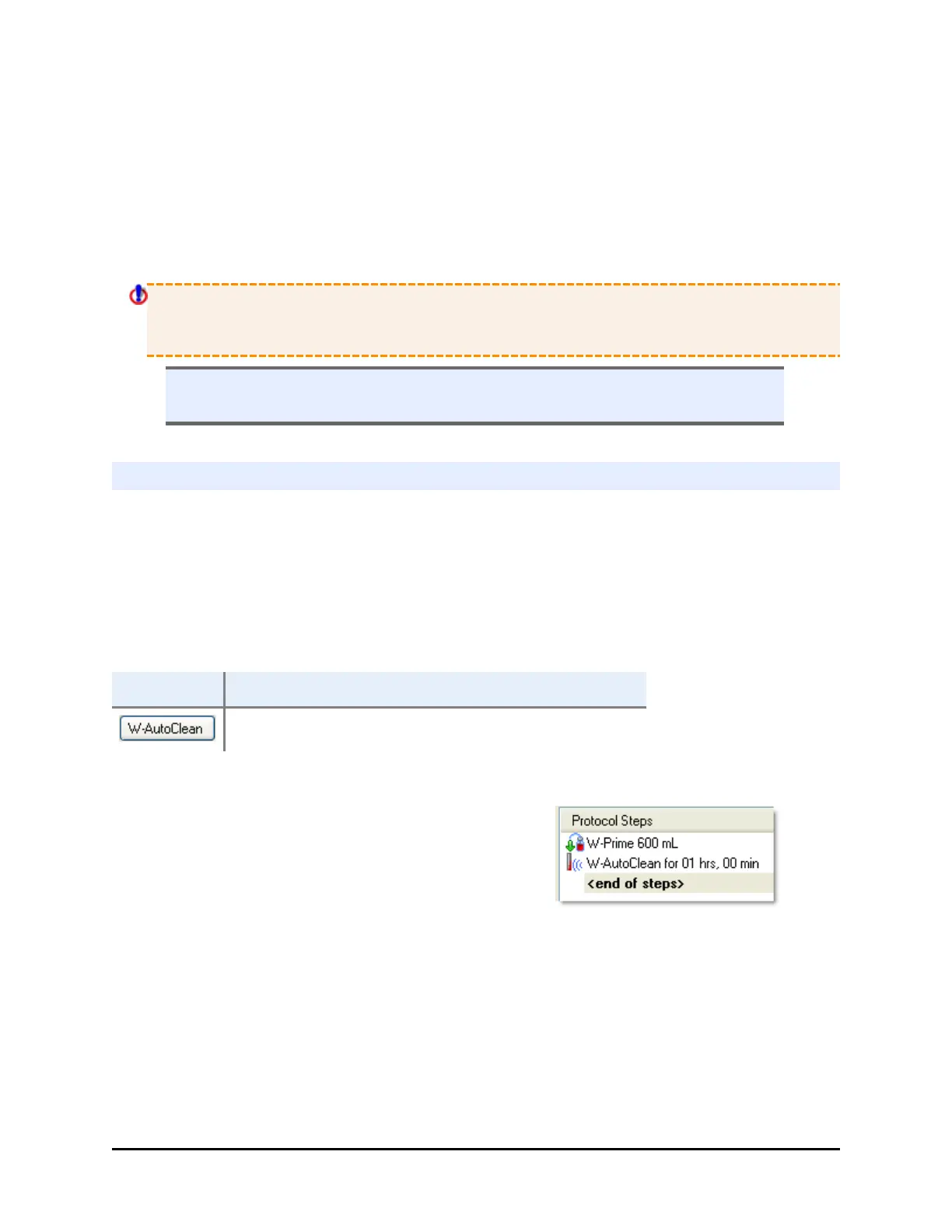
Create an AutoClean protocol
Create an AutoClean protocol for regular use. Make sure it begins by priming the
tubing with the cleaning fluid. Approximately 93 mL of fluid fills the reservoir
during each run.
General Recommendation: Run AutoClean for 1 hour. Follow with a full prime using
deionized water to remove the detergent from the system and/or with a wash
buffer to leave the instrument primed and ready for use.
LHC Keypad
DEFINE>CREATE>NAME>PLATE>ADD>g>ACLEAN
Define the cleaning protocol:
1. First, add a Prime step to fully prime the
tubing with the cleaning fluid (or water).
2. Add an AutoClean step to the protocol.
3. Buffer Valve: select the supply bottle containing the desired cleaning
fluid if Buffer Switching is installed.
4. Duration: enter the duration, up to 4 hours. Input the time in minutes
when using the keypad; hours and minutes when using LHC.
5. Click OK to add a cleaning step to the protocol.
BioTek Instruments, Inc.



 To Next Page