32 | Chapter 2: Installation
Repacking the 405 Washer
Prior to sending your instrument to us for repair, log into the Customer Resource
Center (www.biotek.com) to submit a Service Request for a Return Material
Authorization (RMA). Your instrument's serial number is needed to process an
RMA.
n Failure to comply with the following instructions will void the instrument’s
warranty and result in additional charges if the instrument is damaged. If you
have lost the original packing materials, contact BioTek TACto order Part
Number 1173009.
n Decontaminate the instrument before returning it: See Decontamination on
page 138.
Step 1: Install the shipping bracket:
All models:Remove the shipping bracket(s) from the storage place on the back of
the washer.
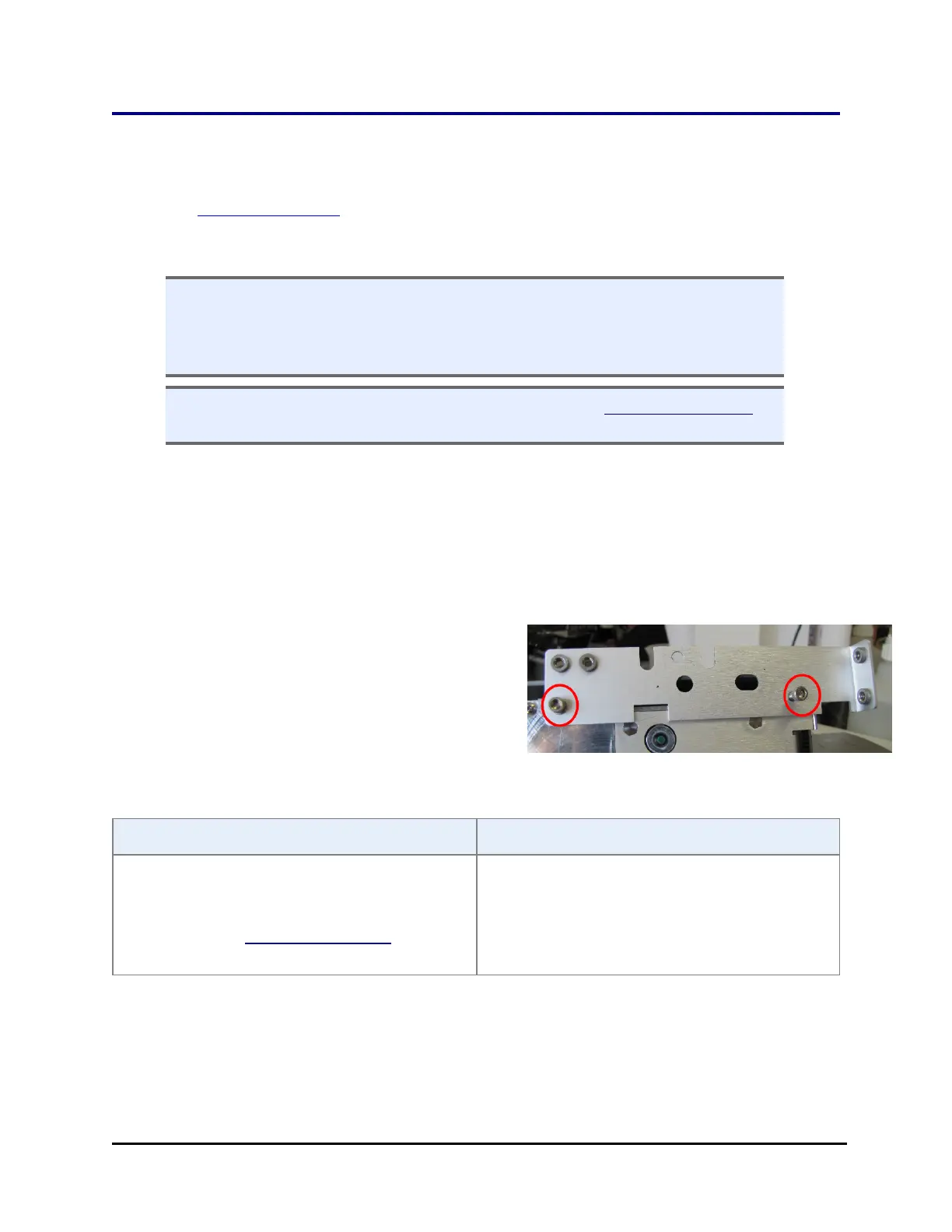
Verify™ Technology ("Q") models: With manifold in its home position, install the
longest shipping bracket that secures the Verify sensor unit. Set aside the large
manifold bracket and smaller sensor bracket for later installation:
1. Release the latch and raise the Verify
sensor unit and install the longest
bracket. Lower the Verify unit when
finished.
2. Put the manifold in its "park"
position:
LHC 405 LSKeypad
1. Select Tools>Instrument
Utilities>Washer
2. Click the shipping bracket link
under Service Functions.
1. Press Setup Menu.
2. Select WASH > PARK.
405™ Microplate Washer LS



 To Next Page