38 | Chapter 3: Operation
Basic Operation
Two ways to control the 405 LS
You can control the 405 LS using its built-in keypad or with BioTek's Liquid
Handling Control™ (LHC) software.
To use the LHC to control the instrument, it must be attached to and
communicating with your personal computer (PC), and its main menu must be
displayed. Basic protocols can be created or modified using the LHC, and then
downloaded to the instrument for stand-alone operation. Learn about
transferring protocols from the LHC to the instrument in the LHC Help system:
select the Help menu or click a Help button in a window.
l Find instructions for using the LHC beginning page 54.
l Keypad instructions begin on page 46.
Two ways to wash a plate
The 405 LS offers two ways to wash a plate:
l Quick Wash: using the keypad you can wash a plate by defining a few parameters like
fluid volume and number of wash cycles and rely on default parameters for the more
advanced options. See Quick Wash (Keypad only) on page 47.
l Run a Wash Protocol: using either the keypad or the LHC you can run a wash protocol
to wash a plate. You can run a predefined protocol or define your own protocol to specify
the optimal parameters for your assay. See Running Predefined Protocols on page
41.
About the 405 LS Wash Step
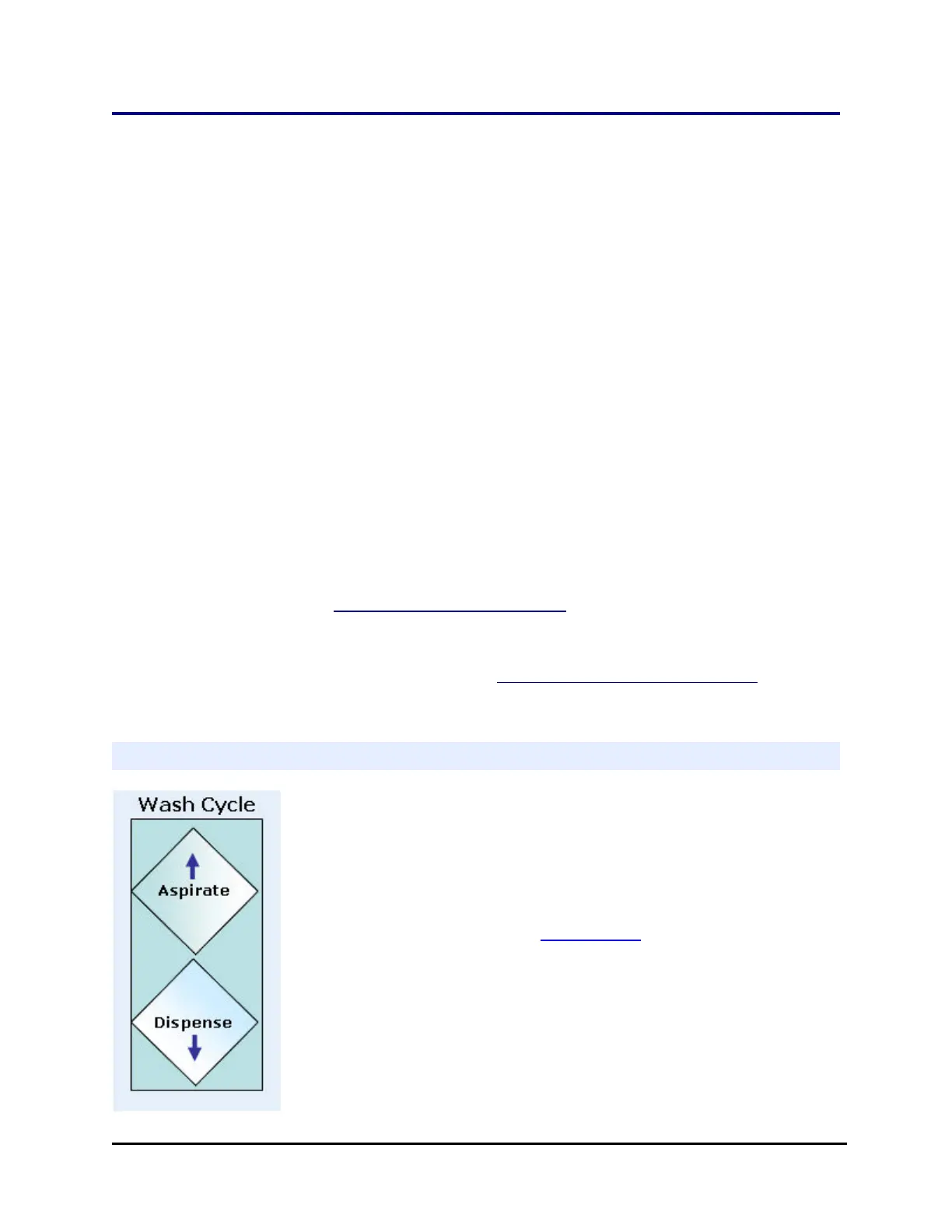
Minimally, a wash step includes an aspirate step followed by a
dispense step. This is a wash cycle.
The default definition of a wash step includes 3 cycles, followed by a
final aspiration to evacuate the wells.
It is important to prime the washer manifold before running a wash.
You may also want to include a Pre-dispense or tip prime (over the
priming trough) to correct for evaporation and other minor fluid loss
to normalize the tips.
About the hardware: The 96- and 192-tube wash manifolds perform
both steps, aspirating and dispensing fluid to and from 96-well and
384-well plates.
405™ Microplate Washer LS



 To Next Page