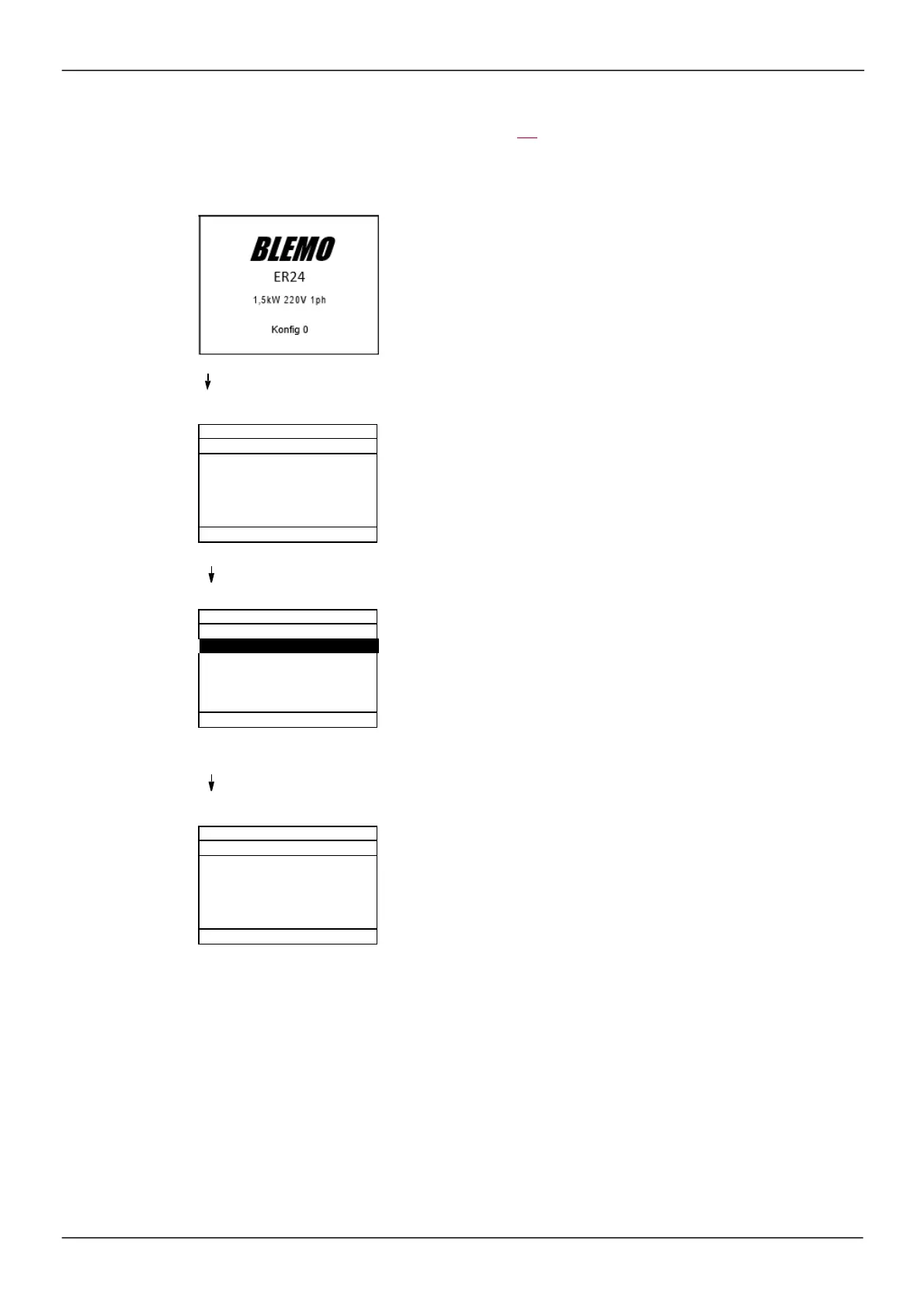
Powering up the drive for the first time
With the integrated dis play term inal, when powering up the drive for the firs t tim e, the us er im m ediately
access es to
[Standard mot. freq]
(bFr)
(s ee page 86 ) in the m enu (COnF > FULL > SIM).
Display after the drive has been pow ered up for the first time.
3 seconds
The
[ACCESS LEVEL]
screen follow s automatically.
ENT
Automatically sw itches to the
[1 DRIVE M ENU]
menu after 3 seconds.
Select the menu and press ENT.
ESC
The MAIN MENU appears on the graphic display terminal if you press the ESC key.
ER24U15M2B
1.5kW/2HP 220V Single
Conf ig. n°0
Standard
Adv anced
Expert
1. 3
CONFIGURATION
2
IDENTIFICATION
3
INTERFACE
4
OPEN / SAVE AS
5
PASSWORD



 To Next Page