Multipoint Screen
Multipoint Screen
Com m unication is possible between a graphic display term inal and a number of drives connected on the same
bus. The addres ses of the drives m ust be configured in advance in the
[COMMUNICATION]
(COM-) m enu
using the
[Modbus Address]
(Add) param eter, page 276.
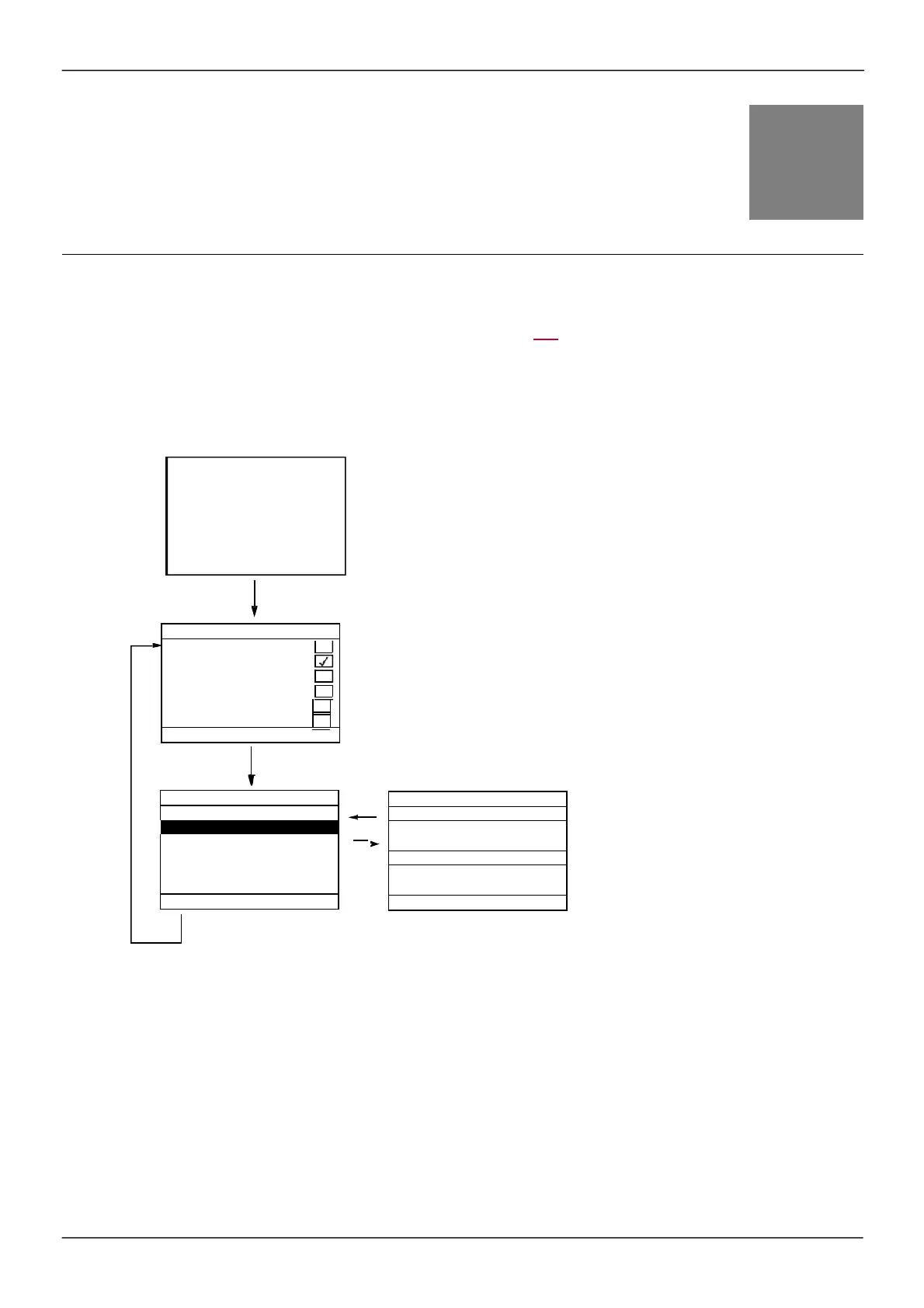
When a num ber of drives are connected to the sam e graphic dis play term inal, it autom atically displays the
following s creens:
Selection of drives for m ultipoint dialog (s elect each address and
check the box by press ing ENT).
This s creen only appears the firs t tim e the drive is powered up, or if
the "Cfg Add" function key on the MULTIPOINT SCREEN is pres s ed
(s ee below).
ESC
ESC
Selection of a drive for m ultipoint dialog.
ENT
Cfg Add
In m ultipoint m ode, the com m and channel is not displayed. From left to right, the state, then the 2 s elected
param eters , and finally the drive address appear.
All m enus can be acces sed in m ultipoint m ode. Only drive control via the graphic dis play term inal is not
authorized, apart from the Stop key, which locks all the drives .
If there is an error on a drive, this drive is displayed.
CONNECTION IN PROGRESS
Vxxxxxx
9
Address 2
Address 3
Address 4
Address 6
+952 rpm
101 A



 To Next Page