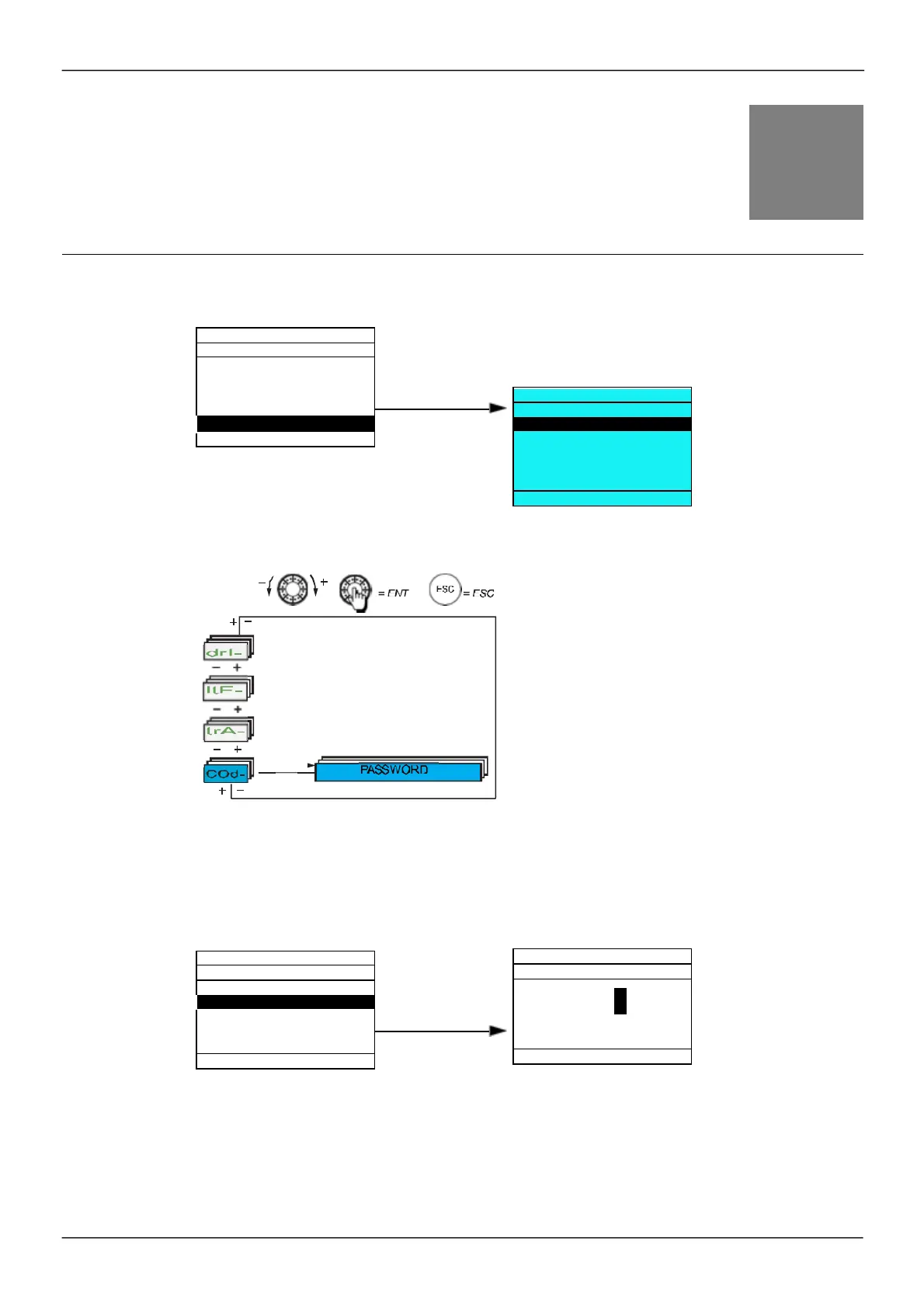
Password (COd)
With graphic display terminal
With integrated display terminal
Enables the configuration to be protected with an access code or a pas sword to be entered in order to acces s
a protected configuration.
Exam ple with graphic display term inal:
•
The drive is unlocked when the PIN codes are s et to
[Unlocked]
(OFF) (no pas sword) or when the correct
code has been entered. All m enus are vis ible.
•
Before protecting the configuration with an acces s code, you m us t:
-
Define the
[Upload righ
ts]
(
UL
r
) and
[Download righ
ts]
(
dL
r
).
-
Make a careful note of the code and keep it in a place where you will be able to find it.
ENT
ENT
Download rights
:
Unlock. drv
9 5 2 0
Min =OFF Max =9999
8



 To Next Page