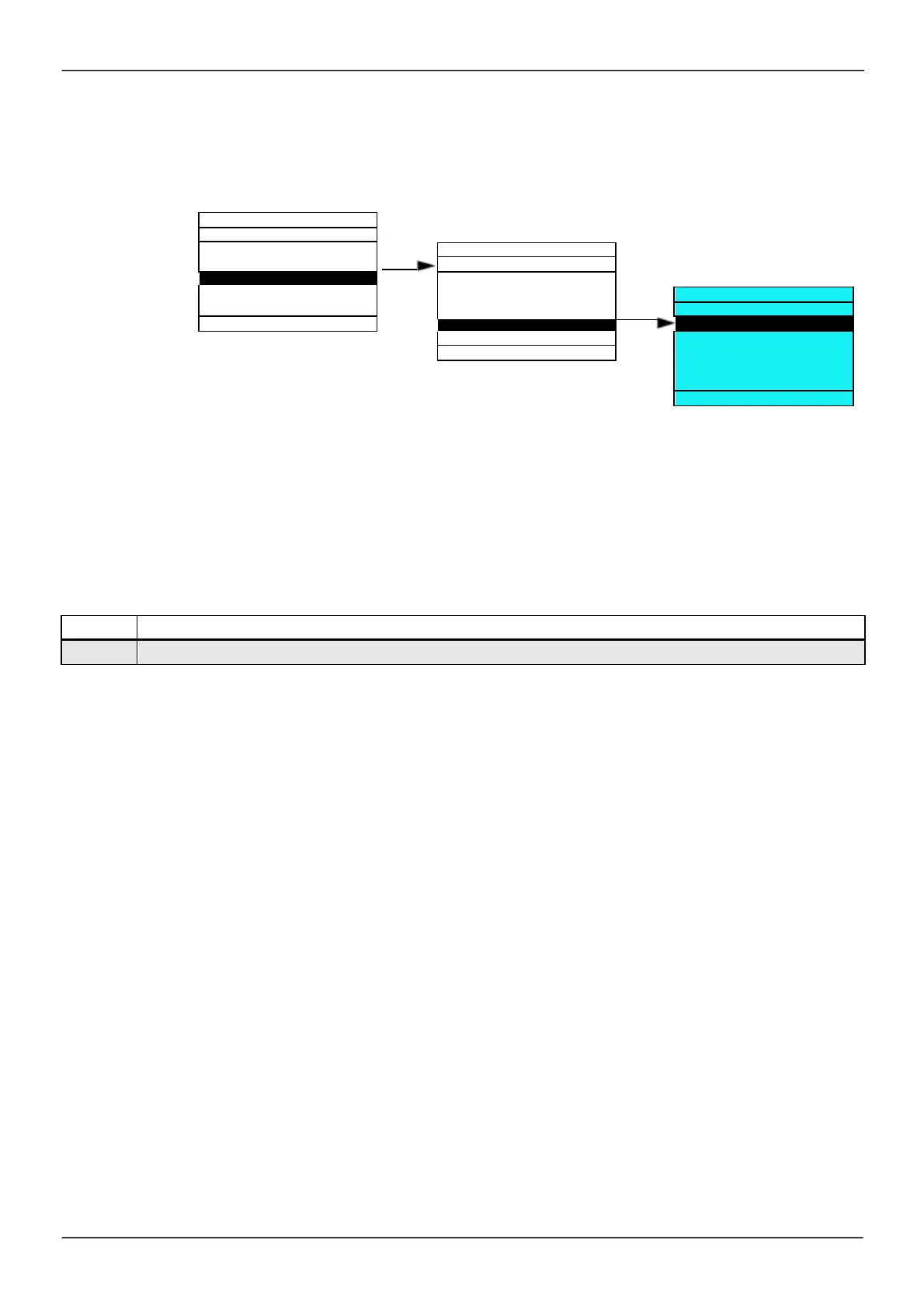
Display configuration (dCF)
This m enu can only be acces sed with the graphic display term inal. It can be us ed to cus tom ize param eters or
a m enu and to acces s parameters.
ENT
PARAMETER ACCESS
KEYPAD PARAMETERS
•
USER PARAMETERS: Cus tom ization of 1 to 15 param eters.
•
MY MENU: Creation of a cus tom ized m enu.
•
PARAMETER ACCESS: Cus tom ization of the vis ibility and protection m echanisms of m enus and
param eters .
•
KEYPAD PARAMETERS: Adjus tm ent of the contras t and stand-by m ode of the graphic display term inal
(param eters s tored in the term inal rather than in the drive).
Code Nam e / De s cription
2
IDENTIFICATION
5
PASSWORD
ENT
3. 2
LANGUAGE
3. 3
MONITORING CONFIG.



 To Next Page