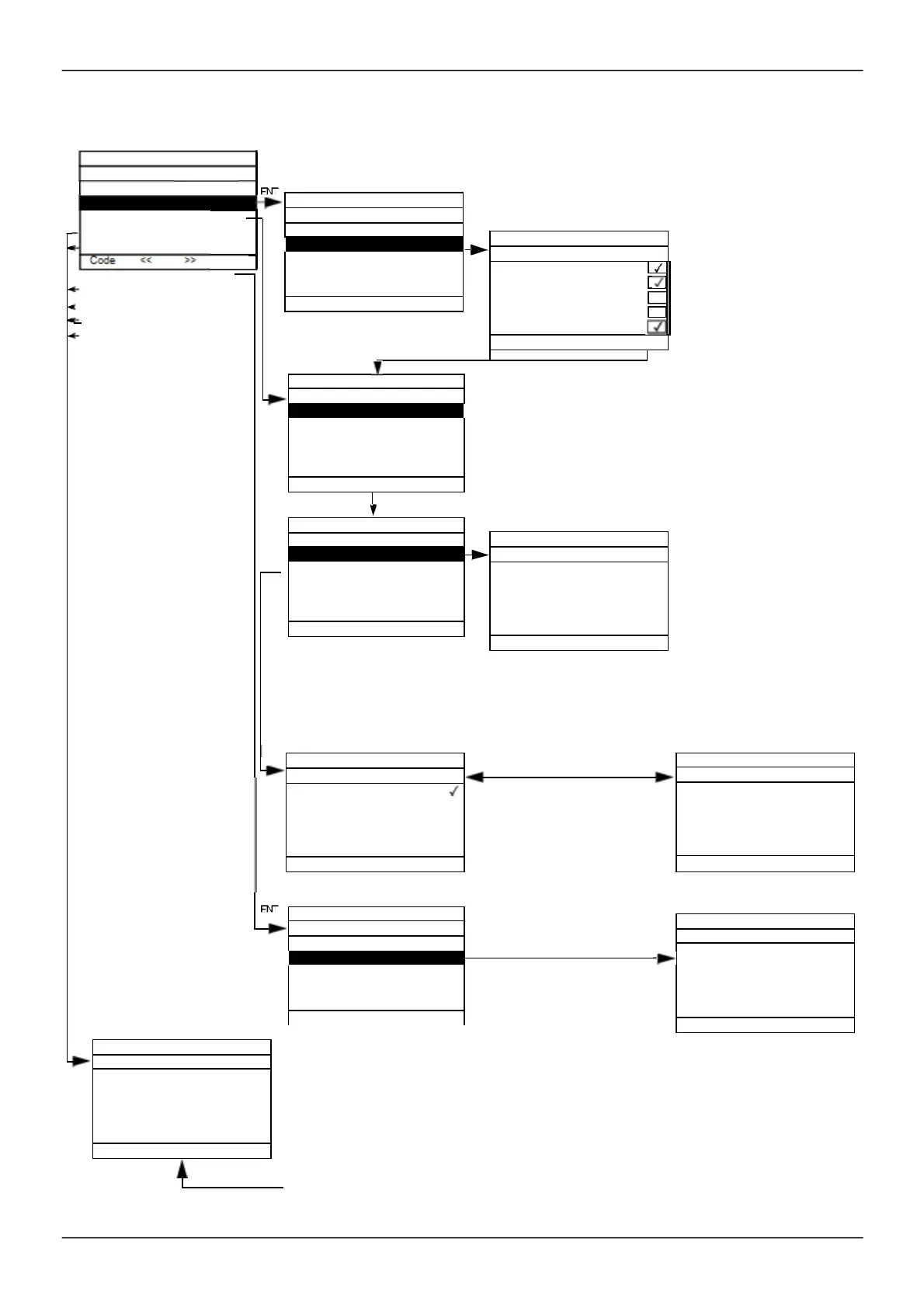
User parameters
If
[Return std name]
is set to
[Yes]
, the dis play reverts to standard but the cus tom s ettings remain s tored.
ENT
List
Selection of 1 to 15
param eters to be
custom ized.
Note:
The 1
st
line is
[PARAMETER SELECTION]
or
[RDY Term +0.0 Hz 0.0 A]
depending on the path (ENT or
Lis t).
Lis t of cus tom ized param eters.
ENT
If no cus tom s ettings have
been m ade, the standard
values appear (nam es , units ,
etc.).
Dis play on 1 or 2 lines of
characters .
Offsets and coefficients are
num erical values. Do not use
a too high m ultiplier
(99,999 - m ax display).
Us e F1 to change to ABC, abc, 123, *[-.
Us e the jog dial to increment the character (alphabetical order),
and << and >> (F2 and F3) to switch to the next or previous
character res pectively.
Once you have entered the unit,
if you press ENT, the Ram p
increm ent s creen will re-appear
in order to dis play the nam e.
Press ESC to return to Unit.
The m es s age entered appears
while the View key is pres sed.
Nam es (USER MENU NAME, DRIVE NAME, configuration, s erial no., lines of m es sages,
nam es of units, etc.) are cus tom ized as in the exam ple of the param eter nam e s hown
opposite.
If no cus tom s ettings have been m ade, the s tandard values appear (nam es, units, etc.).
Dis play on 1 or 2 lines of characters .
Us e F1 to change to ABC, abc, 123, *[-.
Us e the jog dial to increm ent the character (alphabetical order), and
<< and >> (F2 and F3) to switch to the next or previous character res pectively.
RDY Term 0.0 Hz 0.0 A
PARAMETER SELECTION
MY MENU
DEVICE NAME
SERVICE MESSAGE
CONFIGURATION 0
CONFIGURATION 1
CONFIGURATION 2
SERIAL NUMBER
factory set unit.
Customized:
of the unit.
%, mA, etc.: select from
drop-down list.
INPUTS / OUTPUTS CFG
COMMAND
Acceleration
Deceleration
Acceleration 2
Deceleration 2
Deceleration 2
Multiplier
Div isor
Of f set
FLOW REFERENCE
Nb characters max. 13
%
LBS
Nb characters max.
3
ENT
LINE 4
LINE 5
For any service, dial:
Nb characters max.
23
FLOW REFERENCE
Nb characters max.
18



 To Next Page