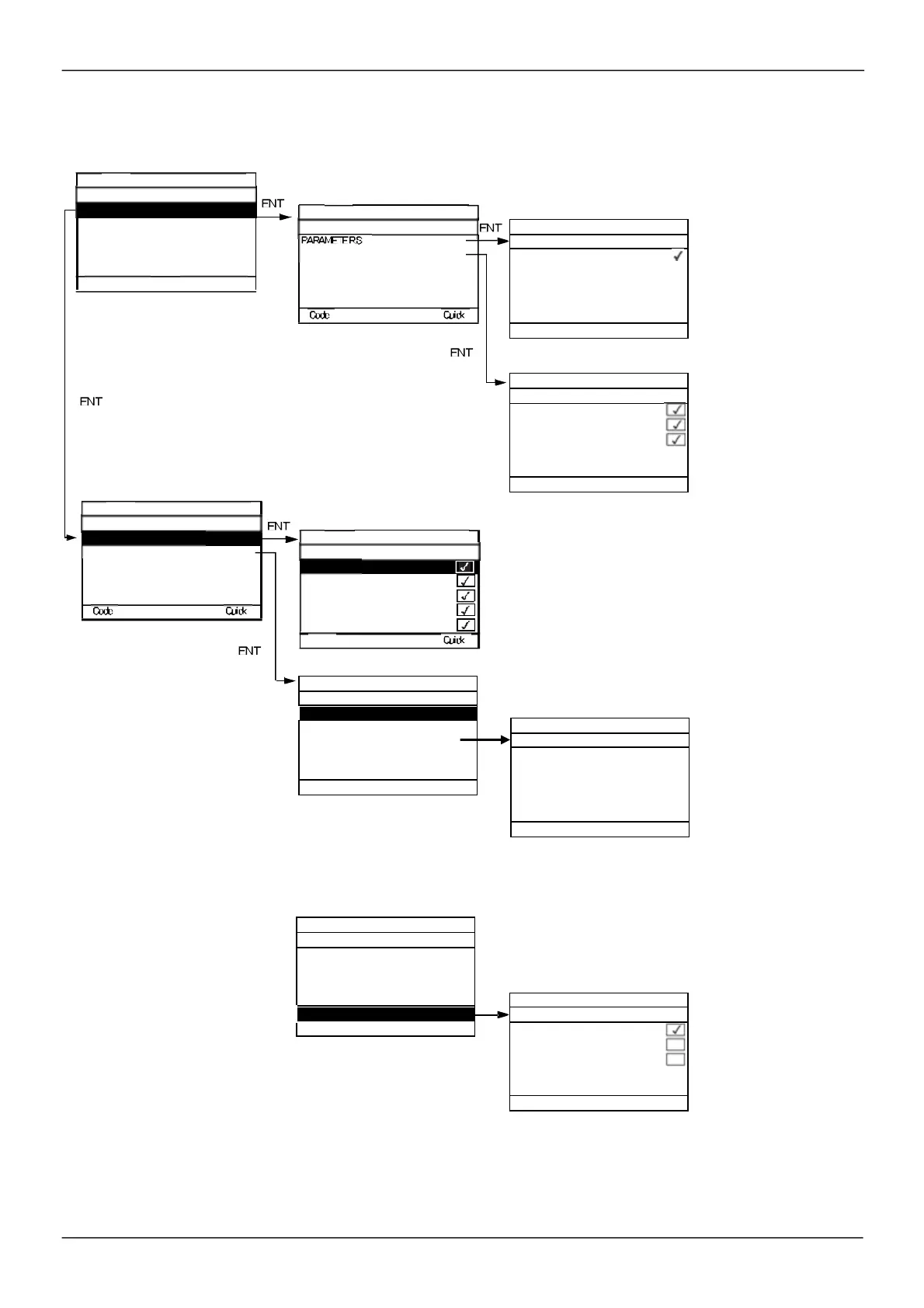
Parameter access
Selection to display all
param eters or only the
active param eters.
Press ESC to exit this
screen.
You rem ain exclus ively
in the
[1 DRIVE MENU]
m enu. All m enus are
selected by default.
Press ENT to deselect a
m enu.
Press ENT to res elect a
m enu.
Note:
The protected channel (or channels ) m ust be
selected, as a protected param eter on a s elected channel
rem ains accessible on the channels that are not selected.
ENT
No selections can be m ade in this
screen if there are no param eters .
In thes e s creens , all
param eters in the
[1 DRIVE MENU]
m enu
can be protected and are
dis played for s election,
except for the Expert
param eters .
Press the All key to
select all the param eters.
Press the All key again to
deselect all the
param eters .
ENT
Note:
The protected param eters are no longer acces sible and are not, therefore, displayed for the s elected
channels .
PROTECTION
PC TOOL
MODBUS
CANopen
COM. CARD
MENUS
All
1. 2
MONITORING
1. 3
CONFIGURATION
1. 3
CONFIGURATION
FACTORY SETTINGS
Macro conf iguration
FULL
RAMP
STOP CONFIGURATION
AUTO DC INJECTION
Jog f requency
Jog delay


 To Next Page
 Loading...
