26. Tighten the clamping screw (10) until a sufficiently high pre-
tension on the Multi Disc (3a, 3b) has been achieved or pres-
surize the clamping unit in the version with pneumatic adjust-
ment.
— If necessary, correct the pre-tension as described in
Ä
Chapter 5.1 “Commissioning” on page 95.
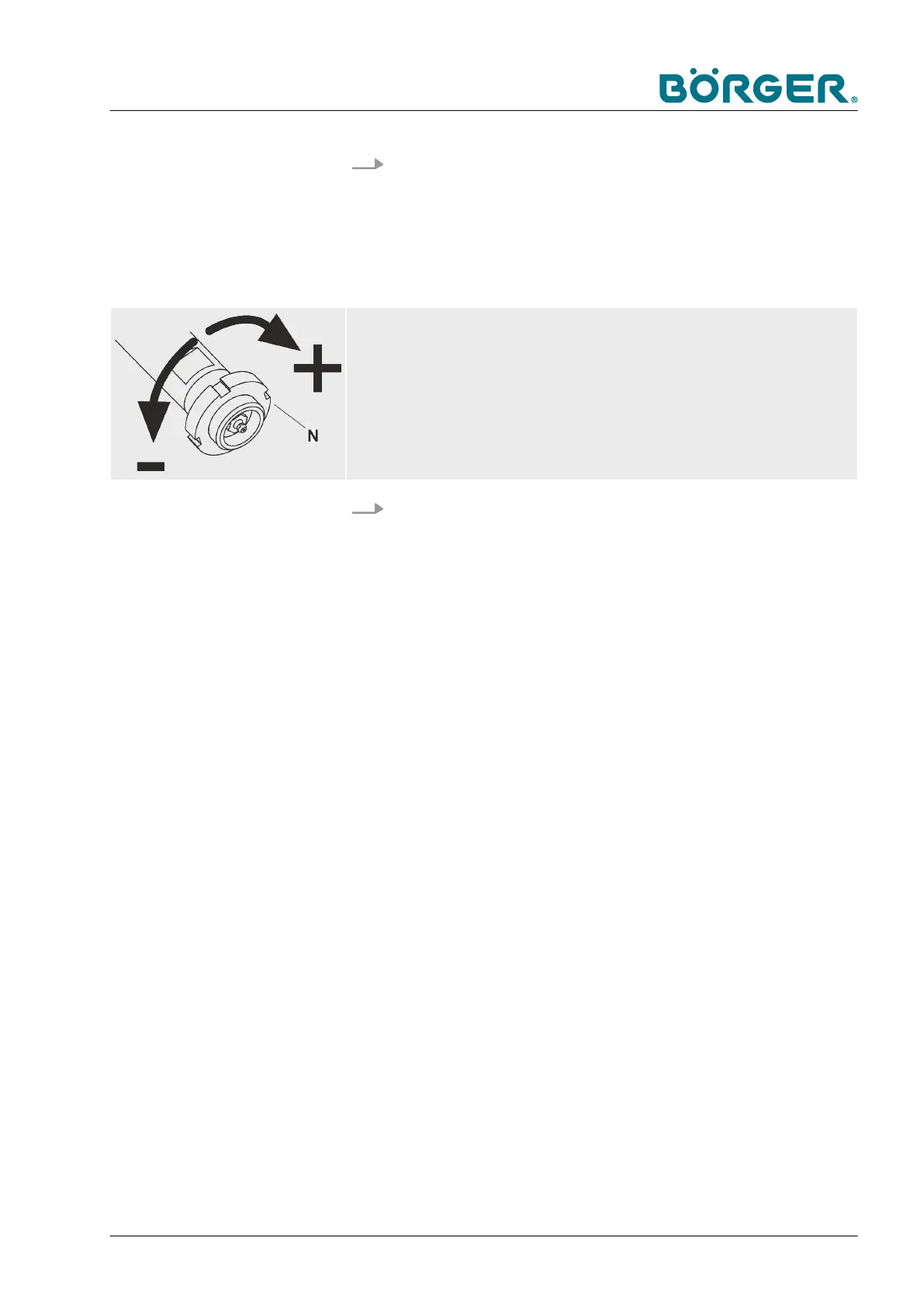
Adjust the clearance!
— Adjust the slotted nut [N] in such a way that the distance between the Multi
Disc and the press channel (or filter press channel in the case of the HP ver-
sion) is very small but the plates do not rub against each other.
27.
Install the counter bearing cover according to
Ä
Chapter
6.3.4 “Changing the Multi Disc plate” on page 146.
Maintenance and repairs
BA-RC40_EN, 17.01.2024 www.boerger.de / www.boerger.com 163


 To Next Page
 Loading...