136
Changing the Autofocus Mode
The dedicated AF sensor is used to focus in One-Shot AF mode (p.83),
using the same AF method as with viewfinder shooting.
Although you can focus the target area quickly, the Live View image
will be interrupted momentarily during the AF operation.
1
Display the Live View image.
Press the <A> button.
X The Live View image will appear on
the LCD monitor.
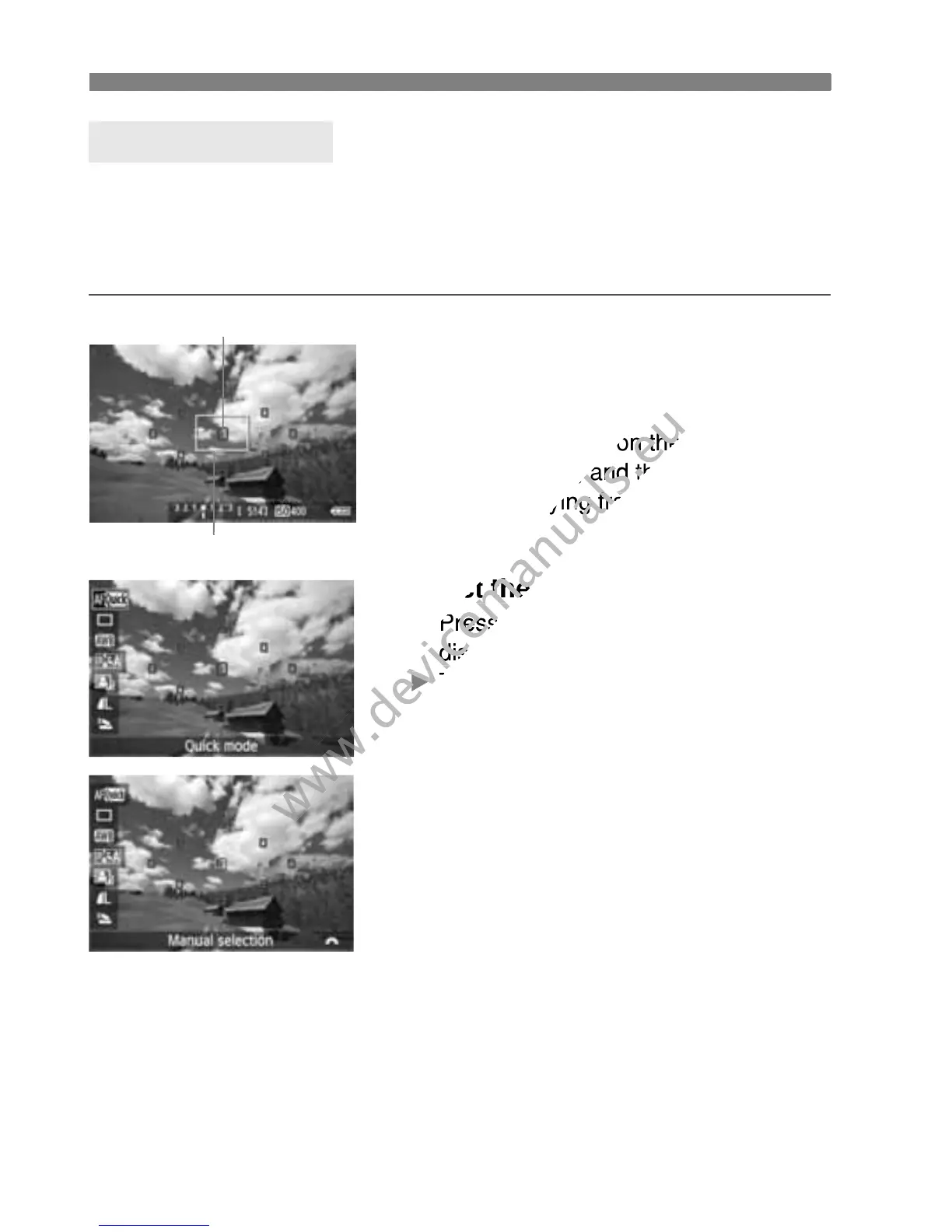
The small boxes on the screen are
the AF points, and the larger box is
the magnifying frame.
2
Select the AF point. N
Press the <Q> button (7) to
display the Quick Control screen.
X The settable functions will be
displayed on the left of the screen.
Press the <V> key to make the AF
point selectable.
Turn the <6> dial to select the AF
point.
Quick Mode: f
AF point
Magnifying frame
the AF points, and the larger box is
www.devicemanuals.eu
the AF points, and the larger box is



 To Next Page