137
Changing the Autofocus Mode
3
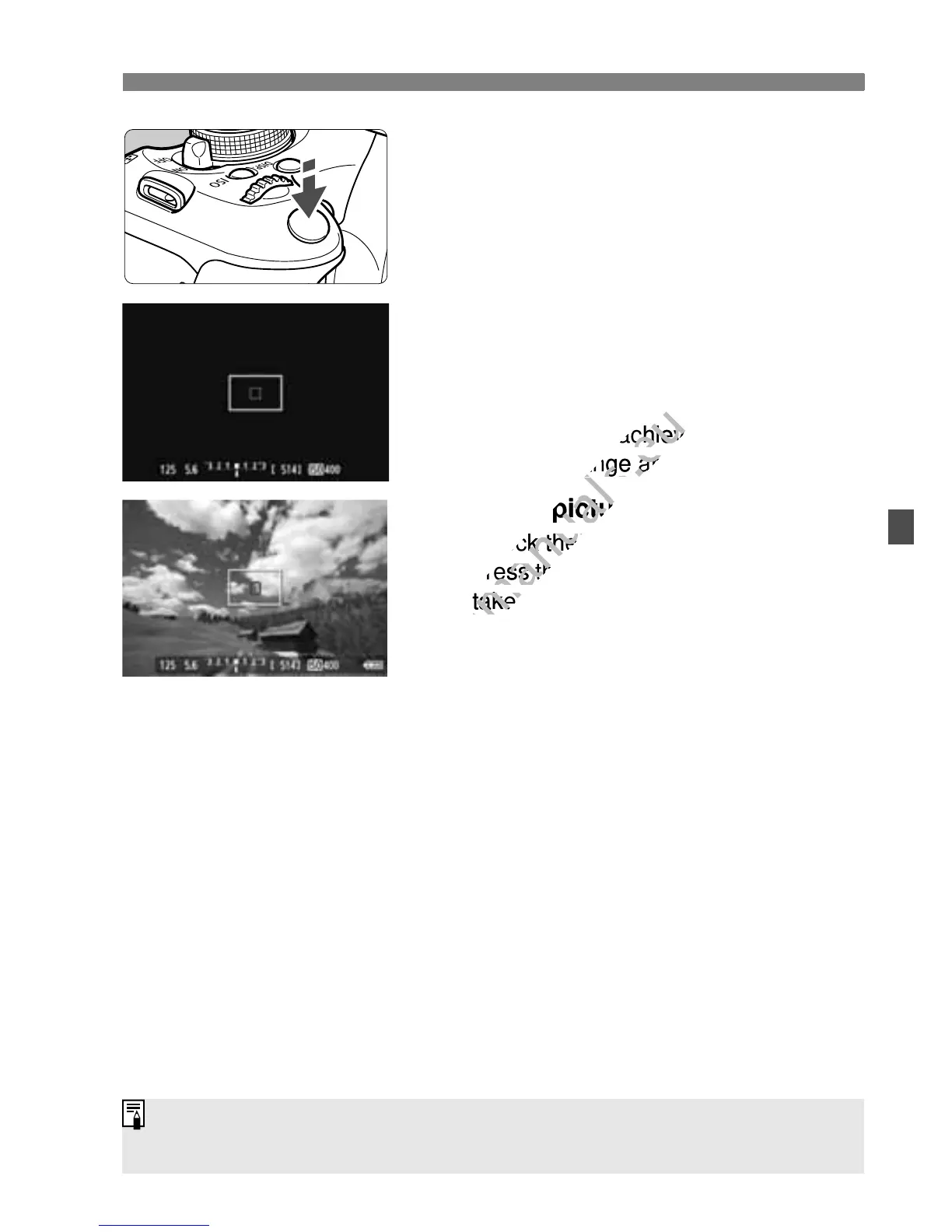
Focus the subject.
Aim the AF point over the subject and
press the shutter button halfway.
X The Live View image will turn off, the
reflex mirror will go back down, and
AF will be executed.
X When focus is achieved, the AF point
which achieved focus will turn green
and the Live View image will
reappear.
X If focus is not achieved, the AF point
will turn orange and blink.
4
Take the picture.
Check the focus and exposure, then
press the shutter button completely to
take the picture (p.124).
You cannot take a picture during autofocusing. Take the picture while the
Live View image is displayed.
If focus is not achieved, the AF point
www.devicemanuals.eu
If focus is not achieved, the AF point
Check the focus and exposure, then
www.devicemanuals.eu
Check the focus and exposure, then



 To Next Page