3 Taking Video Snapshots
156
You can playback a completed album in the same way as a normal
movie. For details, see pages 212 and 217.
Press the <x> button.
Press the <U> key to select an
album, then press <0>.
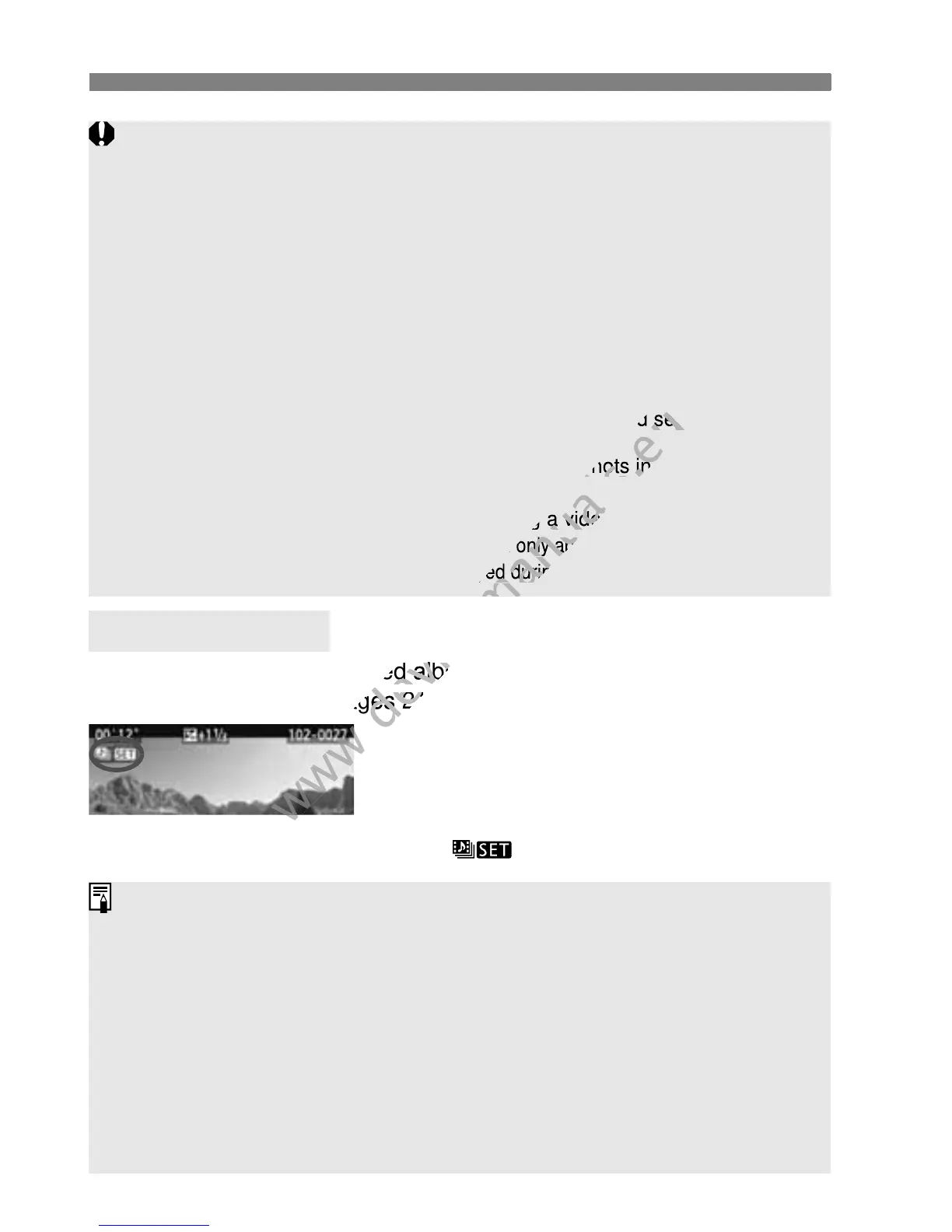
Movies shot as a video snapshot will have an
< > icon on the screen’s upper left.
Playing an Album
You can add to an album only video snapshots having the same duration (approx.
2 sec., 4 sec., or 8 sec. each). If you stop shooting a video snapshot before the set
shooting duration elapses, the video snapshot will be added to the preceding
album. And a new album will be created for subsequent video snapshots.
Note that if you do any of the following while shooting video snapshots, a
new album will be created for subsequent video snapshots.
• Changing the [Movie rec. size] (p.150).
• Changing the [Video snapshot] shooting duration (p.153).
• Changing the [Sound rec.] setting from [Auto/Manual] to [Disable] or
from [Disable] to [Auto/Manual] (p.160).
• Opening/closing the card slot cover or battery compartment cover.
• Interrupting the use of AC Adapter Kit ACK-E8 (sold separately).
• Updating the firmware.
You cannot change the order of the video snapshots in an album or add
more video snapshots to the album later.
You cannot take still photos while shooting a video snapshot.
The shooting duration of a video snapshot is only approximate. Depending on the
frame rate, the shooting duration displayed during playback might not be exact.
Music recorded on the memory card must be used only for private
enjoyment. Do not violate the rights of the copyright holder.
To play background music, you must first copy the background music from
the EOS Solution Disk (provided) to the card. For the copying procedure,
see the PDF Software Instruction Manual on the CD-ROM.
Provided Software Usable with Albums
• EOS Utility: By copying background music to the card, you can play
background music together with the playback of albums, normal movies,
and slide shows on the camera.
• ZoomBrowser EX/ImageBrowser: The edition of albums is possible.



 To Next Page