183
3 Setting the FlashN
Clear flash settings
With the [Built-in flash func. setting] or [External flash func.
setting] screen displayed, press the <C> button to display the
screen to clear the flash settings. When you select [OK], the
settings for the flash will be cleared.
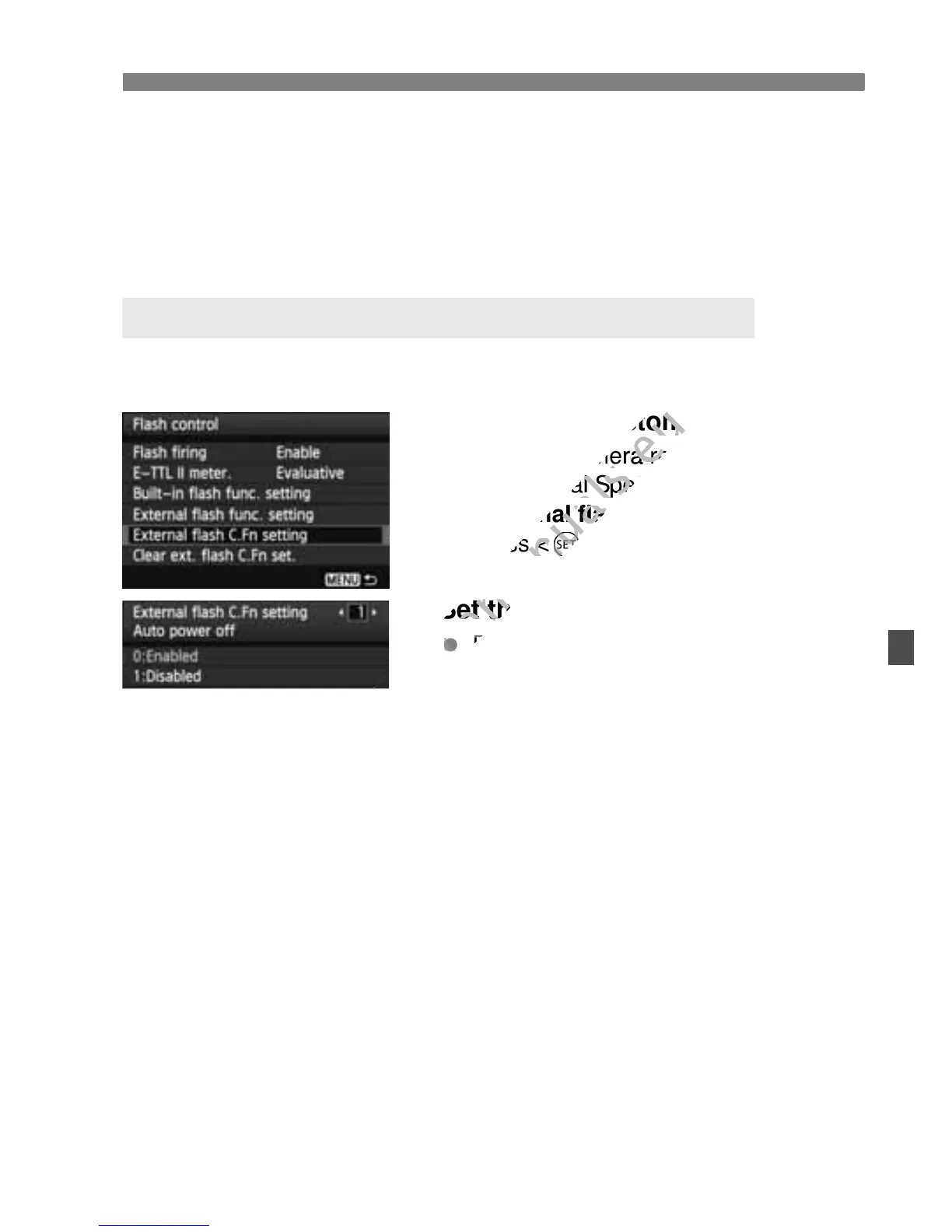
The Custom Functions displayed under [External flash C.Fn setting]
will vary depending on the Speedlite model.
1
Display the Custom Function.
With the camera ready to shoot with
an external Speedlite, select
[External flash C.Fn setting], then
press <0>.
2
Set the Custom Function.
Press the <U> key to select the
function number, then set the
function. The procedure is the same
as setting the camera’s Custom
Functions (p.250).
To clear all the Custom Function
settings, select [Clear ext. flash C.Fn
set.] in step 1.
Setting the External Speedlite Custom Functions
an external Speedlite, select
www.devicemanuals.eu
an external Speedlite, select



 To Next Page