Viewing the Images on TV
220
3
Press the camera’s <x> button.
X An image will appear on the TV
screen and you can use the TV’s
remote control to playback images.
4
Select an image or movie.
Point the remote control toward the
TV set and press the / button to
select an image.
5
Press the remote control’s Enter
button.
X The menu appears and you can do
the playback operations shown on the
left.
Press the / button to select the
desired option, then press the Enter
button. For a slide show, press the
remote control’s / button to select
an option, then press the Enter
button.
If you select [Return] and press the
Enter button, the menu will disappear
and you can use the / button to
select an image.
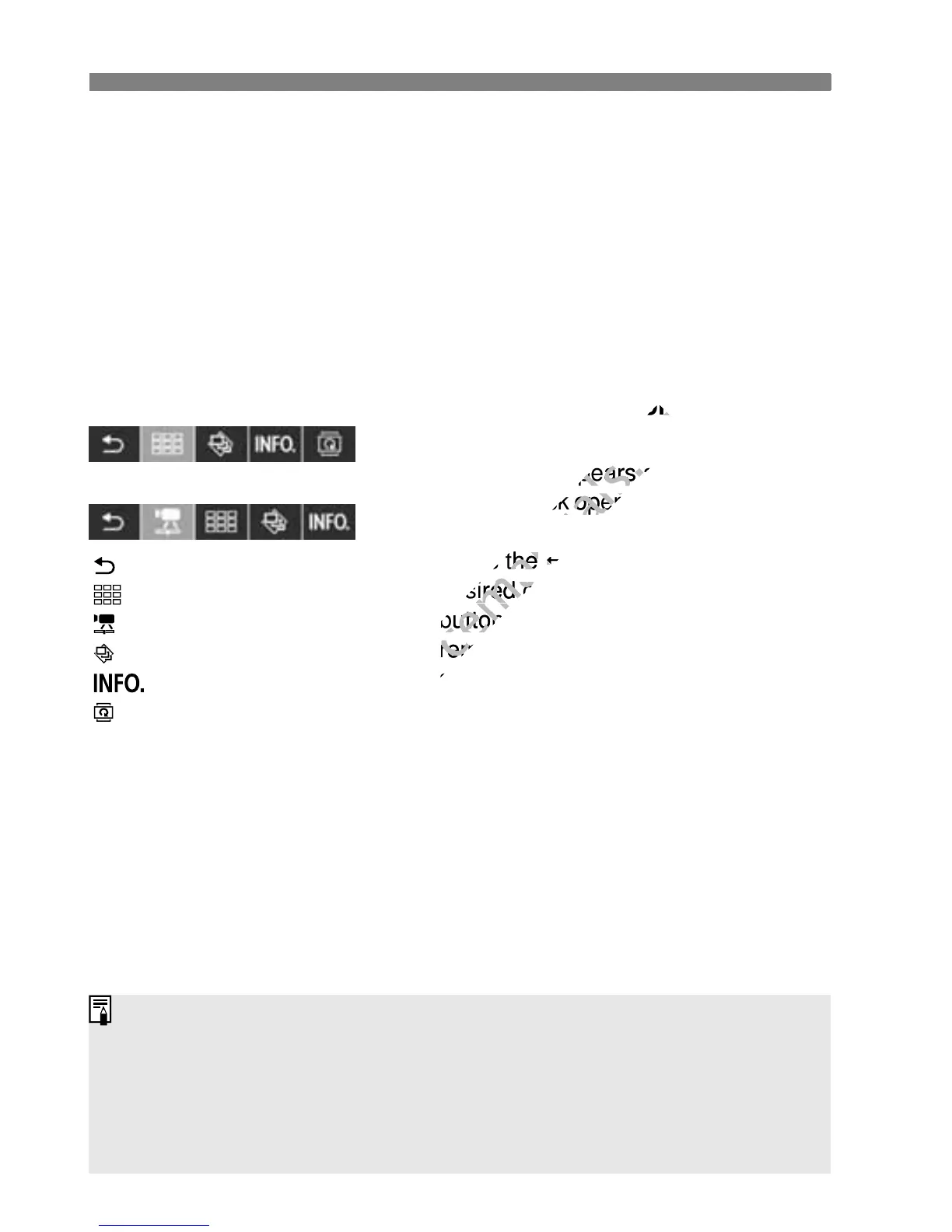
Still photo playback menu
Movie playback menu
Some TV sets require you to first enable the HDMI CEC connection. For
details, see the TV set’s instruction manual.
Certain TV sets, even those compatible with HDMI CEC, may not
operate properly. In such a case, disconnect the HDMI cable, set [4
Ctrl over HDMI] to [Disable], and use the camera to control the
playback operation.
: Return
: 9-image index
: Play movie
: Slide show
: Disp. shooting info
: Rotate



 To Next Page