Printing procedure
Printing from the application software
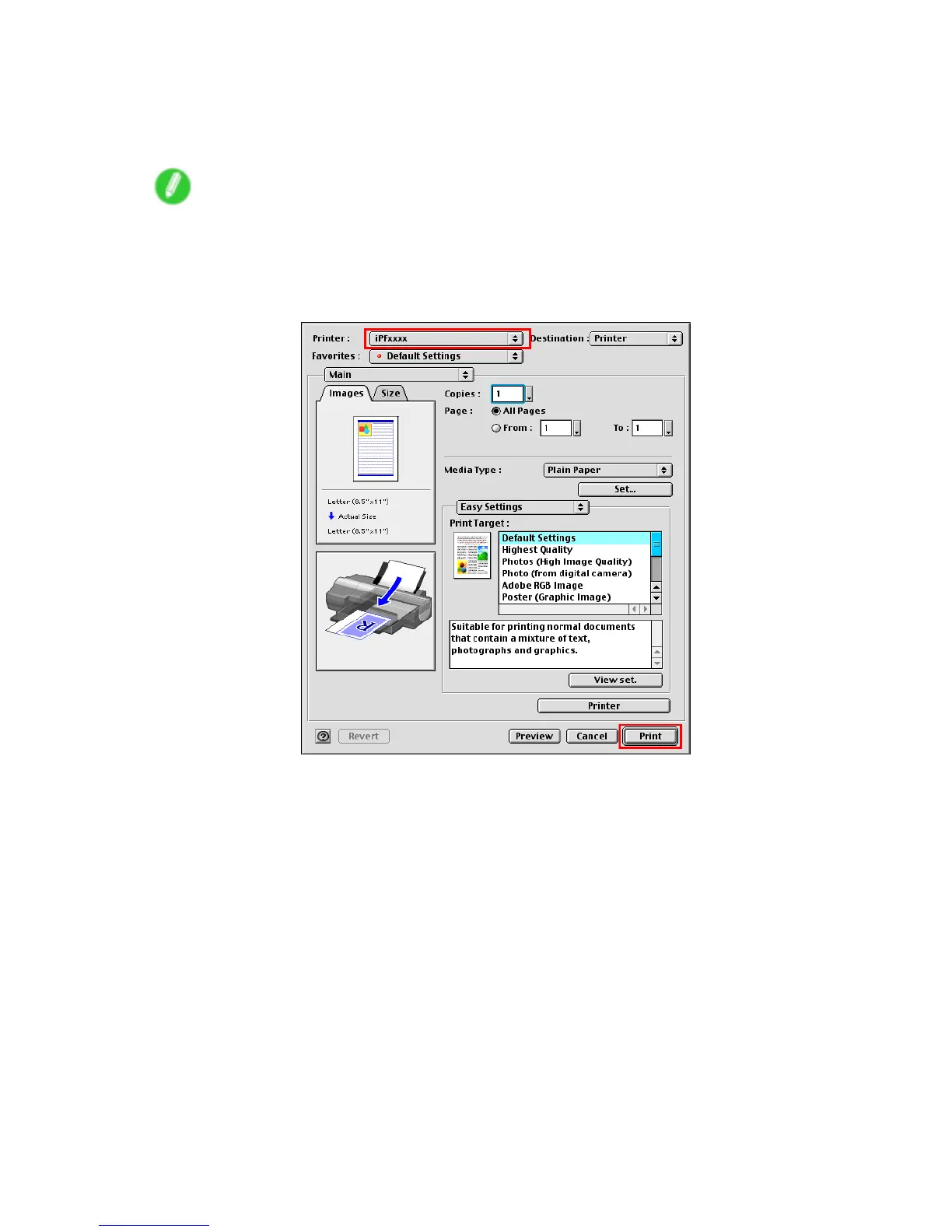
1. In the application software, select Print from the File menu to display the dialog box for printing
conditions.
Note
• This dialog box includes basic printing options for the range of pages, number of copies, and so
on. Y ou can also specify enlargement or reduction, borderless printing, and a variety of other print
settings.
2. Make sure the printer is selected in the Printer list.
3. Click Print to start printing.
Basic Printing W orkow 93


 To Next Page
 Loading...













