Handling sheets
Removing Sheets from the T op Paper Feed Slot
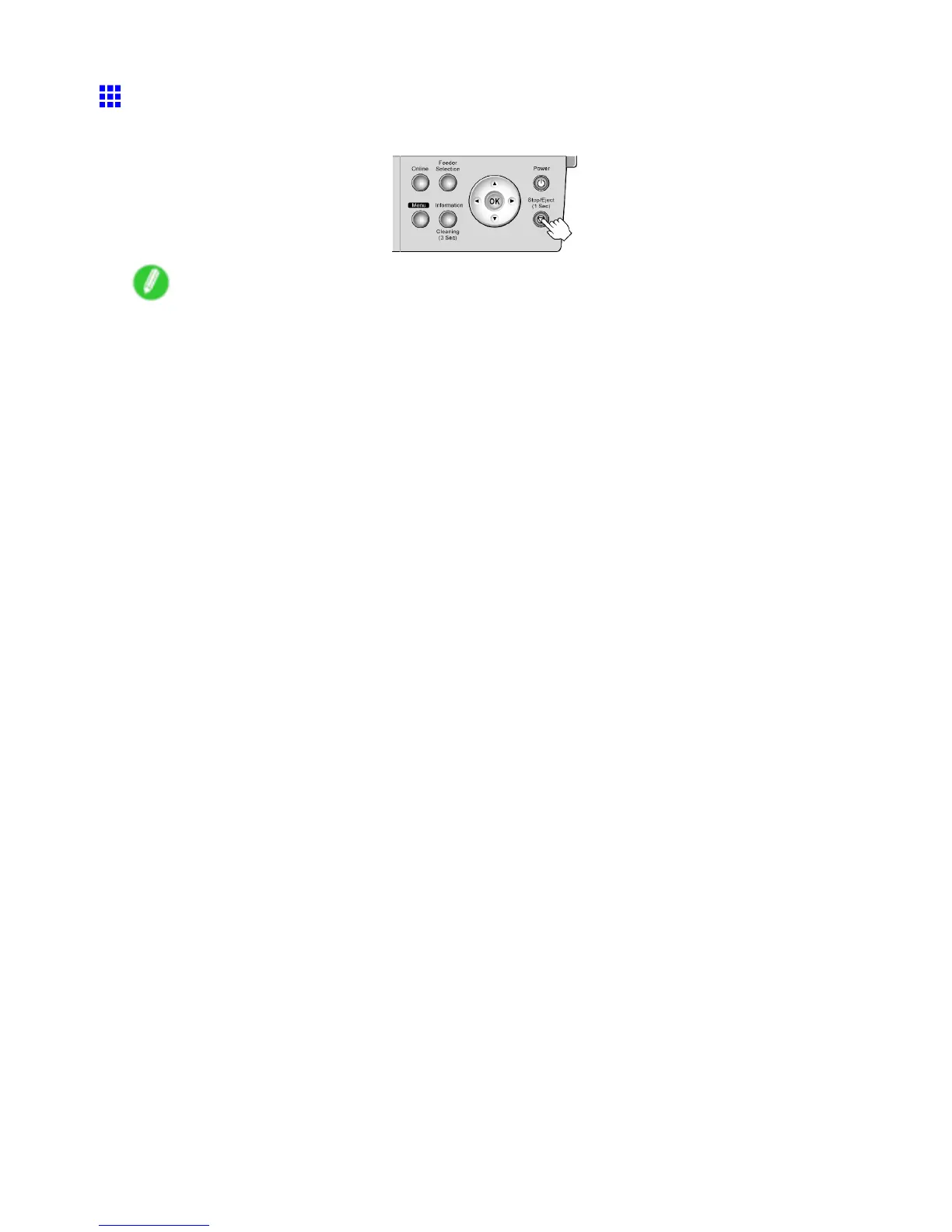
Press the Stop/Eject button to eject the sheet.
Note
• Before ejecting paper during print jobs or while ink is still drying, press the Stop/Eject button to cancel
printing, print job processing, or ink drying.
The paper is ejected from the front of the printer .
172 Handling Paper


 To Next Page
 Loading...













