Handling rolls
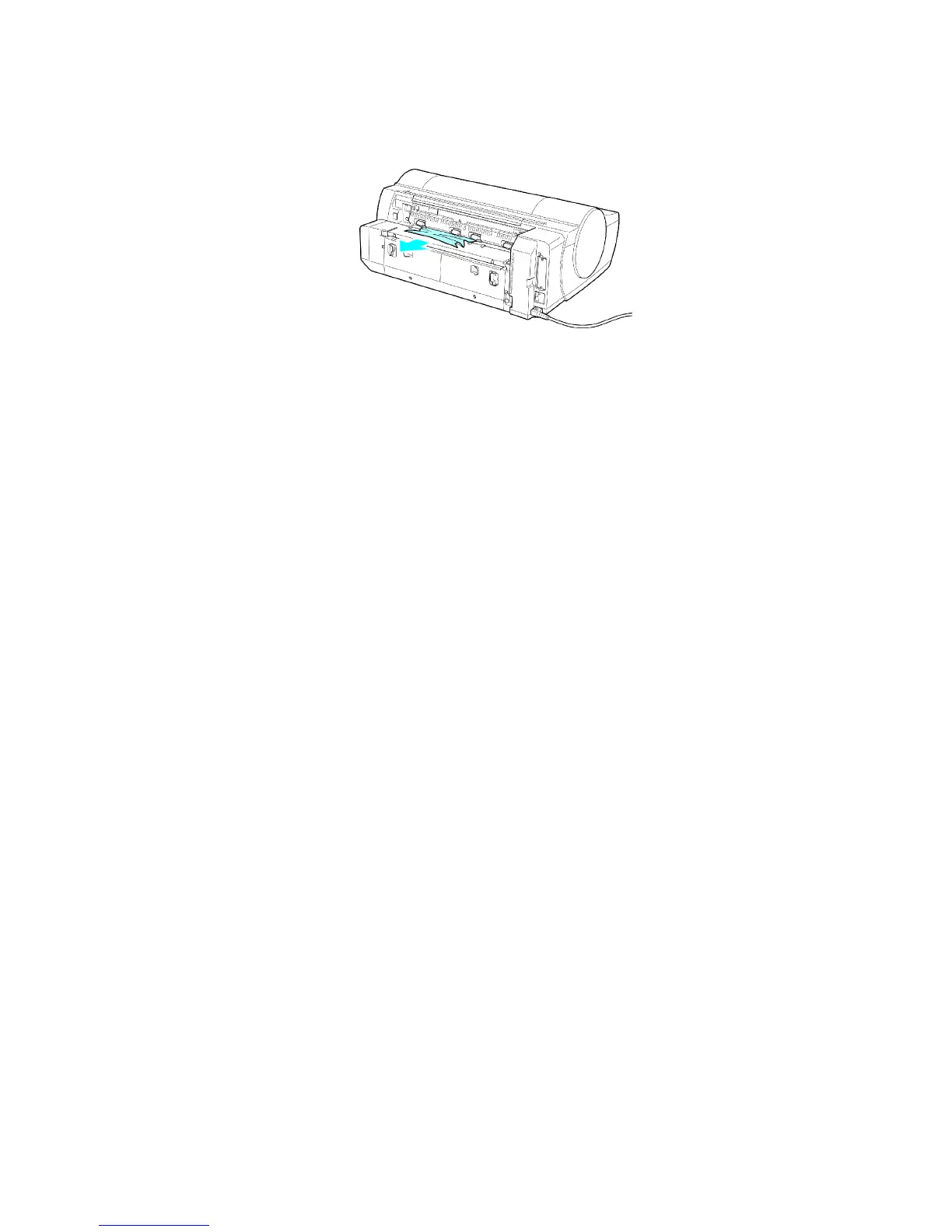
If paper is jammed deep in the Paper Feed Slot , remove the Roll Feed Unit and clear the paper jam as follows.
1. T urn of f the printer and remove the Roll Feed Unit from the printer . ( → P .147)
2. Remove the jammed paper from the Paper Feed Slot .
After removing the paper , make sure there are no other scraps of paper in the printer .
3. Install the Roll Feed Unit on the printer again. ( → P .148 )
Handling Paper 141


 To Next Page
 Loading...













