Handling sheets for paper feed slots
6. Press the OK button to start feeding the paper .
Load T op T ray
Press OK
After the paper is advanced and the printer goes online, printing starts automatically .
If no print job was received beforehand, the printer enters Standby mode.
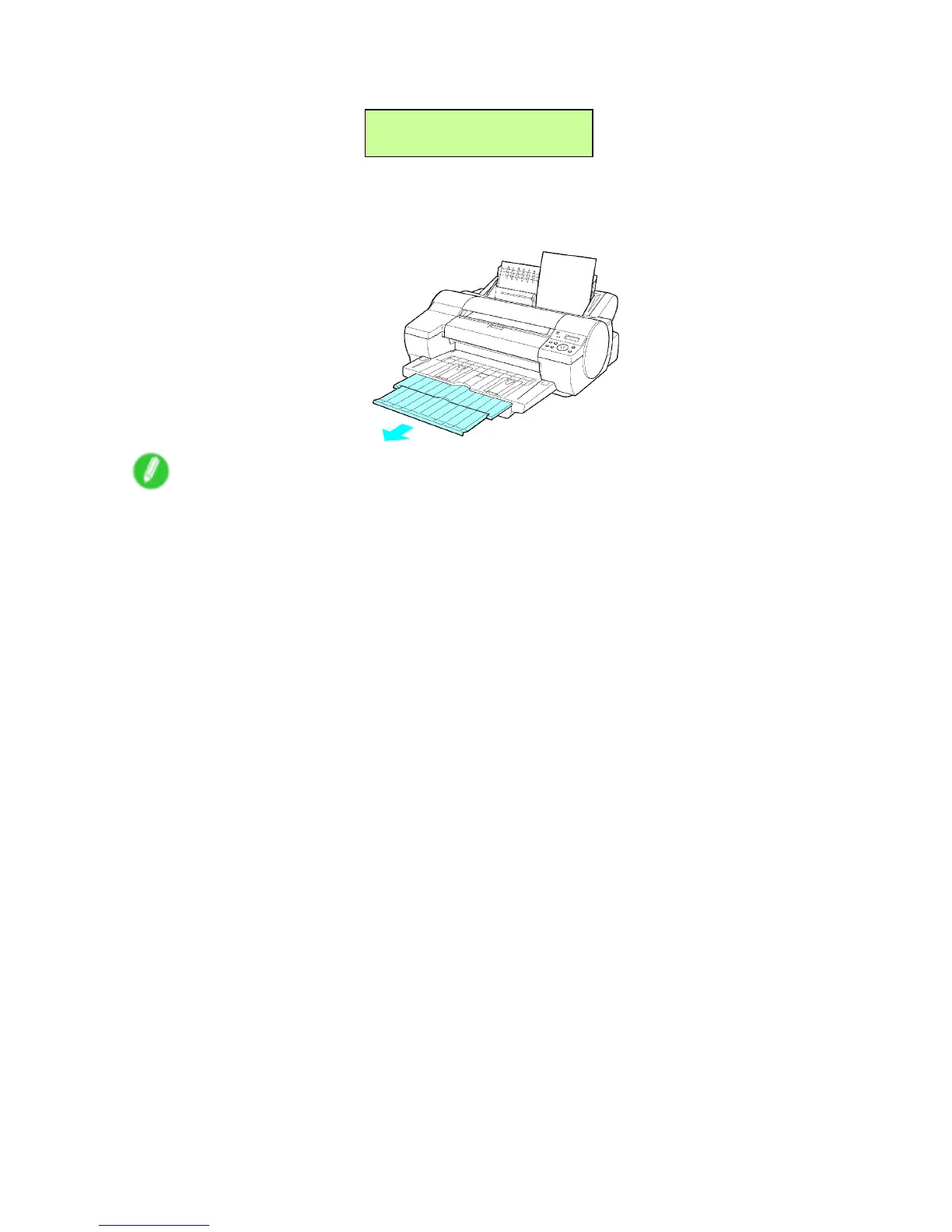
7. Pull out the Output T ray Extension .
Note
• When printing from the T op Paper Feed Slot , always make sure the V ertical Paper Guides are stored out
of the way . If the V ertical Paper Guides are up and a printed document is left in the Output T ray , the
Front T ray Guides may become caught inside the Front Paper Feed Slot . ( → P .726)
Handling Paper 185


 To Next Page
 Loading...













