Print quality and color settings
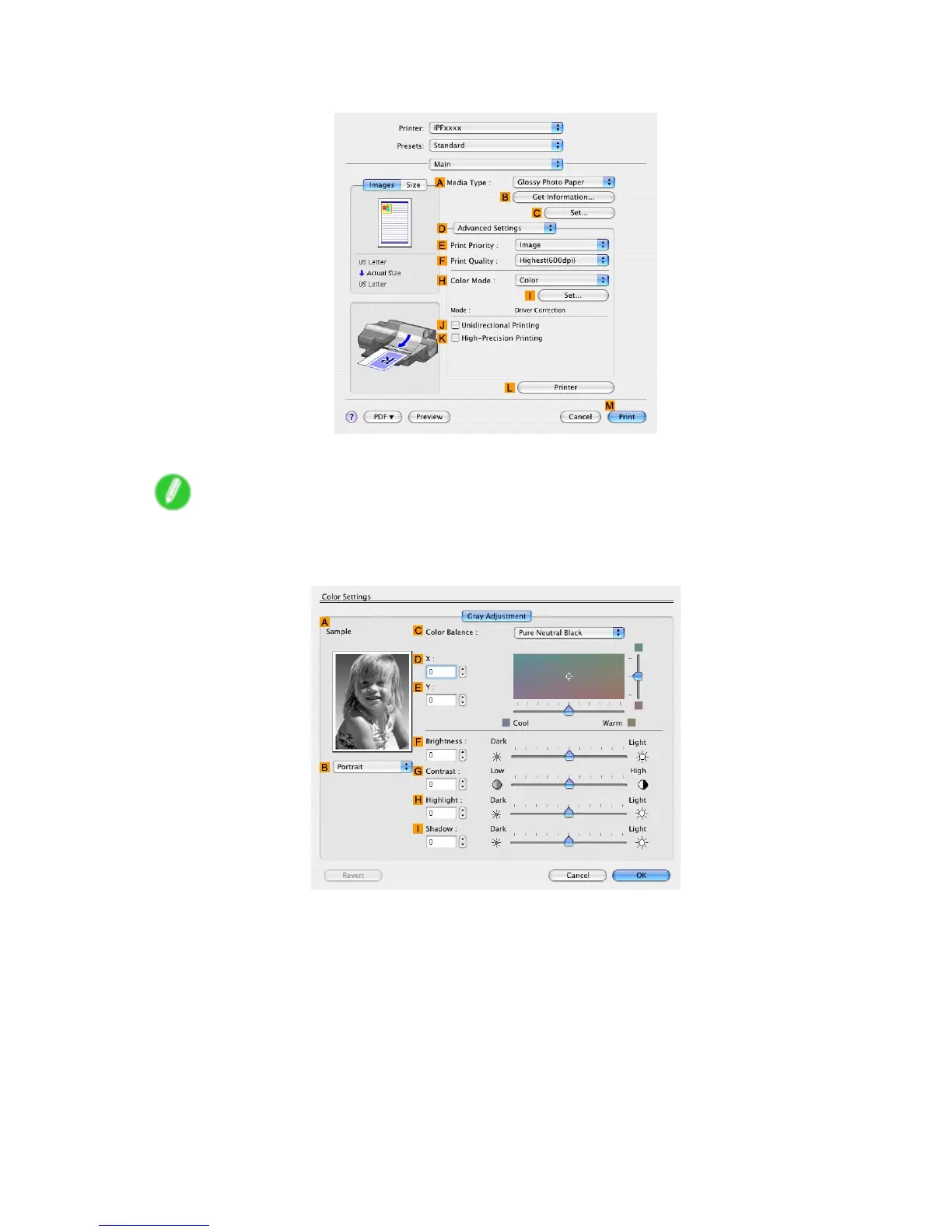
8. Click D Advanced Settings to switch the print mode.
9. Click Monochrome (Photo) in the H Color Mode list.
Note
• Monochrome (Photo) may not be available for all types of paper .
10. Click I Set to display the Color Settings dialog box.
1 1. On the Gray Adjustment pane, adjust the color tones, brightness, and so on as desired.
12. Click OK to close the Color Settings dialog box.
240 Enhanced Printing Options


 To Next Page
 Loading...













