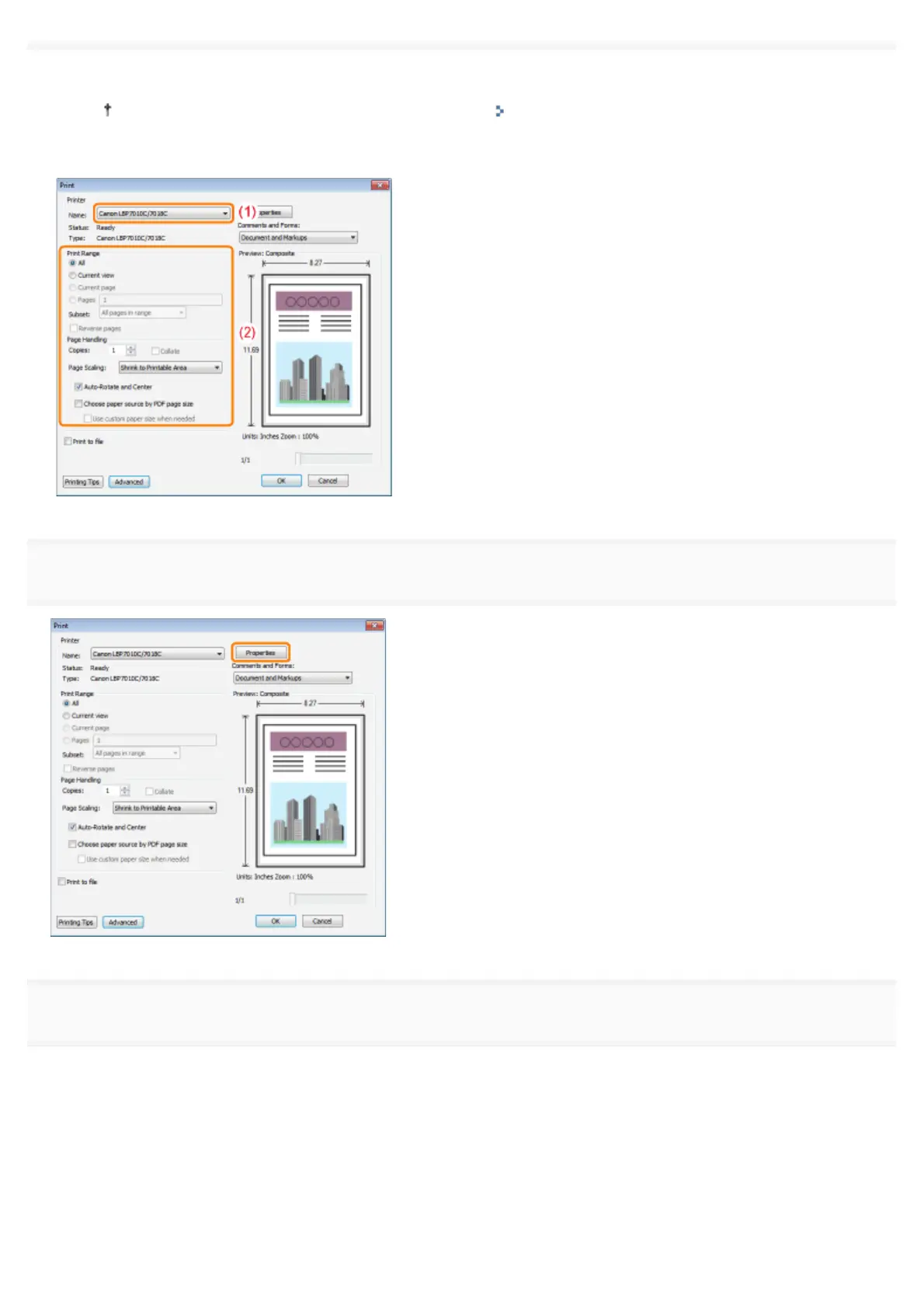
(1) Select this printer.
You can change the printer name in the printer folder ( "Basic Operations/Various Information for
Windows").
(2) Configure the printing preferences.
5
Click [Properties].
6
Specify the settings for [Page Size] and [Output Size].
(1) Display the [Page Setup] sheet.
(2) Select the page size of the document created by an application.
(3) Select if the size of the paper to be printed is different from that of the data.
㻝㻡㻝㻌㻛㻌㻟㻠㻟













 To Next Page