SECTION 2
2-50
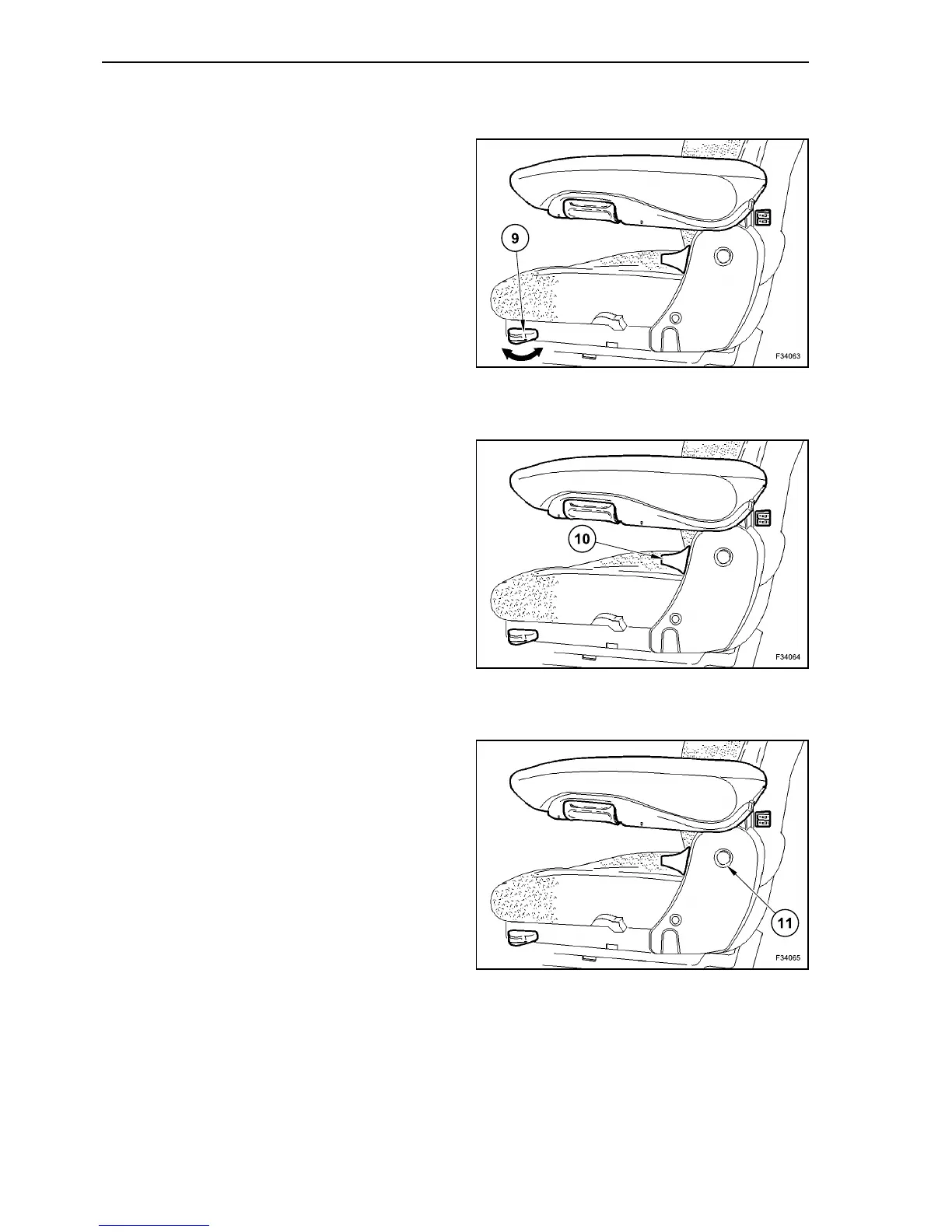
ADJUSTING THE LONGITUDINAL -
HORIZONTAL SUSPENSION
Unlocking
Move lever (9) forward.
Locking
Move lever (9) backward.
BACKREST ADJUSTMENT
Sit down on seat and lean lightly against the back-
rest.
Pull locking lever (10) upwards. Bring backrest to
required position by pressing back or leaning for-
ward, release locking lever. Release the locking
lever.
ADJUSTING THE ARMREST HEIGHT
Remove plastic cap (11), slacken nut (size 13 mm
(0.51 in)), adjust to required height, tighten nut, fit
plastic cap.
63
64
65



 To Next Page