Setting Up Dialup Modems
Chapter 5: Configuring the Internet Connection 149
Setting Up a USB Modem
Warning: Before attaching a USB modem, ensure that the total power drawn by all
connected USB devices does not exceed 2.5W per port (0.5A at 5V). If the total
current consumed by a port exceeds 0.5A, a powered USB hub must be used, to
avoid damage to the gateway.
To set up a USB modem
1. Connect a USB-based modem to one of your UTM-1 appliance's USB ports.
For information on locating the USB ports, see Introduction on page
1.
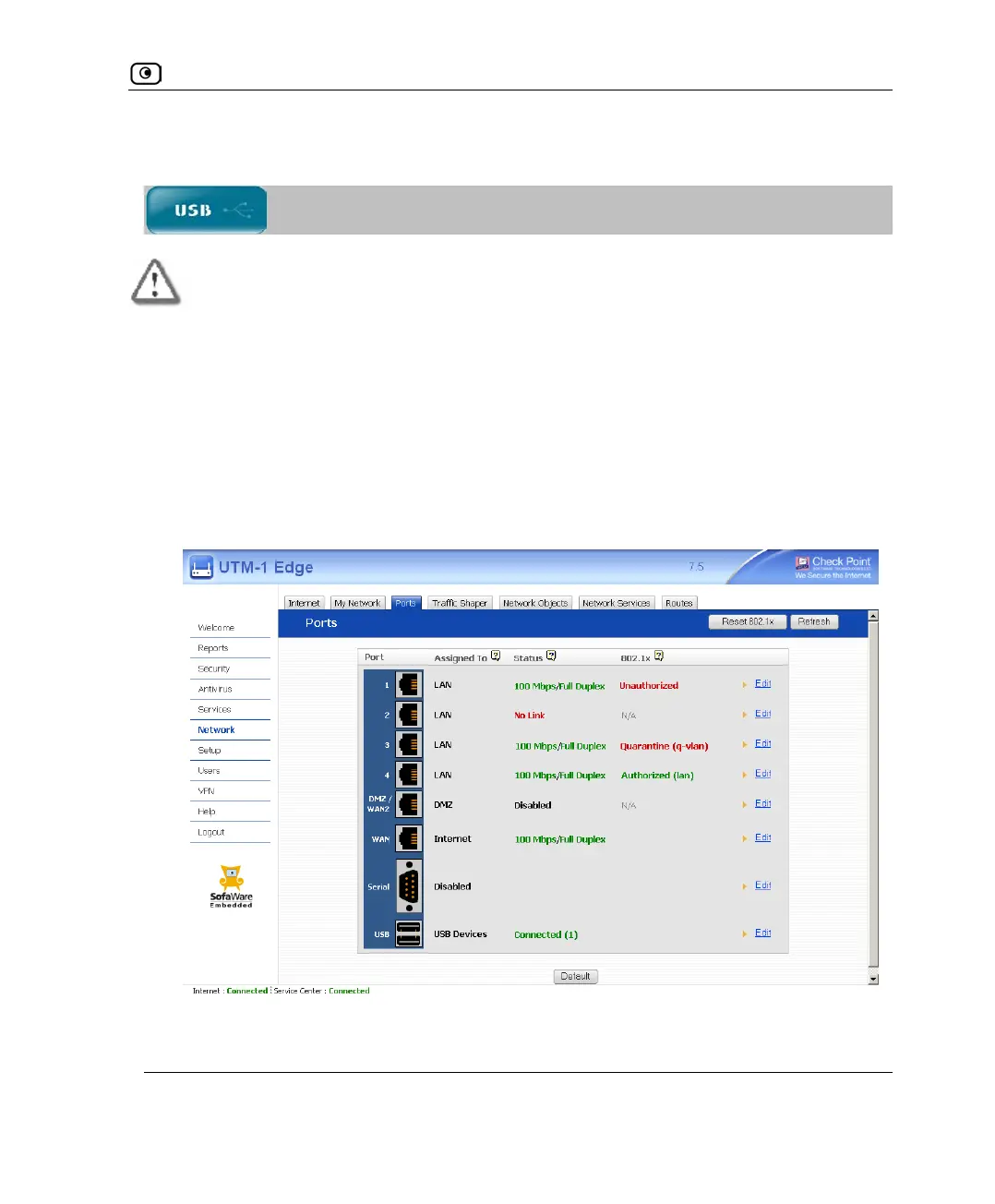
2. Click Network in the main menu, and click the Ports tab.
The Ports page appears.
3. Next to USB, click Edit.















 To Next Page