Managing Ports
216 Check Point UTM-1 Edge User Guide
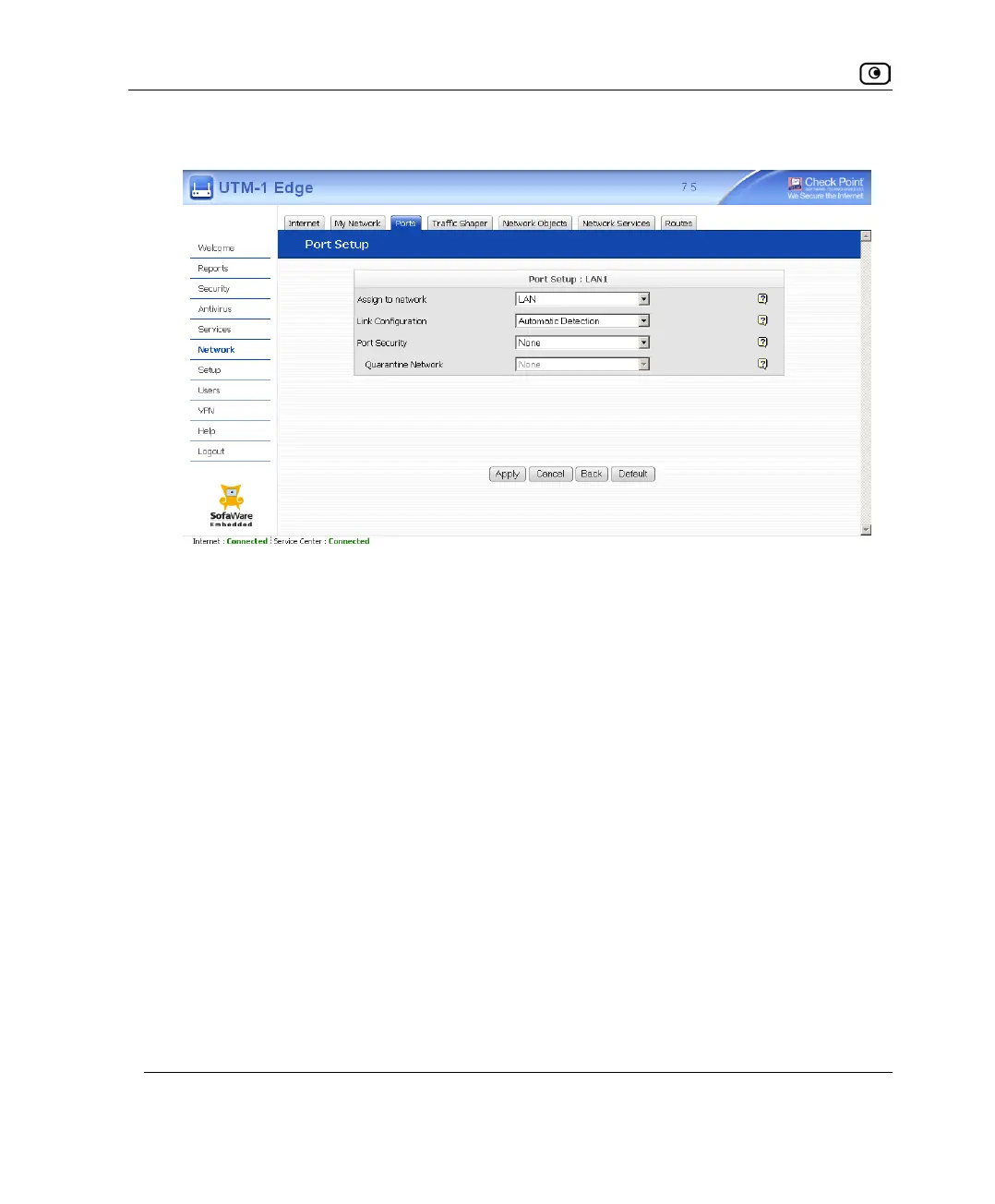
The Port Setup page appears.
3. In the Assign to Network drop-down list, do one of the following:
• To assign a network port to the LAN, select LAN.
• To configure a network port for use with a WAN Internet connection, select
Internet.
• To disable a network port, select None.
• To disable the Serial port, select Disabled.
4. Click Apply.
A warning message appears.
5. Click OK.
The port is reassigned to the specified network or purpose.















 To Next Page