Using NAT Rules
Chapter 12: Setting Your Security Policy 361
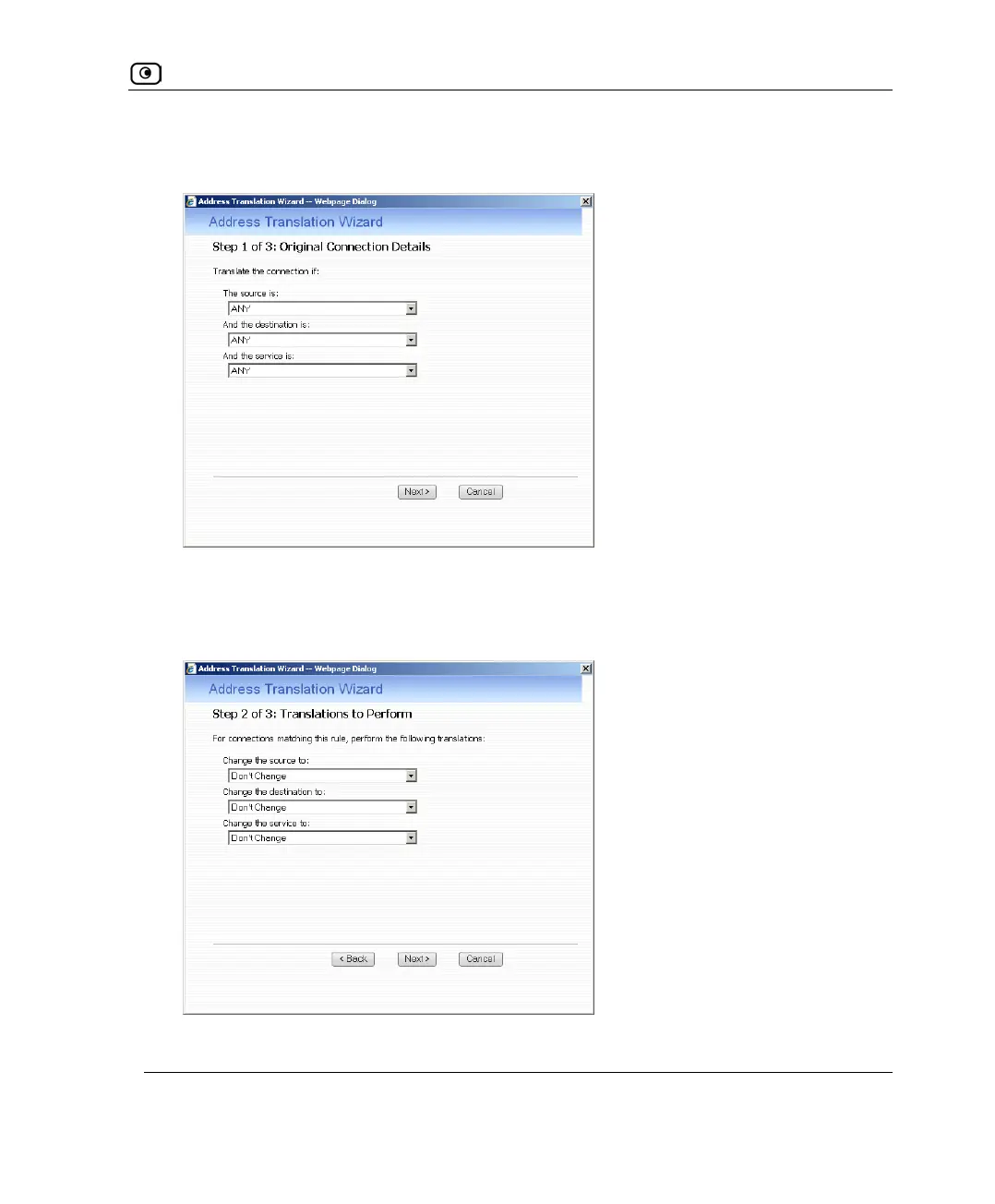
The Address Translation wizard opens, with the Step 1 of 3: Original Connection Details
dialog box displayed.
3. Complete the fields using the relevant information in the following table.
4. Click Next.
The Step 2 of 3: Translations to Perform dialog box appears.
5. Complete the fields using the relevant information in the following table.















 To Next Page